Perform a first time login
CubeCMP creates an admin account and a user account by default.
Default credentials
- For the default admin user:
- Username:
admin - Default passowrd:
admin
- Username:
- For the default user:
- Username:
bigstack - Password:
bigstack
- Username:
Log in as the default admin user for the first time
-
Open a web browser and go to
https://<CubeCMP_VIP>/portal. -
Sign in with the default admin credentials.
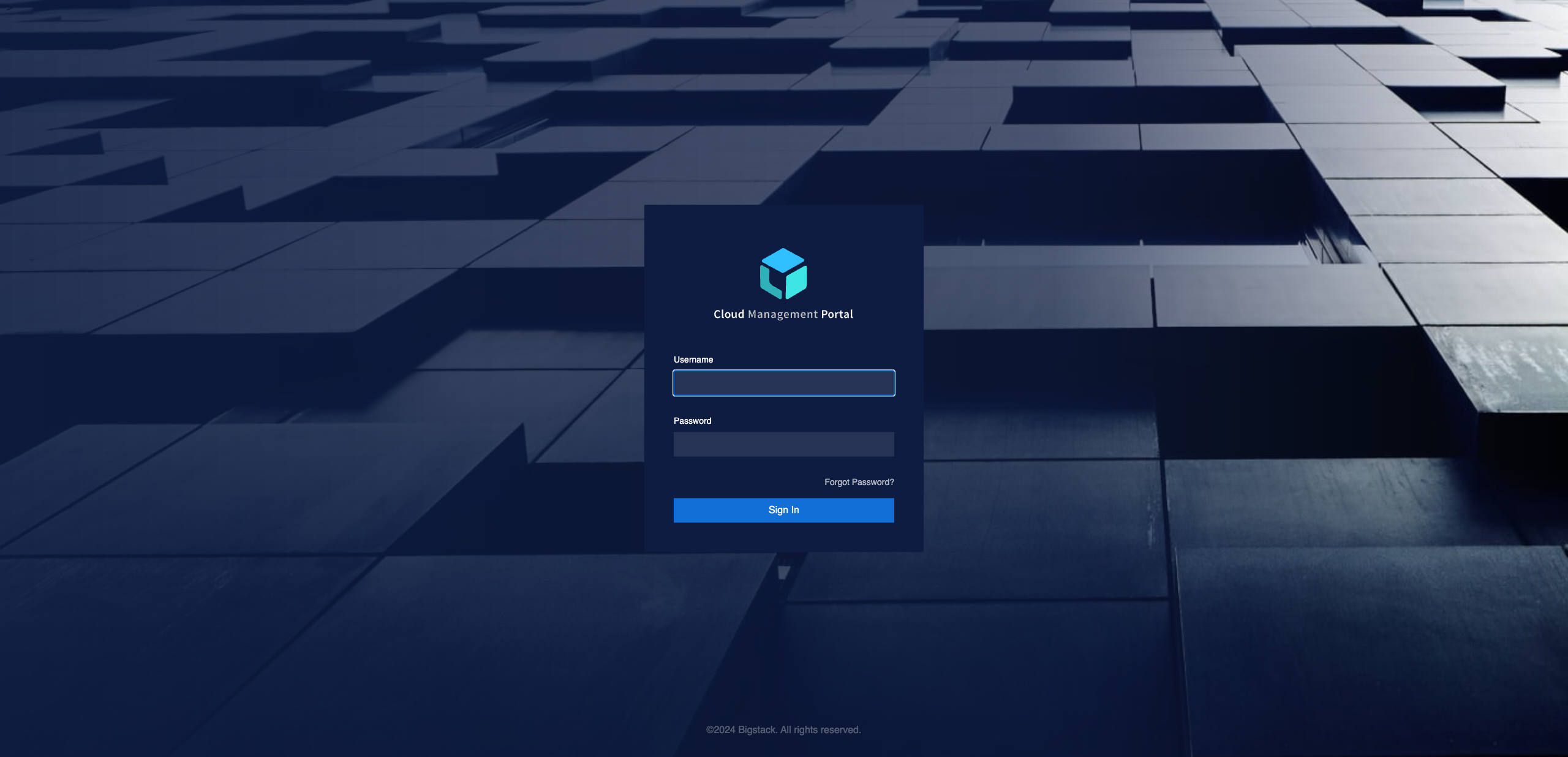
-
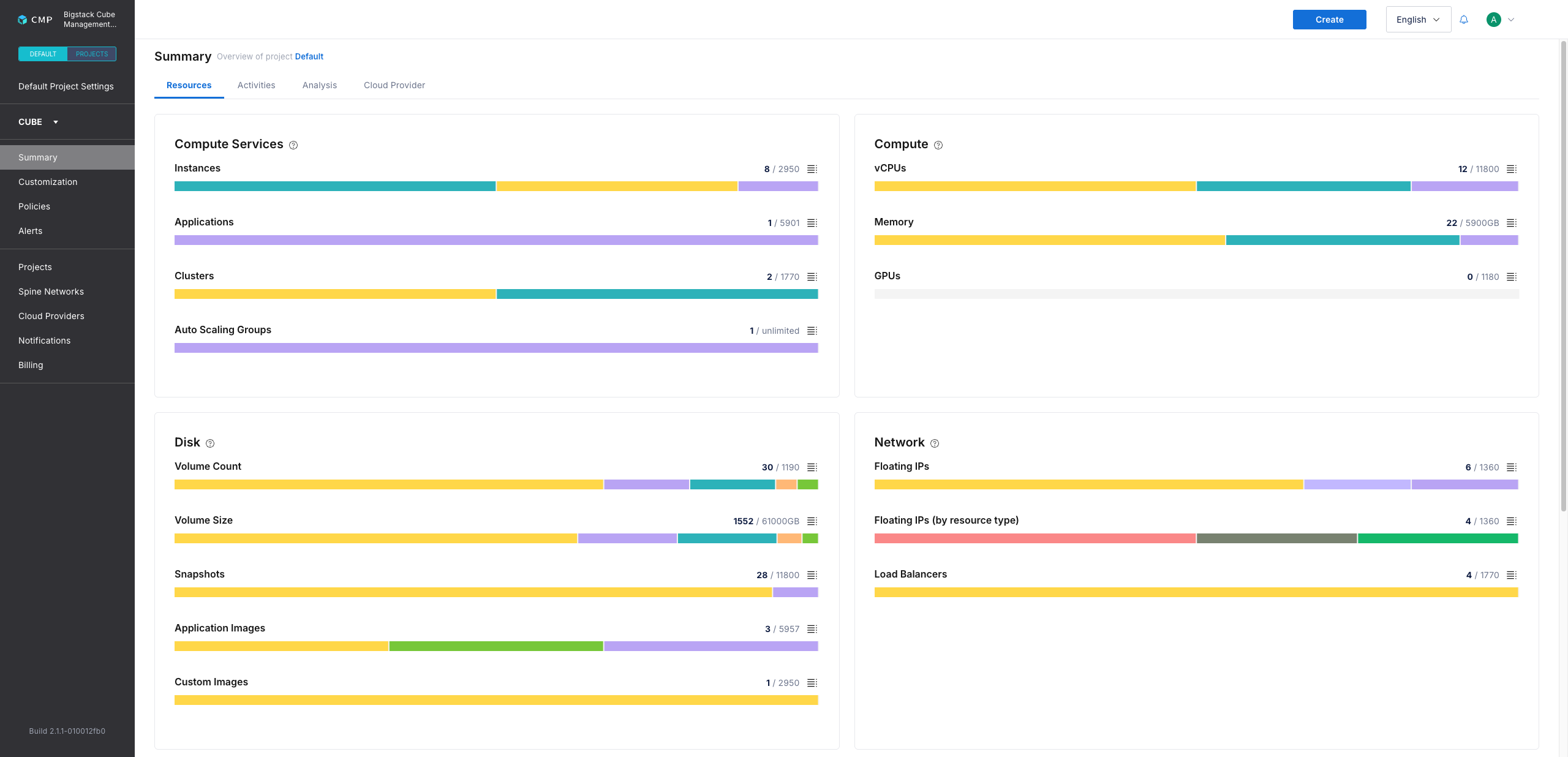
Verify that Default Project Settings appears in the left sidebar to confirm you're in the default project.
Log in as the default user for the first time
-
Open a web browser and go to
https://<CubeCMP_VIP>/portal. -
Sign in with the default user credentials.
-
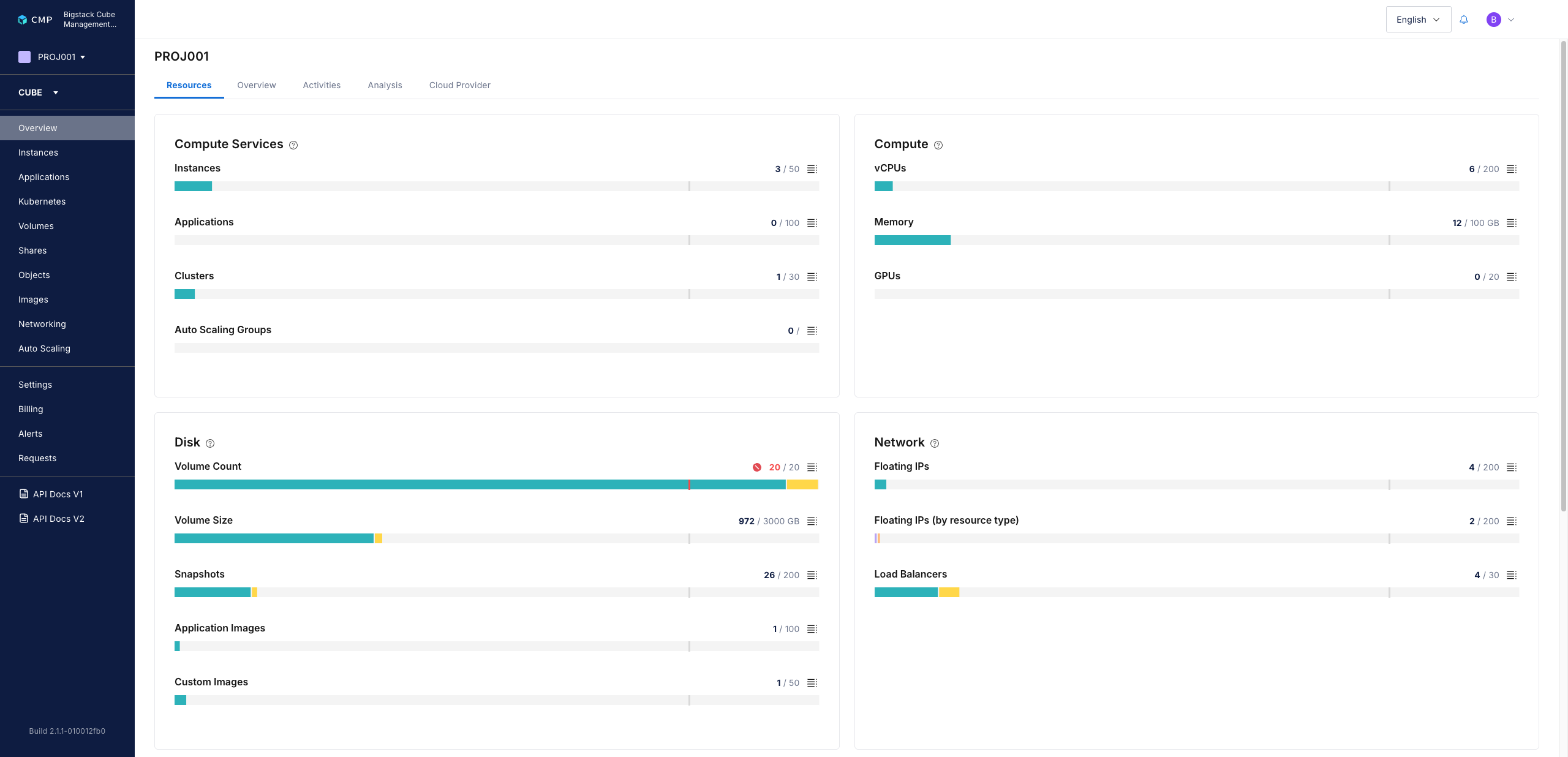
Verify that project overview is displayed.
Change your default credentials
-
Go to
https://<CubeCMP_VIP>/auth. -
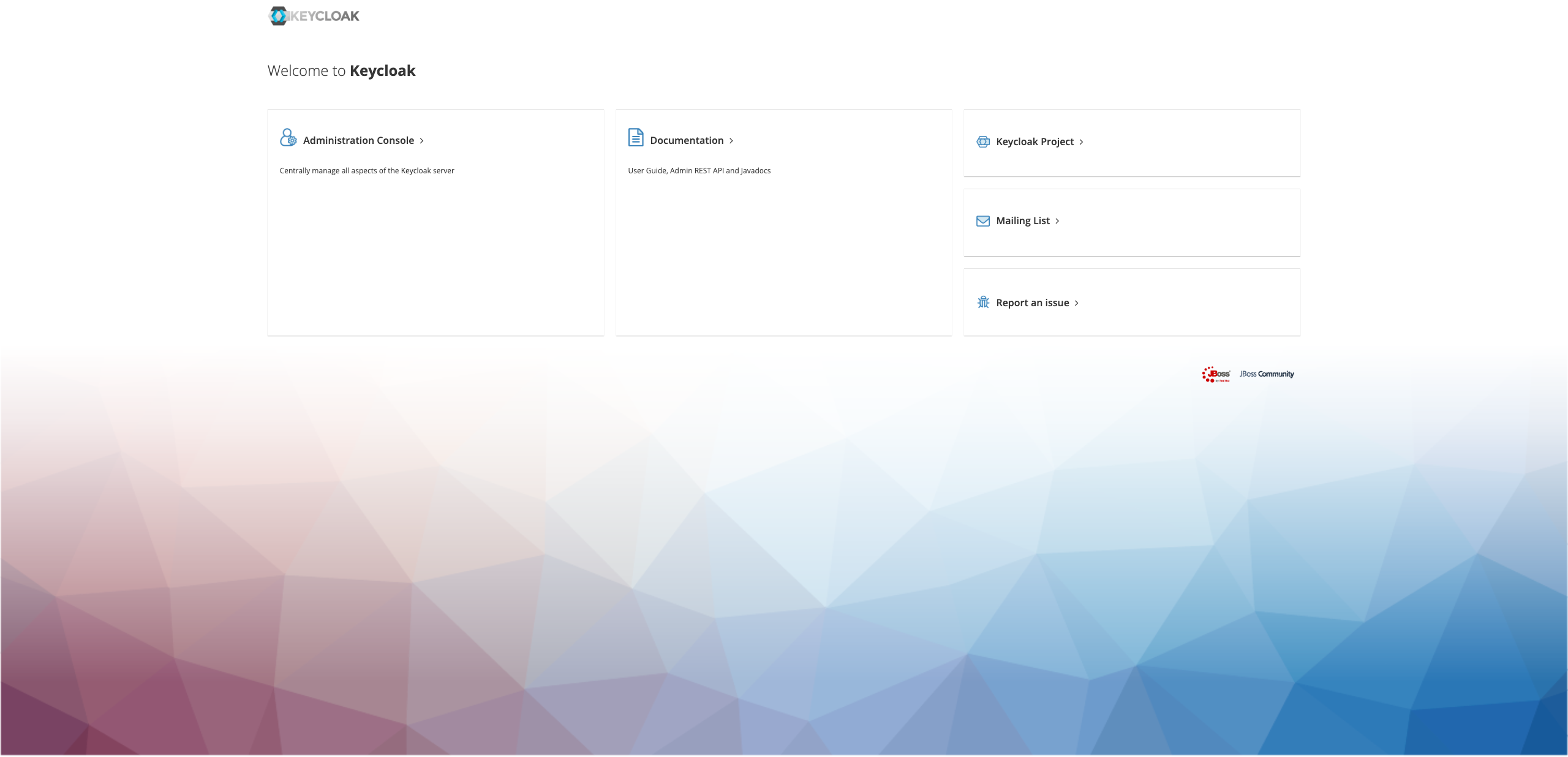
Click Administration Console.
-
Sign in with the default credentials of the account you want to update.
-
Enter your username and password.
-
After signing in, click your username in the top-right corner.
-
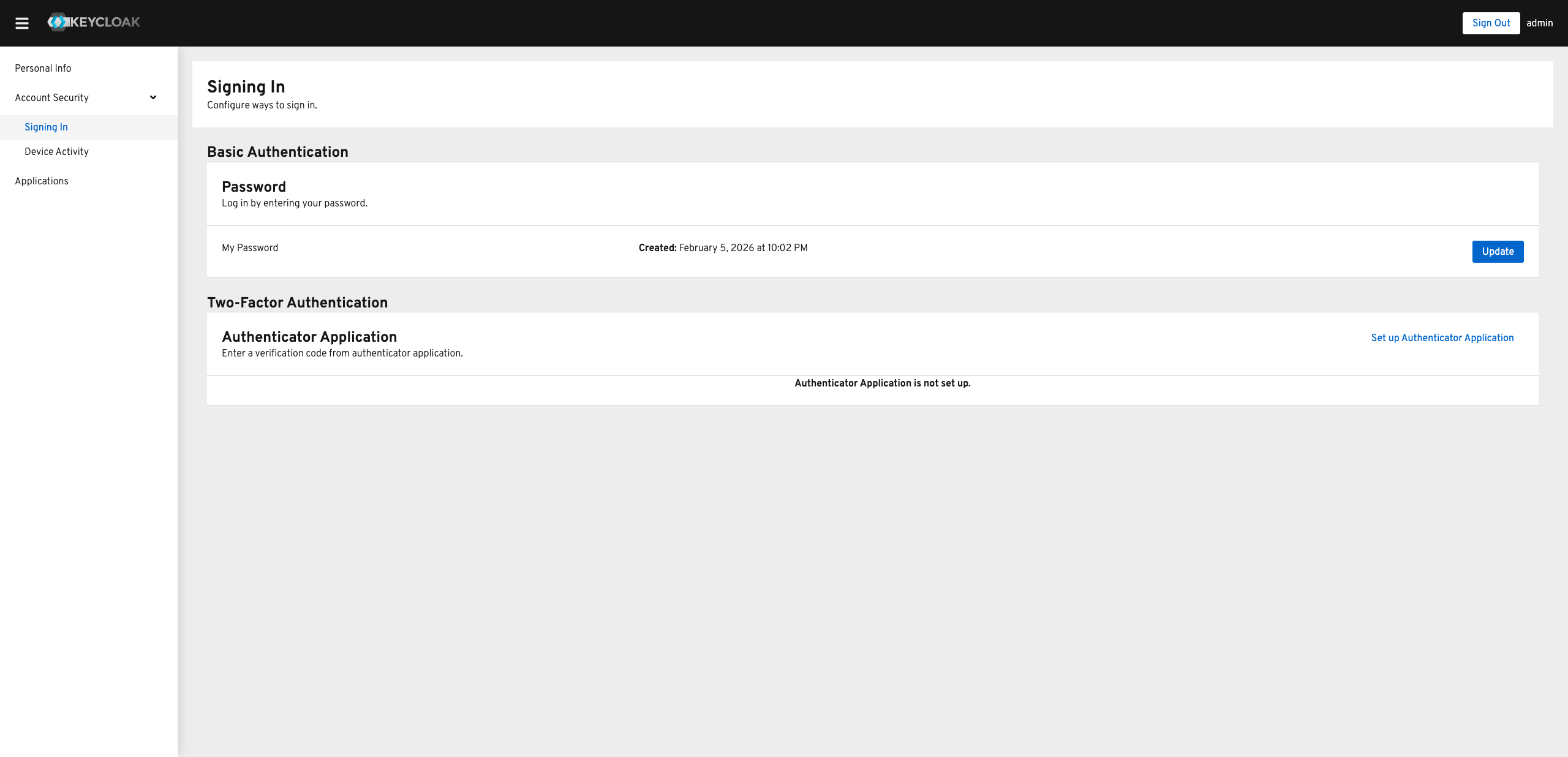
Go to the Account Security tab and click Signing in.
-
In the Basic Authentication > Password section, click Update.
-
Enter your new password and confirm it, then click Submit.
-
You're redirected to the CubeCMP portal and signed in.