Create an object storage bucket
This page explains how to create an object storage service for use with virtual machine storage instances. Object storage is shared between all users belonging to the same project.
Create an object storage bucket
-
In the CubeCMP management console, go to the
Objectspage.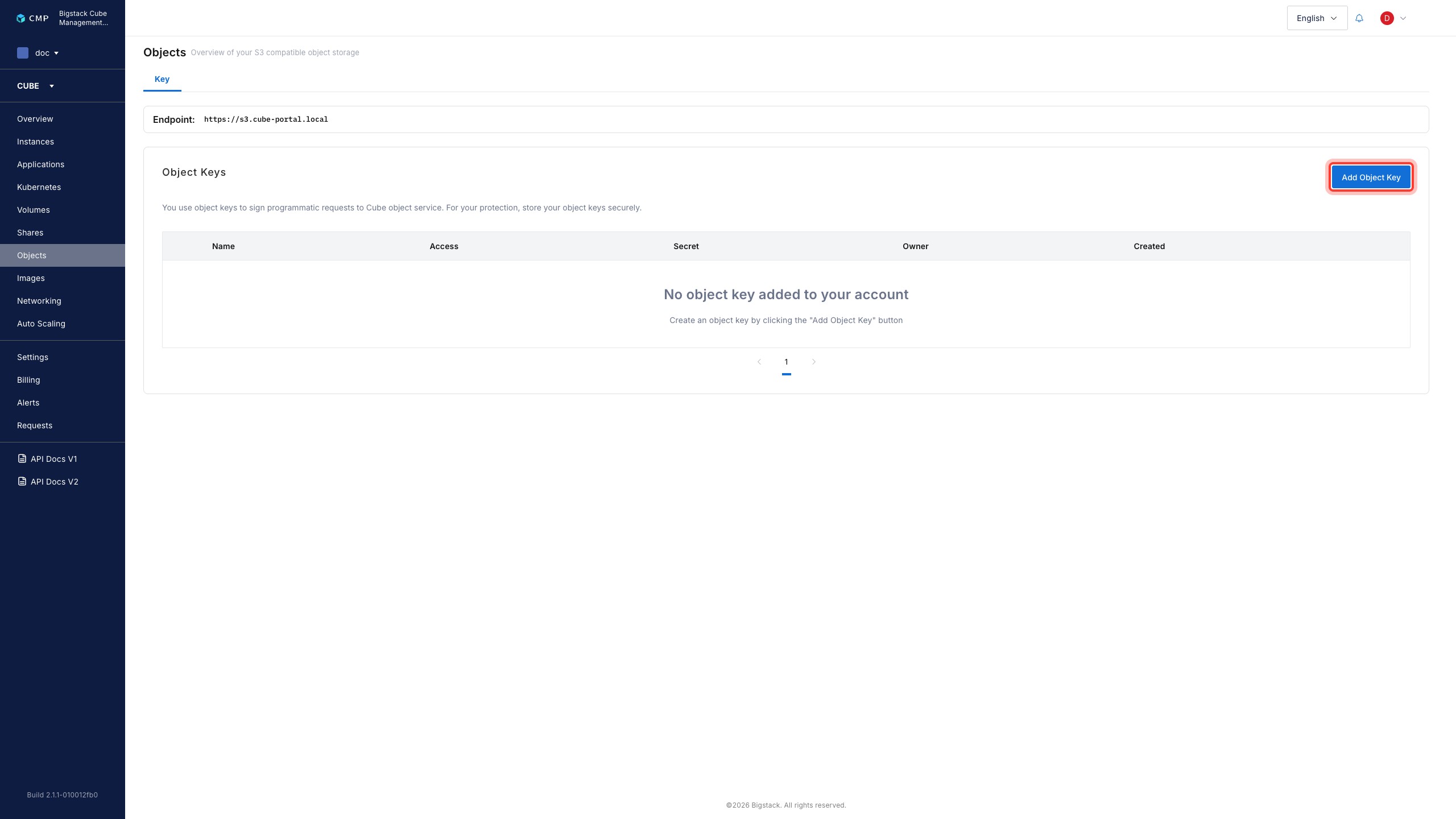
-
To start the file service creation flow, click
Add Object Key. -
Configure the file share parameters:
- To configure the file share name, set the Name field.
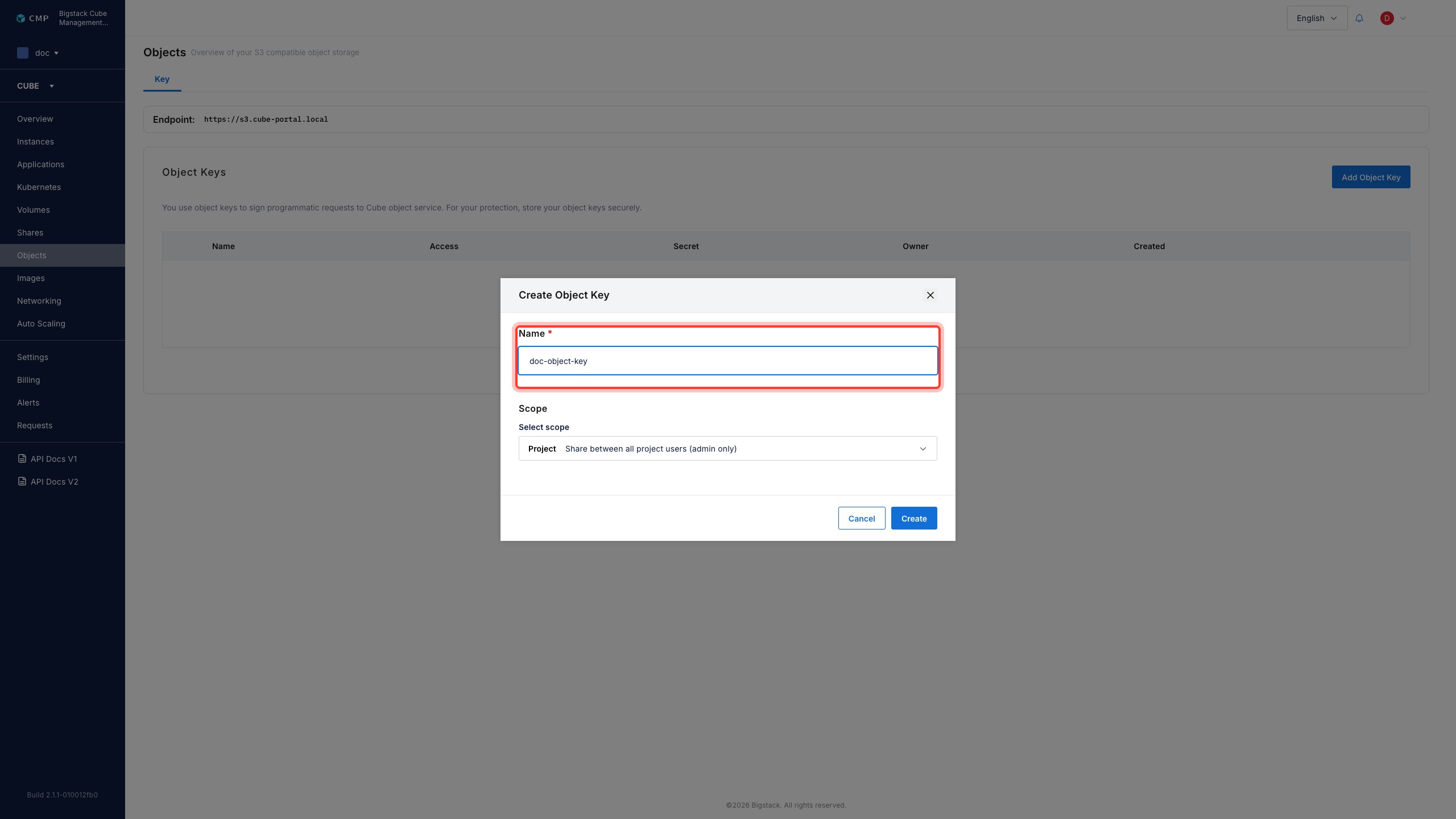
-
To create the object storage bucket, click Create.
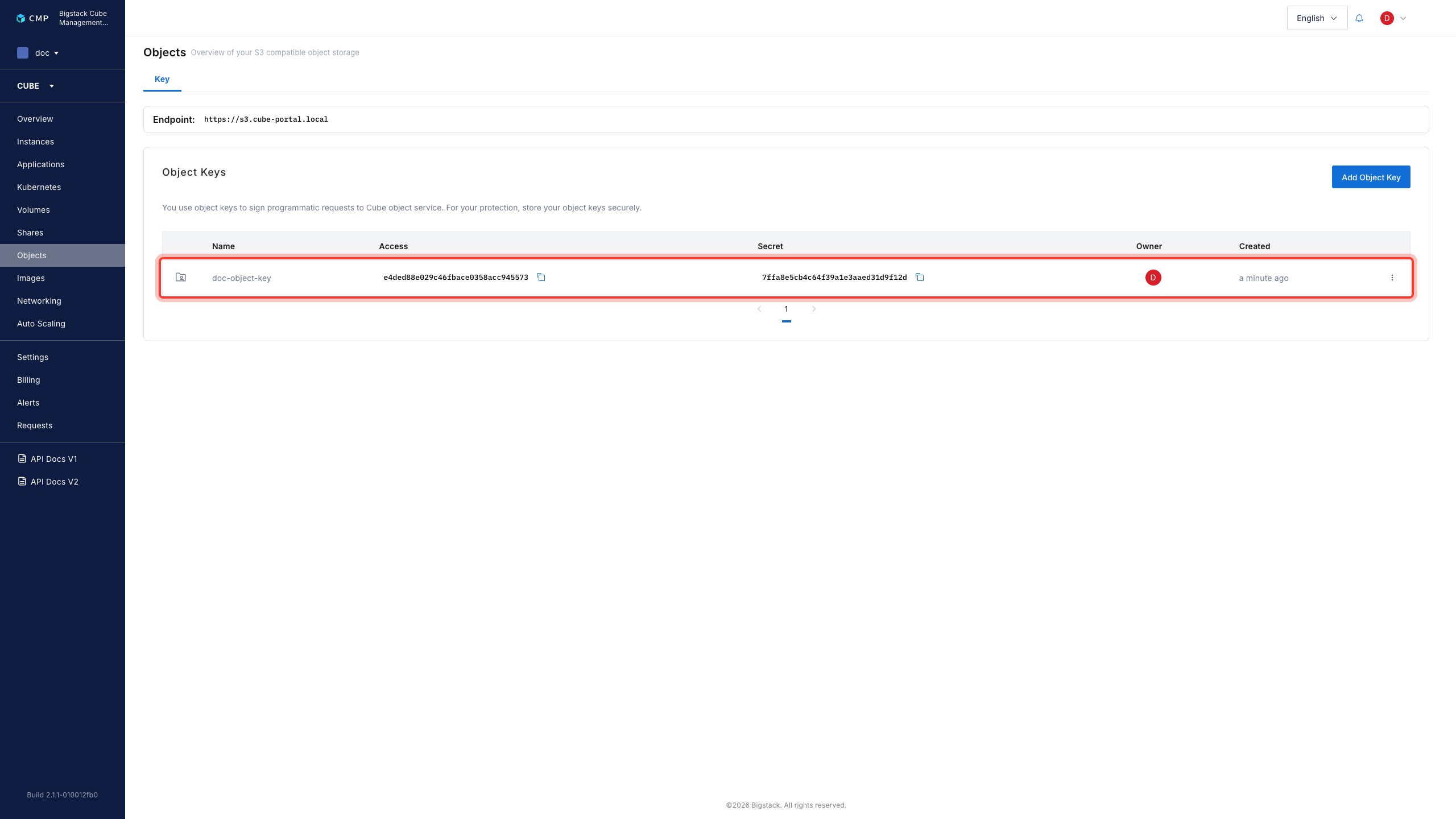
After creation, the object storage bucket will appear on the Objects page, along with its access key and secret. Enter the access key and secret to services that require the bucket to begin using it.