Create Storage Class with Ceph backend
Connect to controller
Welcome to the Cube Appliance
Enter "help" for a list of available commands
run kubernetes > storage_create
cc2> kubernetes
cc2:kubernetes> storage_create
1: ubuntu
2: k8s
3: baremetal
Enter index: 3
{"level":"info","timestamp":"2020-11-03T15:34:58+08:00","msg":"Ceph storage class created"}
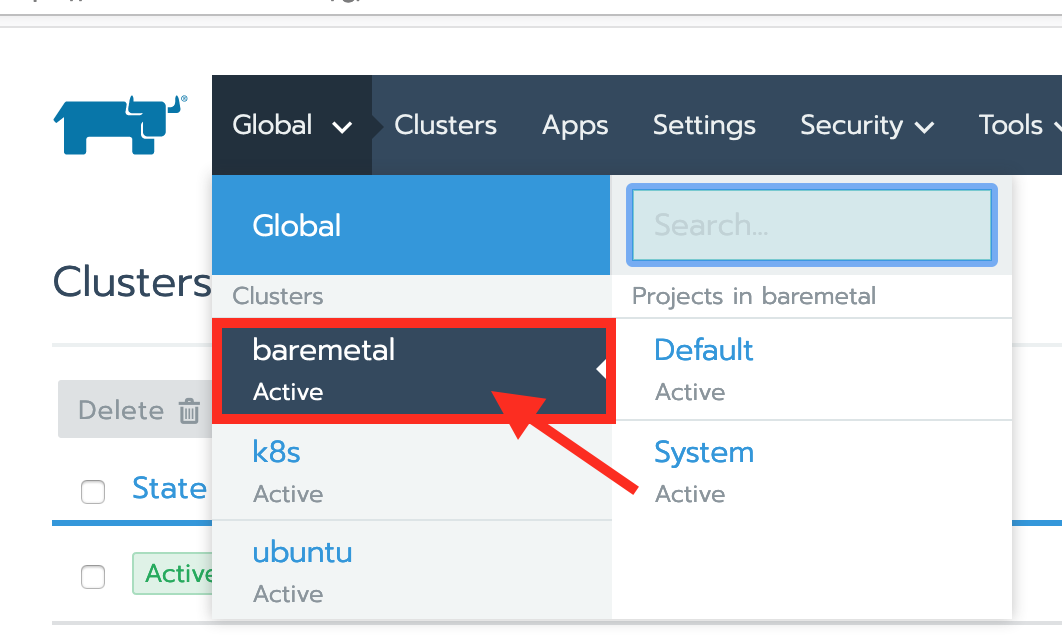
Go to your cluster and check up the Storage class
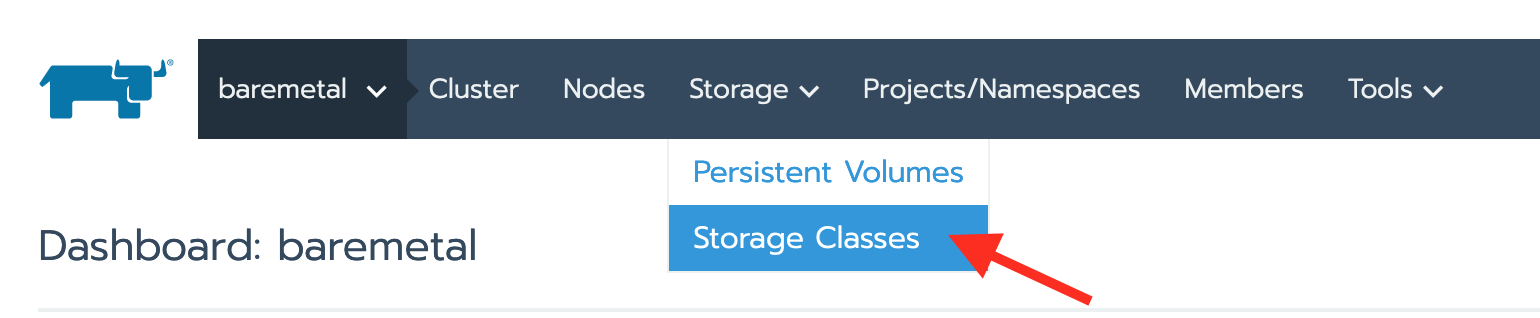
Select Storage Class from Storage's dropdown menu
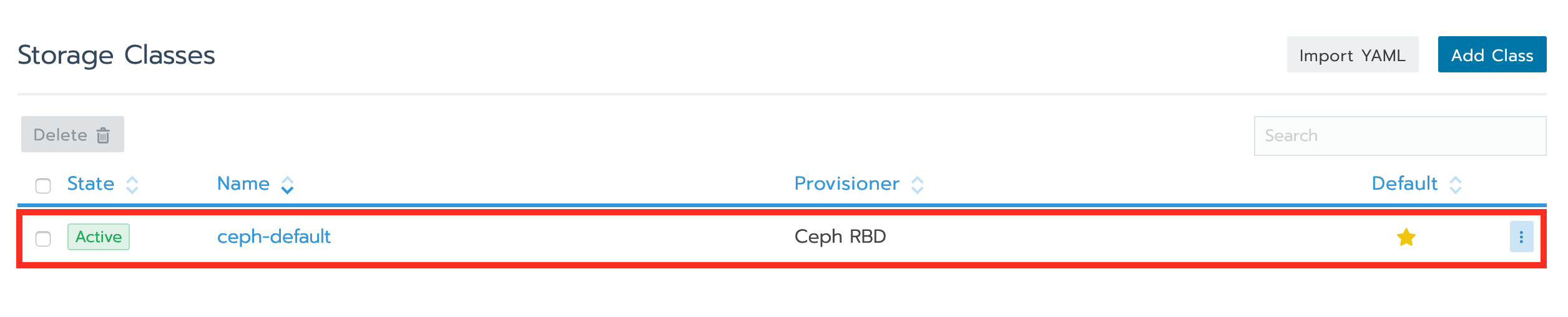
a Ceph RBD storage class has been created
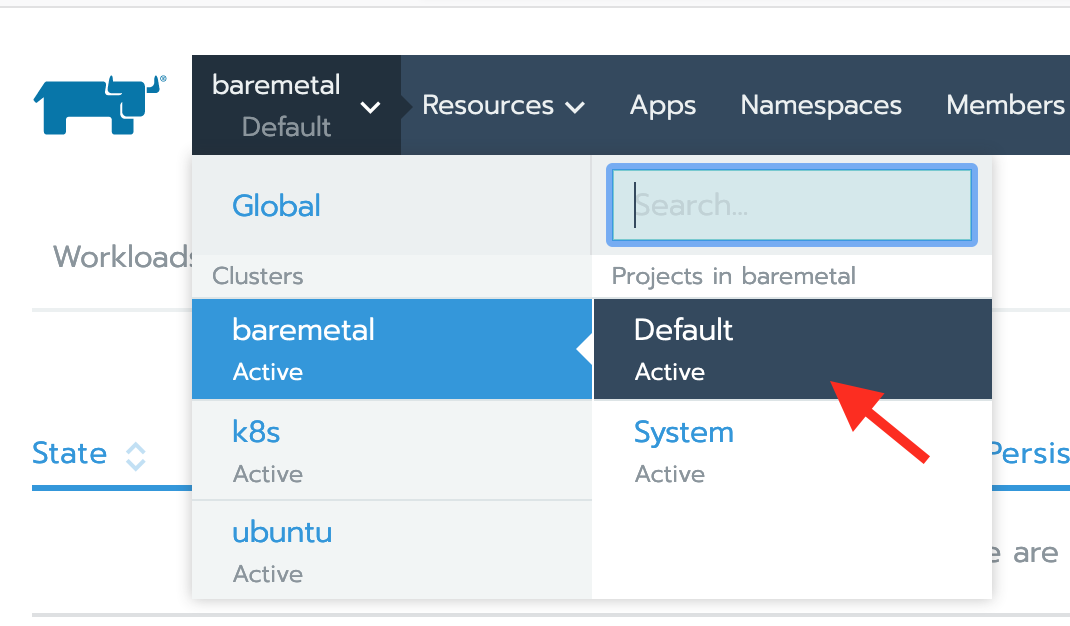
Click on Default project under cluster - baremetal
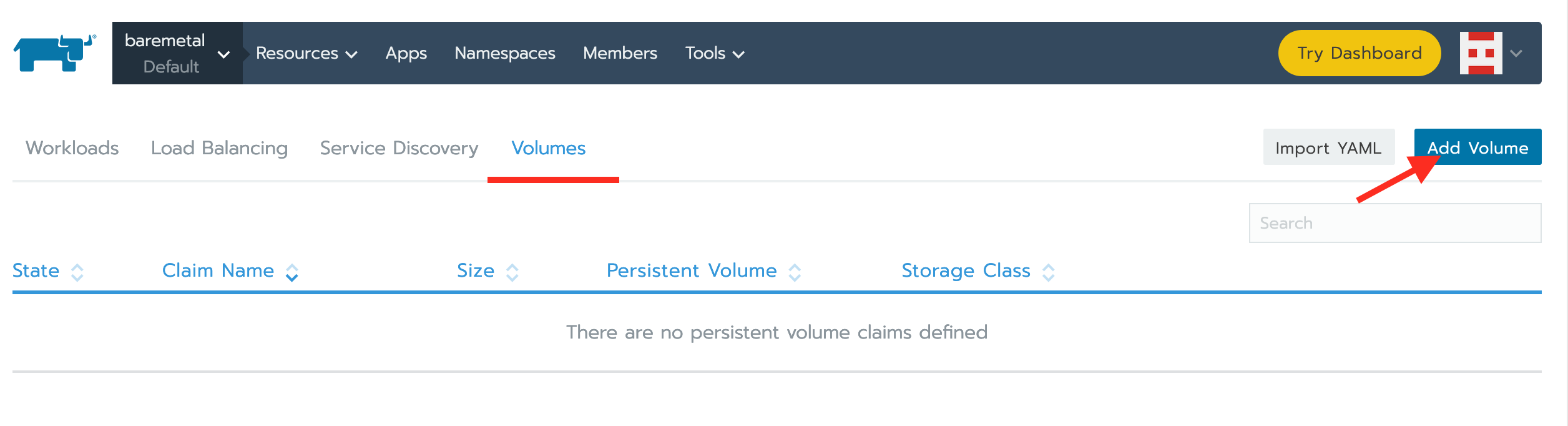
on the volumes tab and click on Add Volume
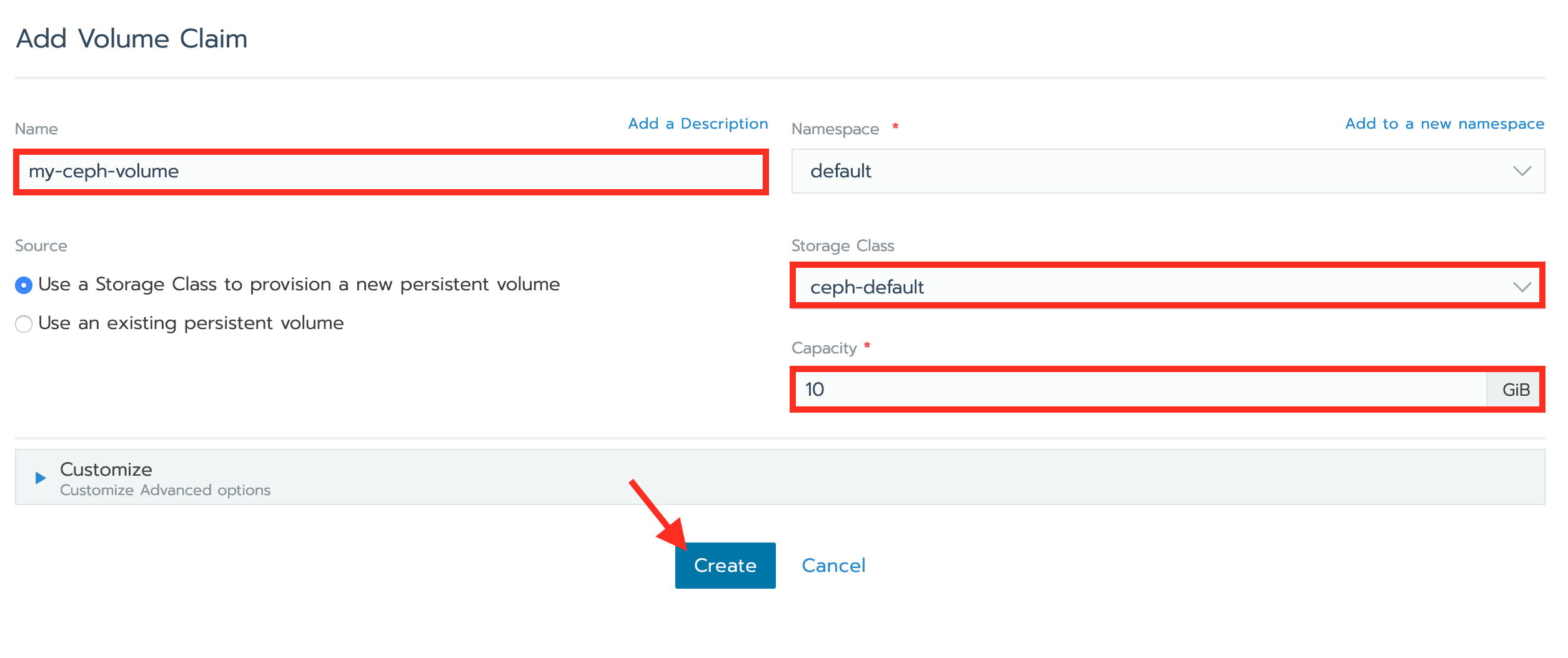
Create a Volume Claim
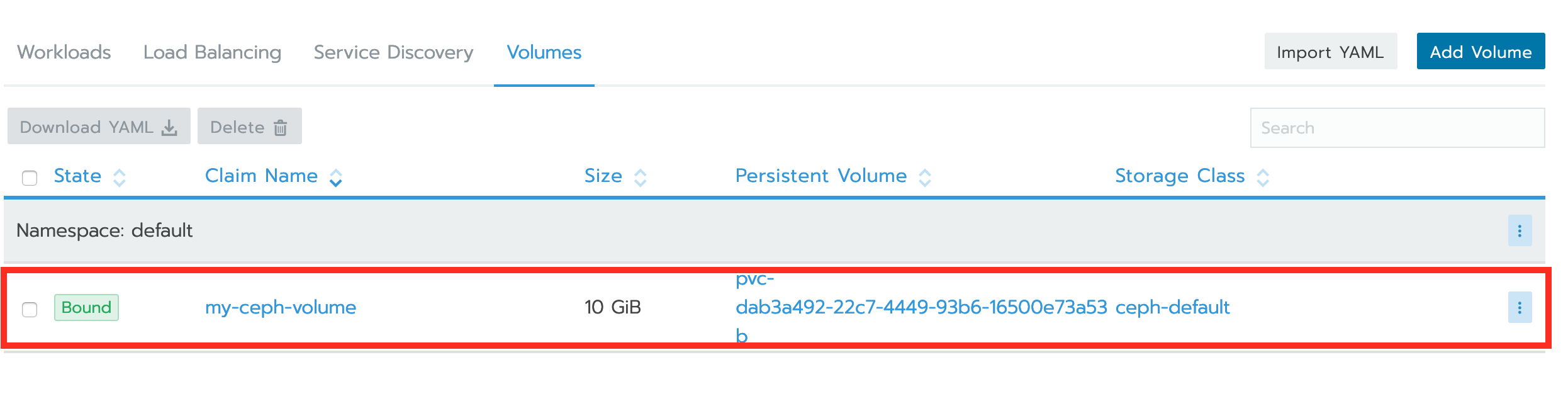
A new Persistent Volume Claim has been created
Create a workload using PV/PVC
apiVersion: v1
kind: Pod
metadata:
  name: my-ceph-pv-pod
spec:
  volumes:
    - name: my-ceph-pv-storage
      persistentVolumeClaim:
        claimName: my-ceph-volume
  containers:
    - name: task-pv-container
      image: nginx
      ports:
        - containerPort: 80
          name: "http-server"
      volumeMounts:
        - mountPath: "/usr/share/nginx/html"
          name: my-ceph-pv-storage
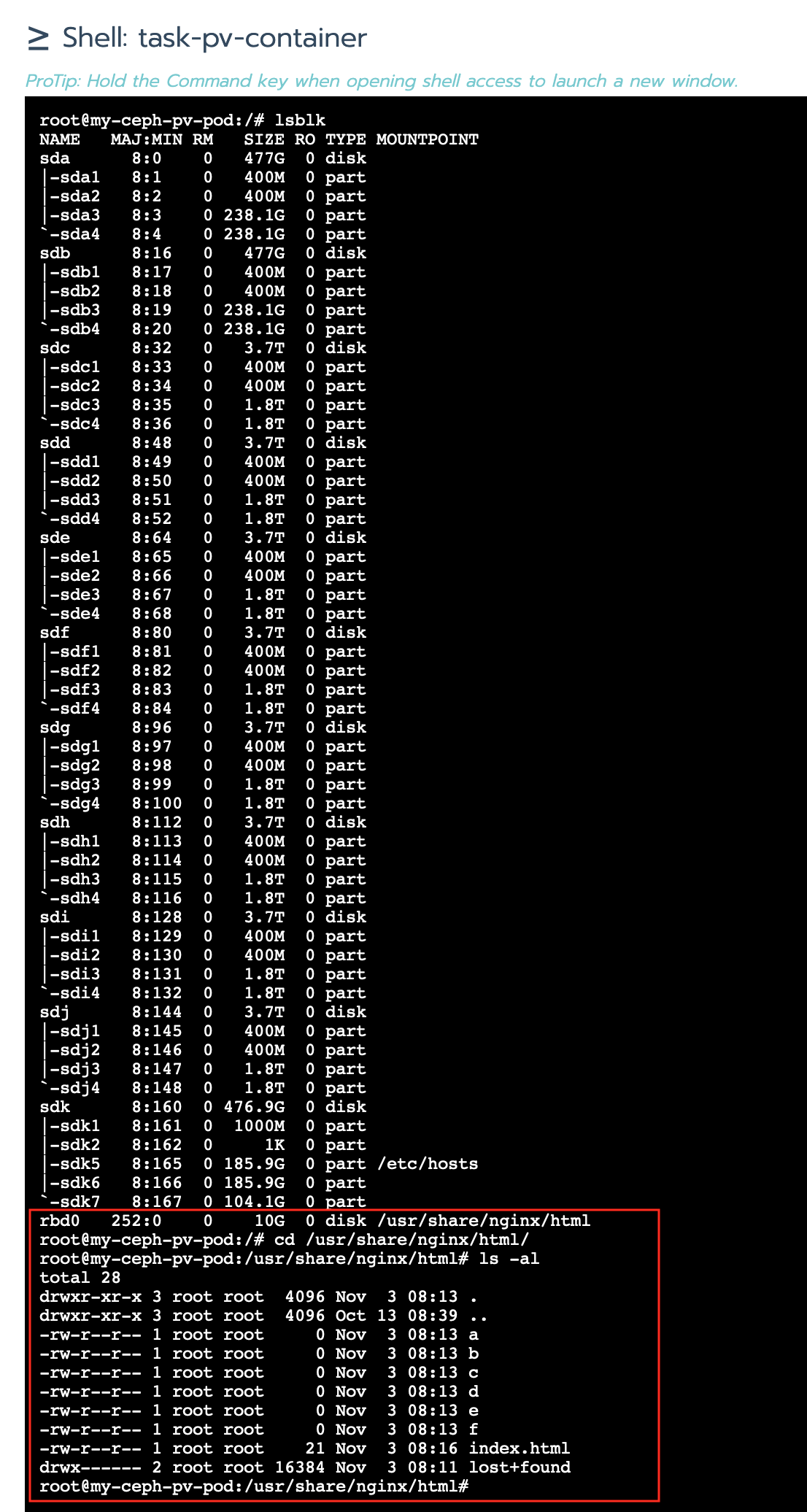
Enter your workload shell and check up