Create iSCSI
Create an iSCSI drive with Ceph
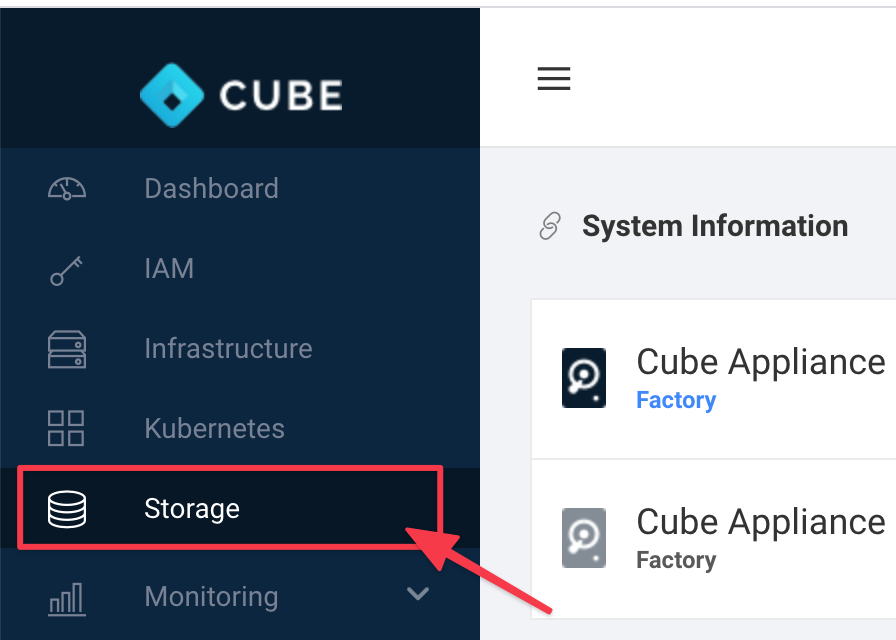
Go to Storage
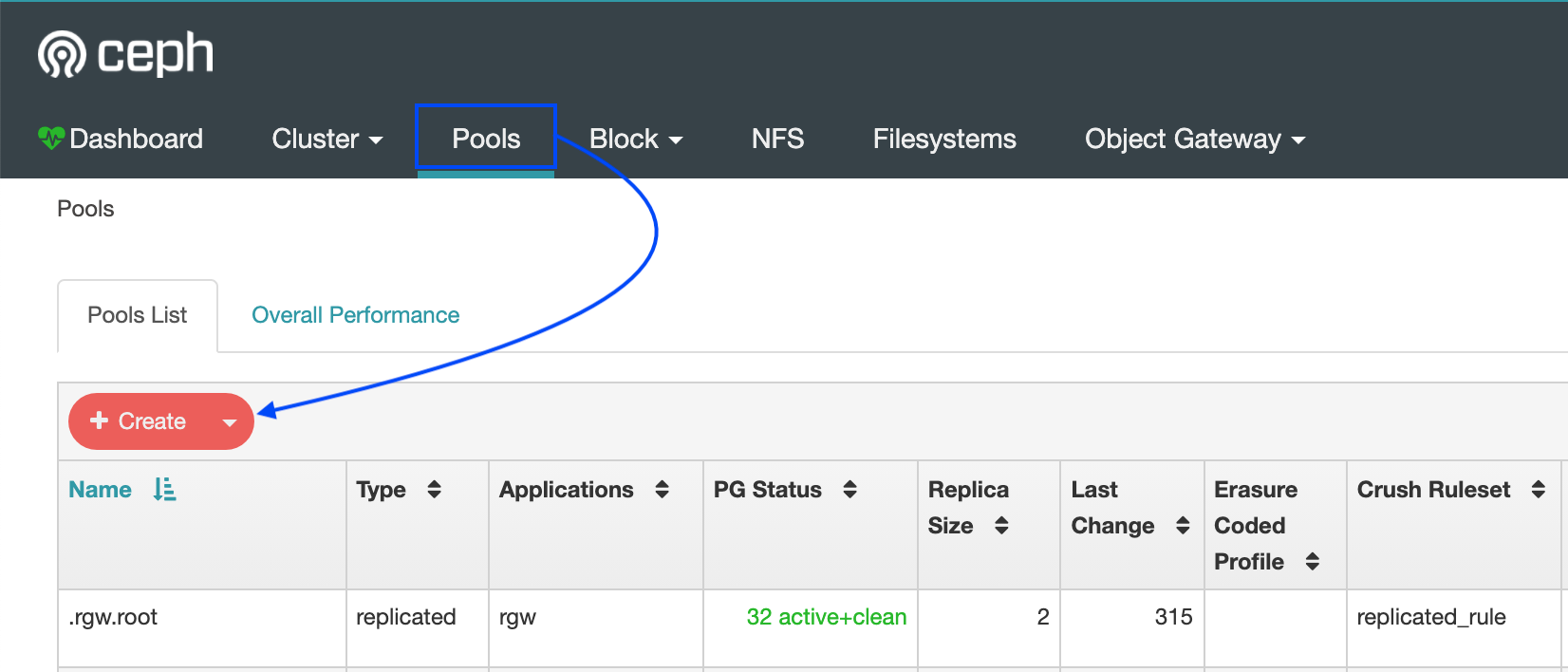
Select Pool
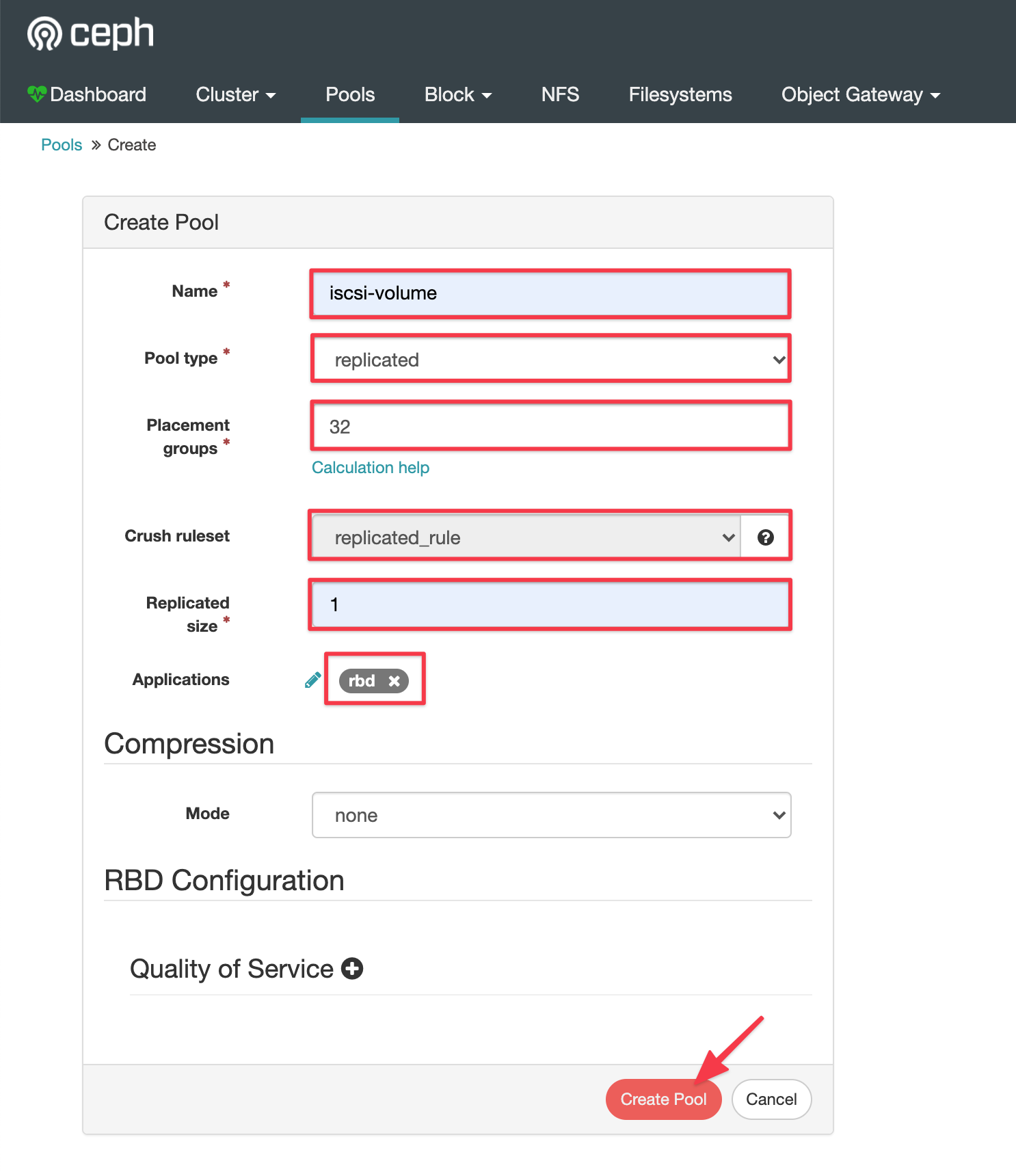
Create a new pool & setting pool properties
Select Block > Images
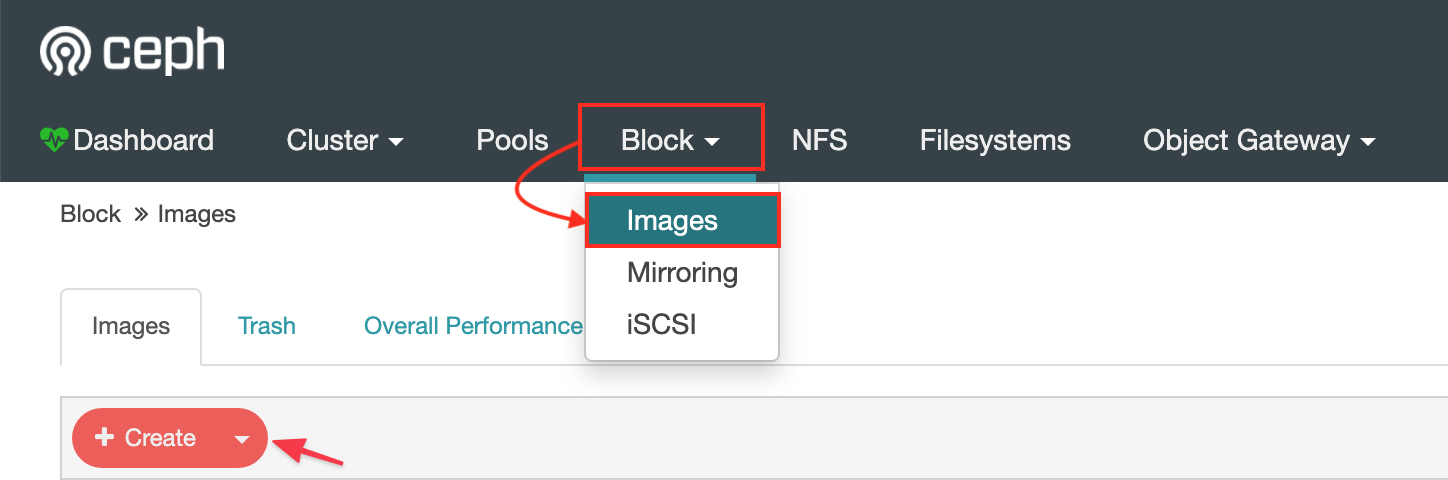
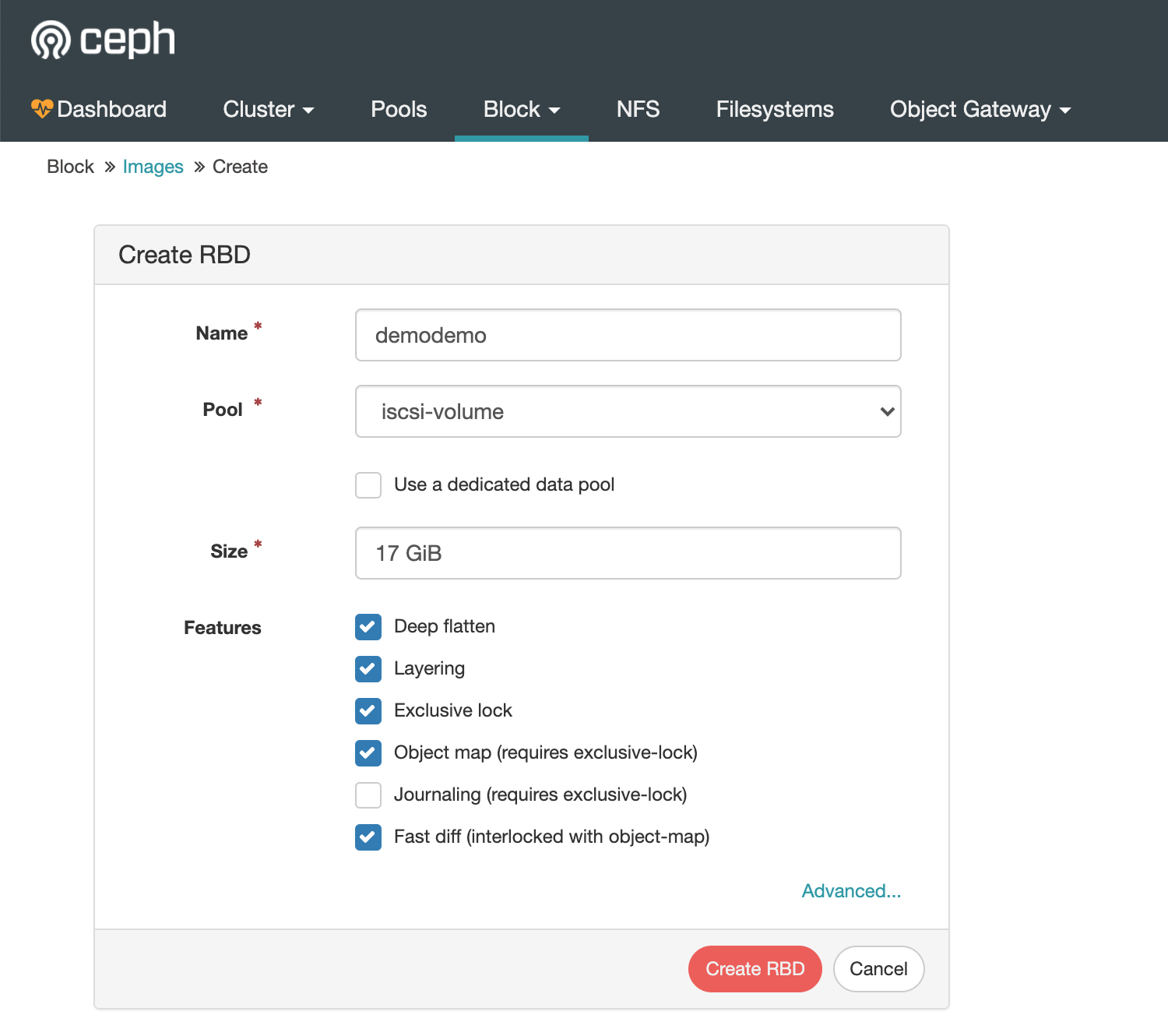
Create a block volume
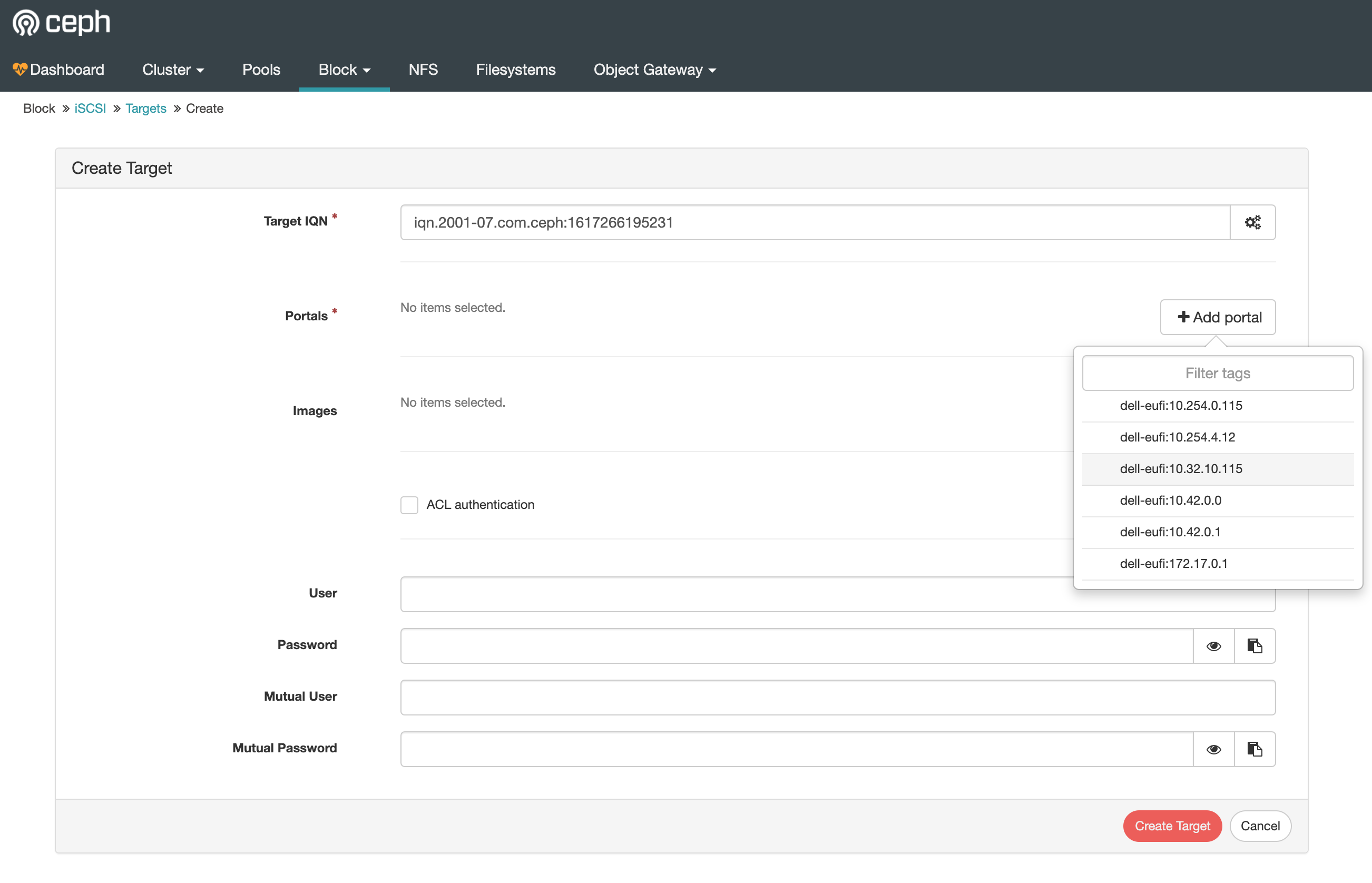
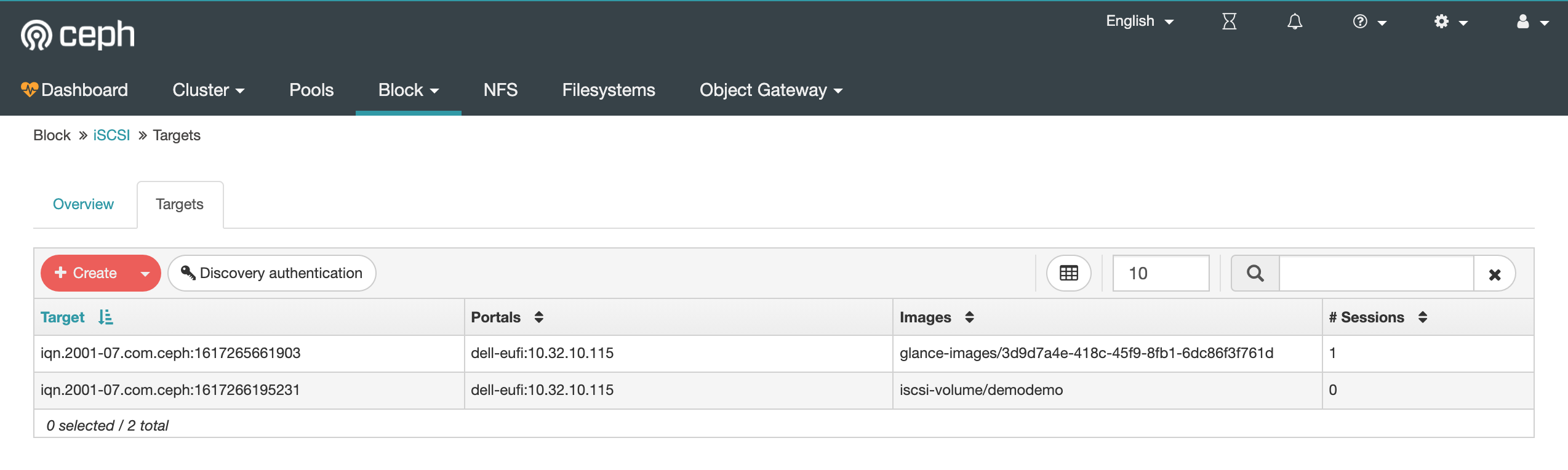
Create an iSCSI target
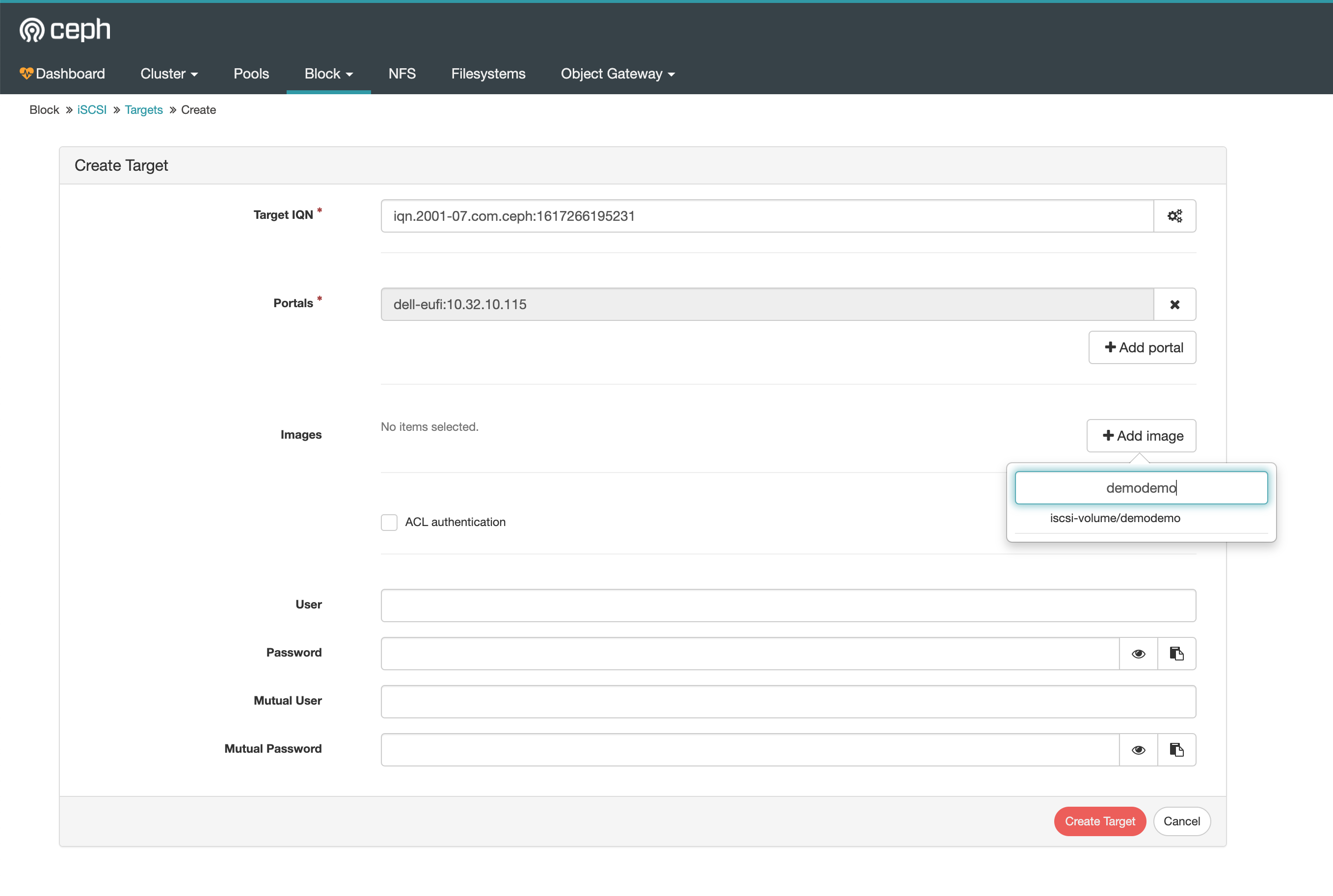
Select the Block images and create the target
iSCCI target list
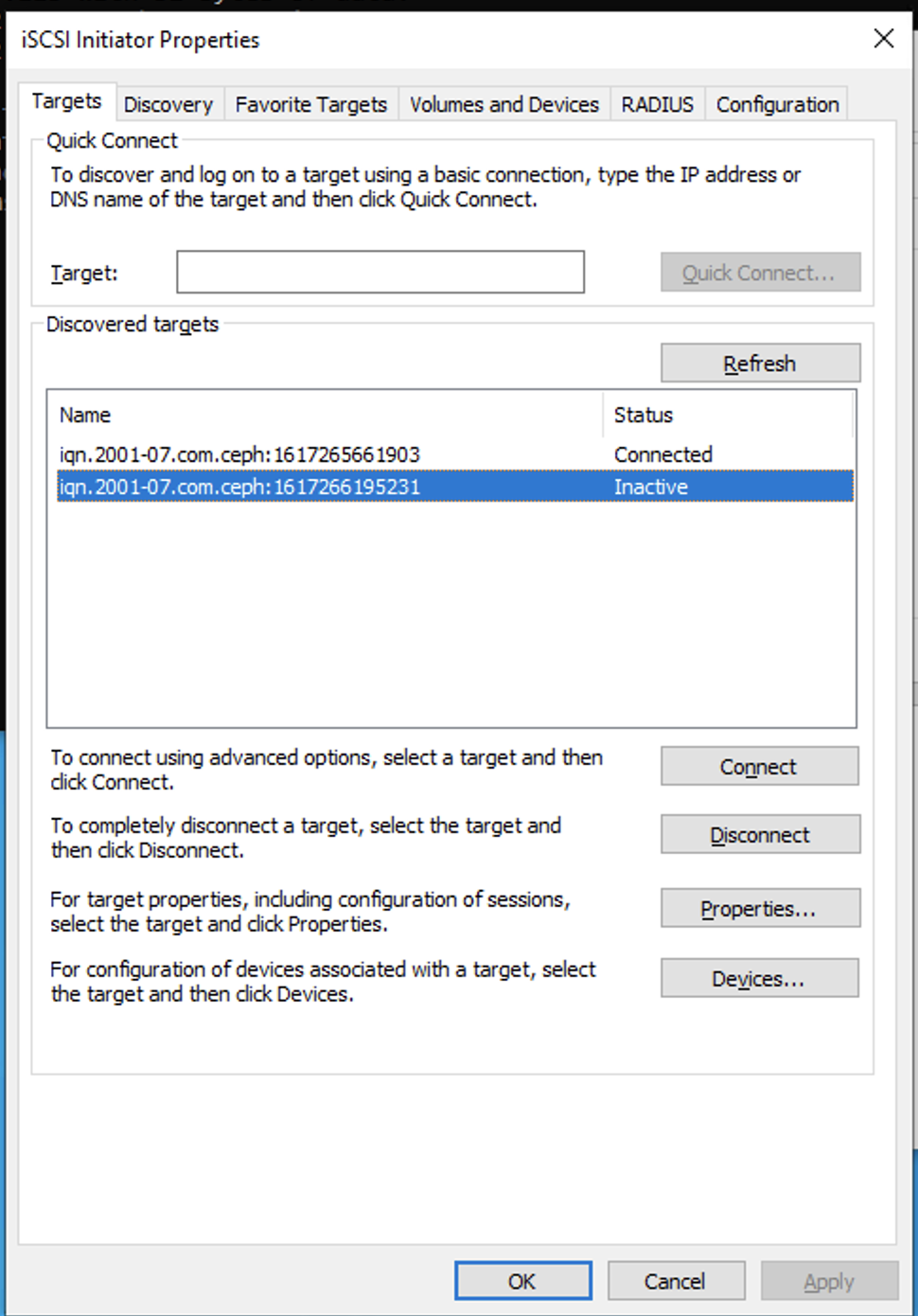
On your windows run iSCSI initior app select the targe and click `connect
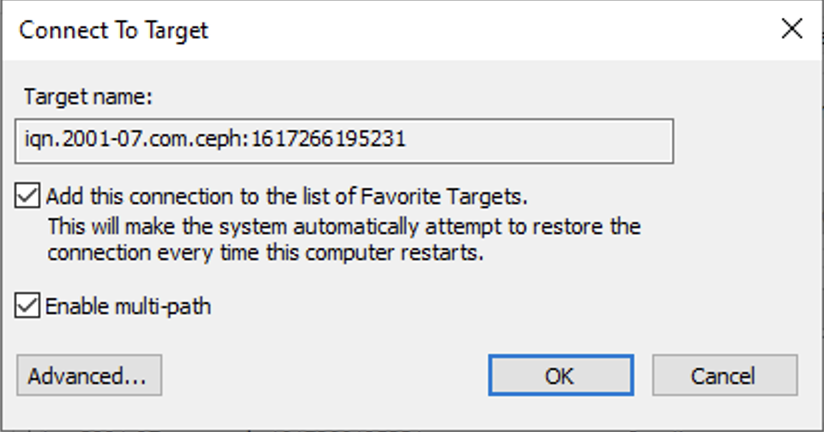
Check everything and click ok
iSCSI target connected
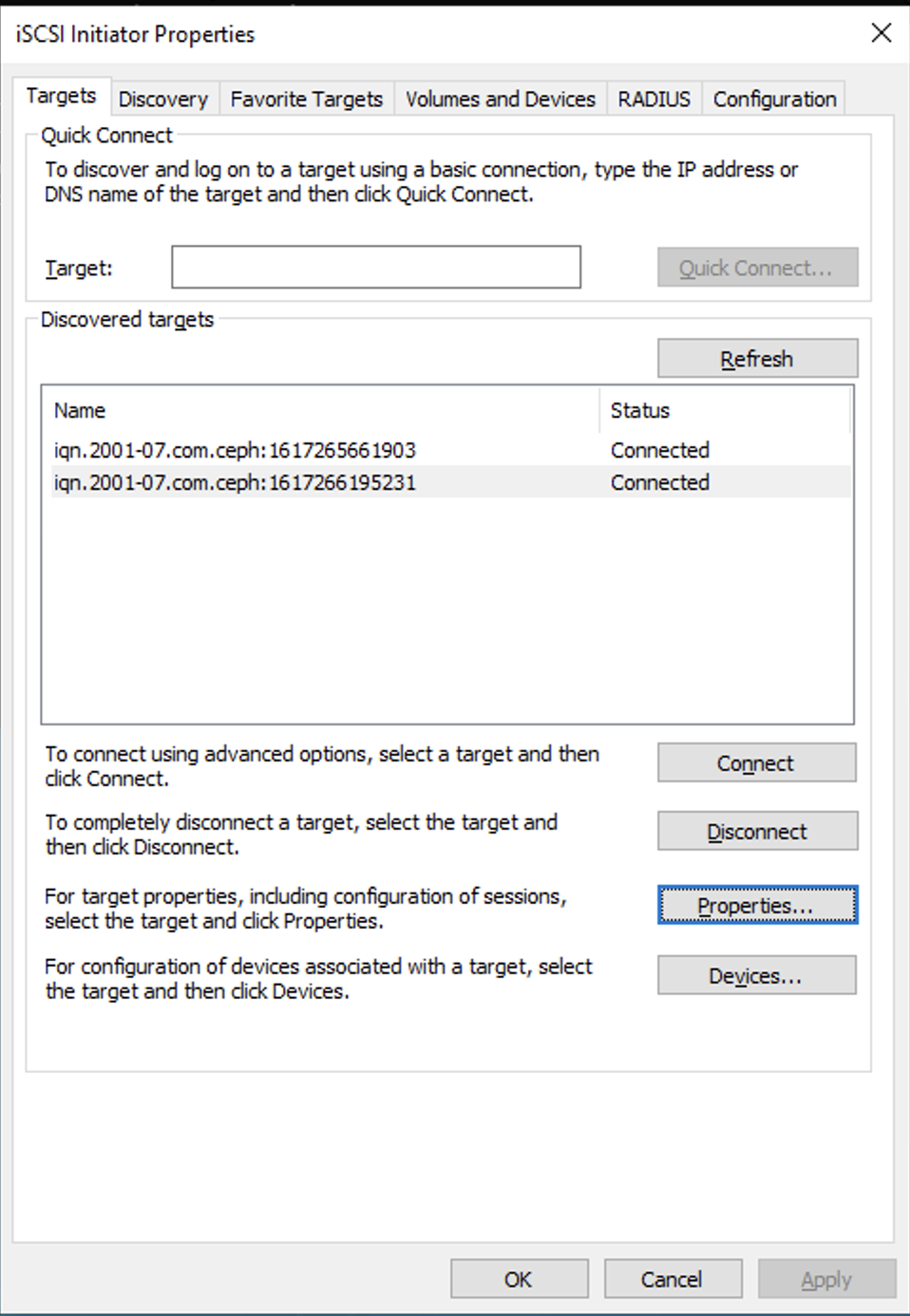
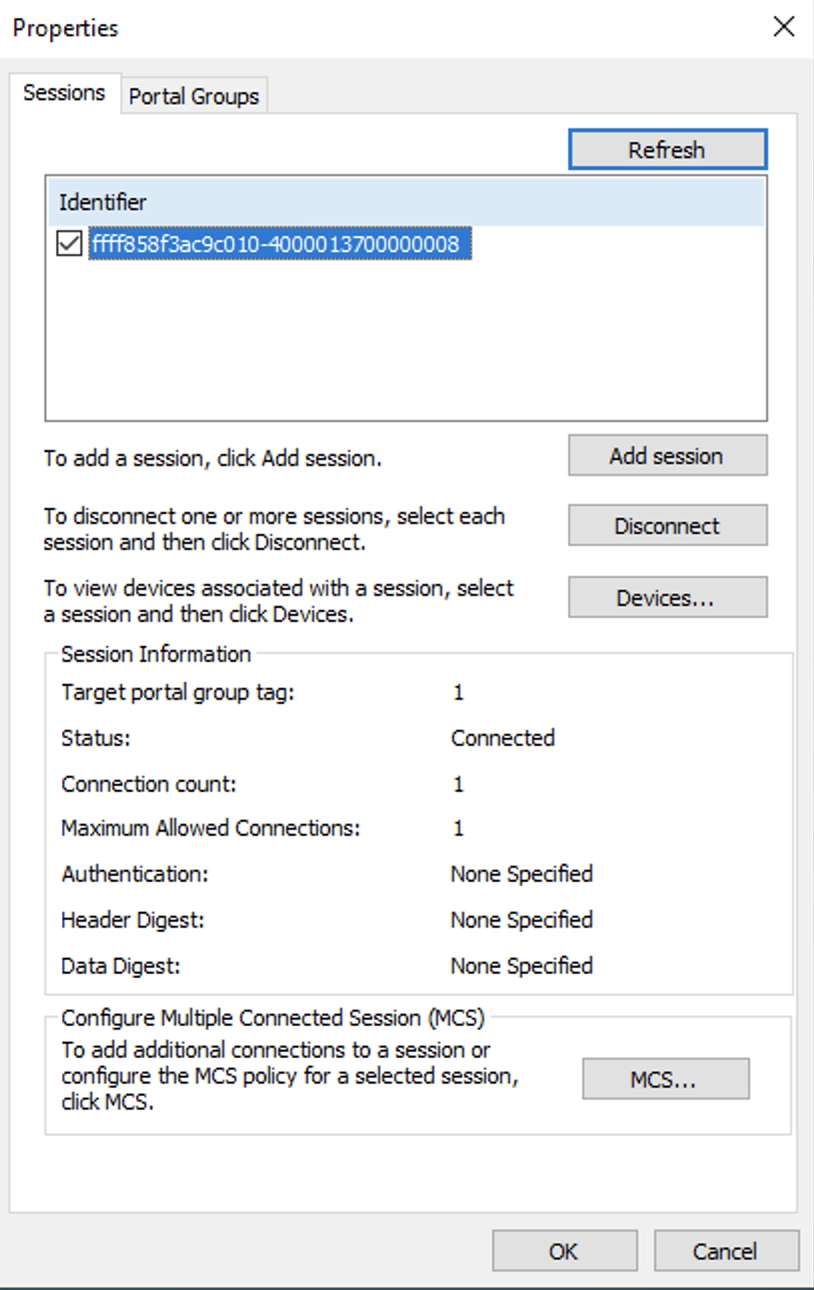
Check up properties for detial
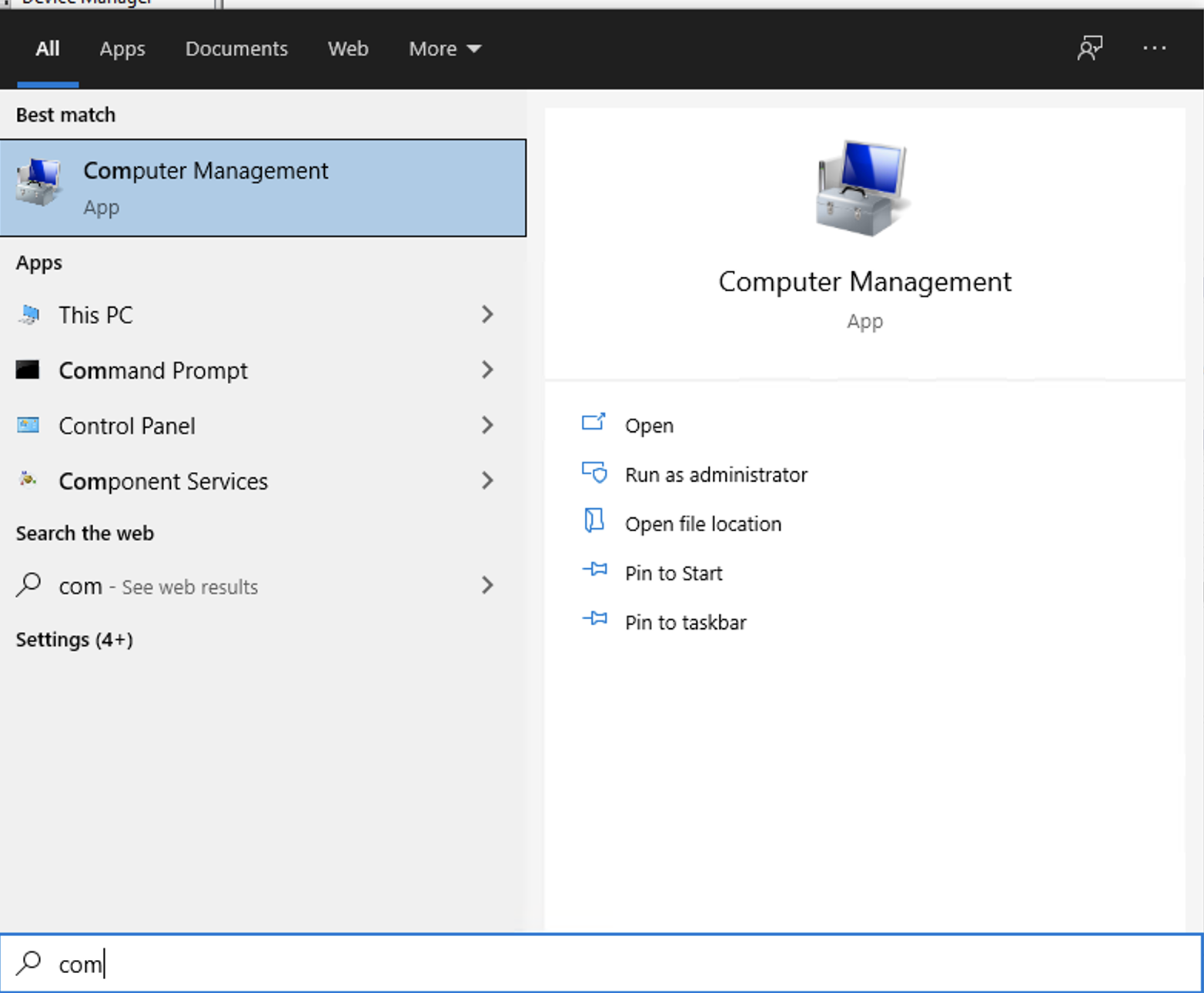
Run Computer Management
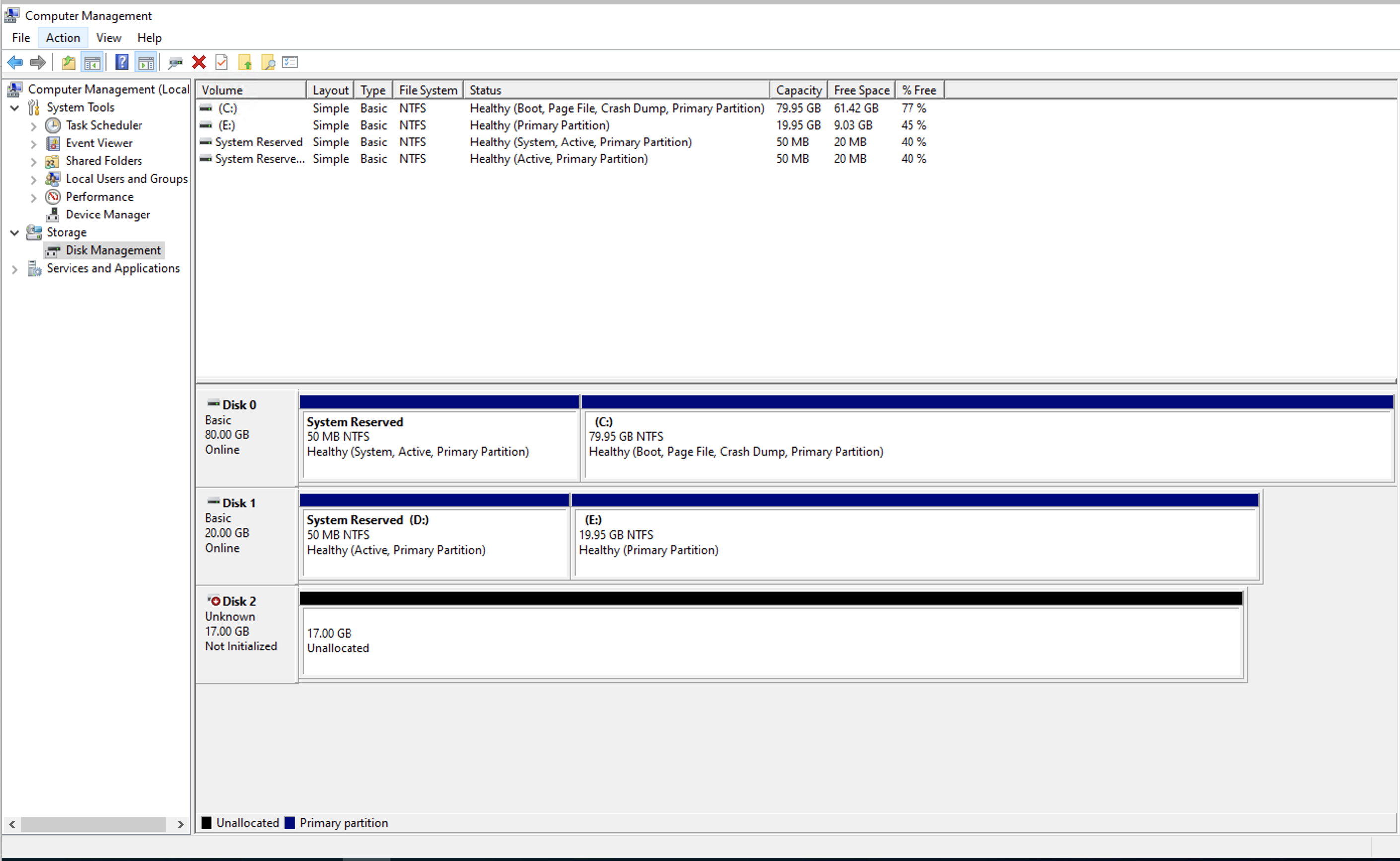
Check your iSCSI drive from the Storage > Disk Management
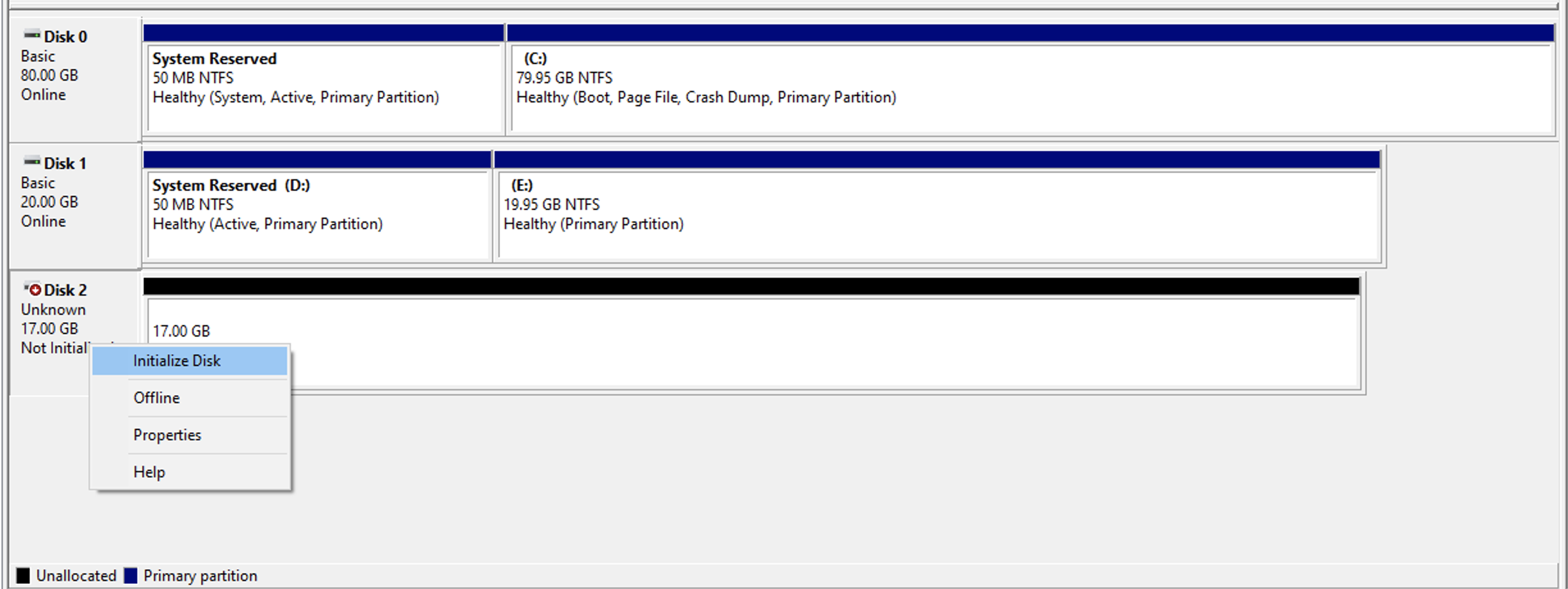
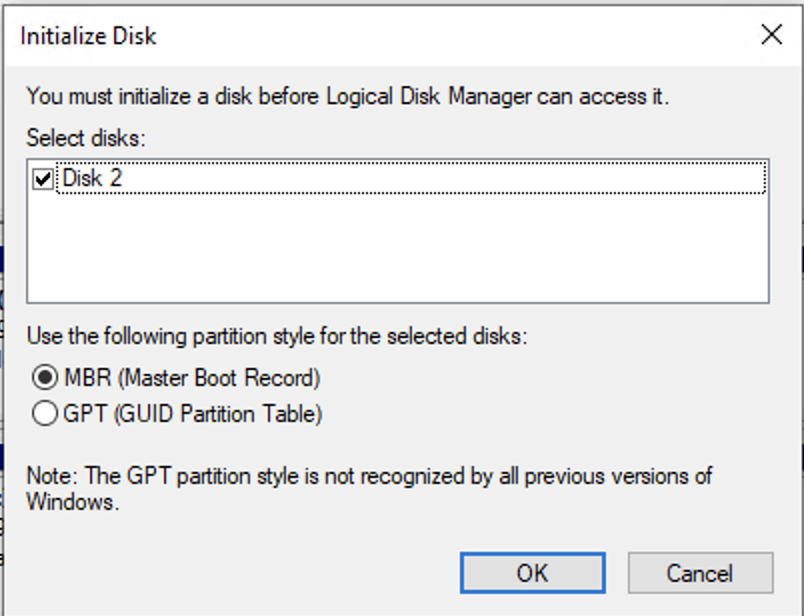
Initialize disk
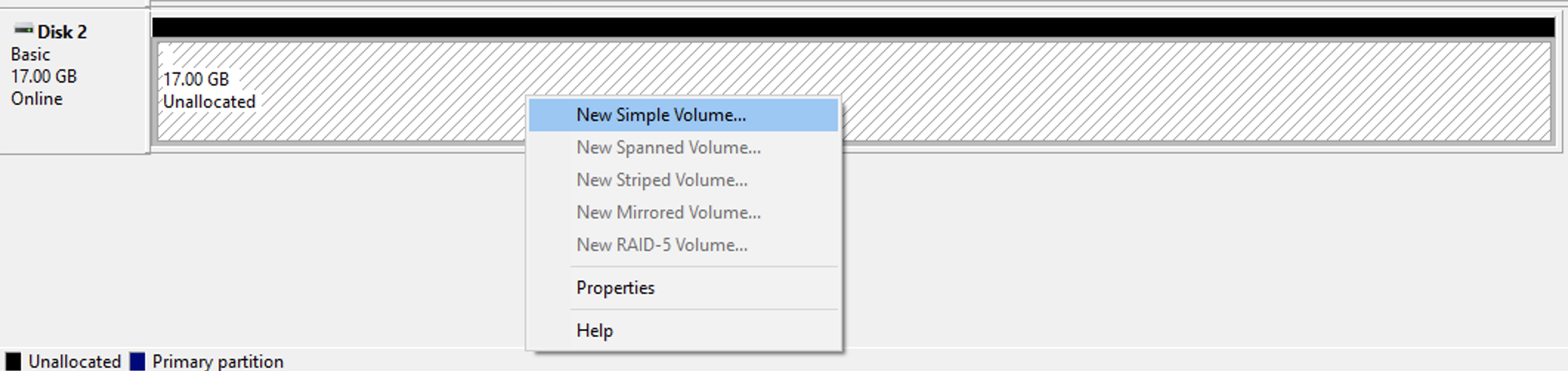
Partition the disk and format
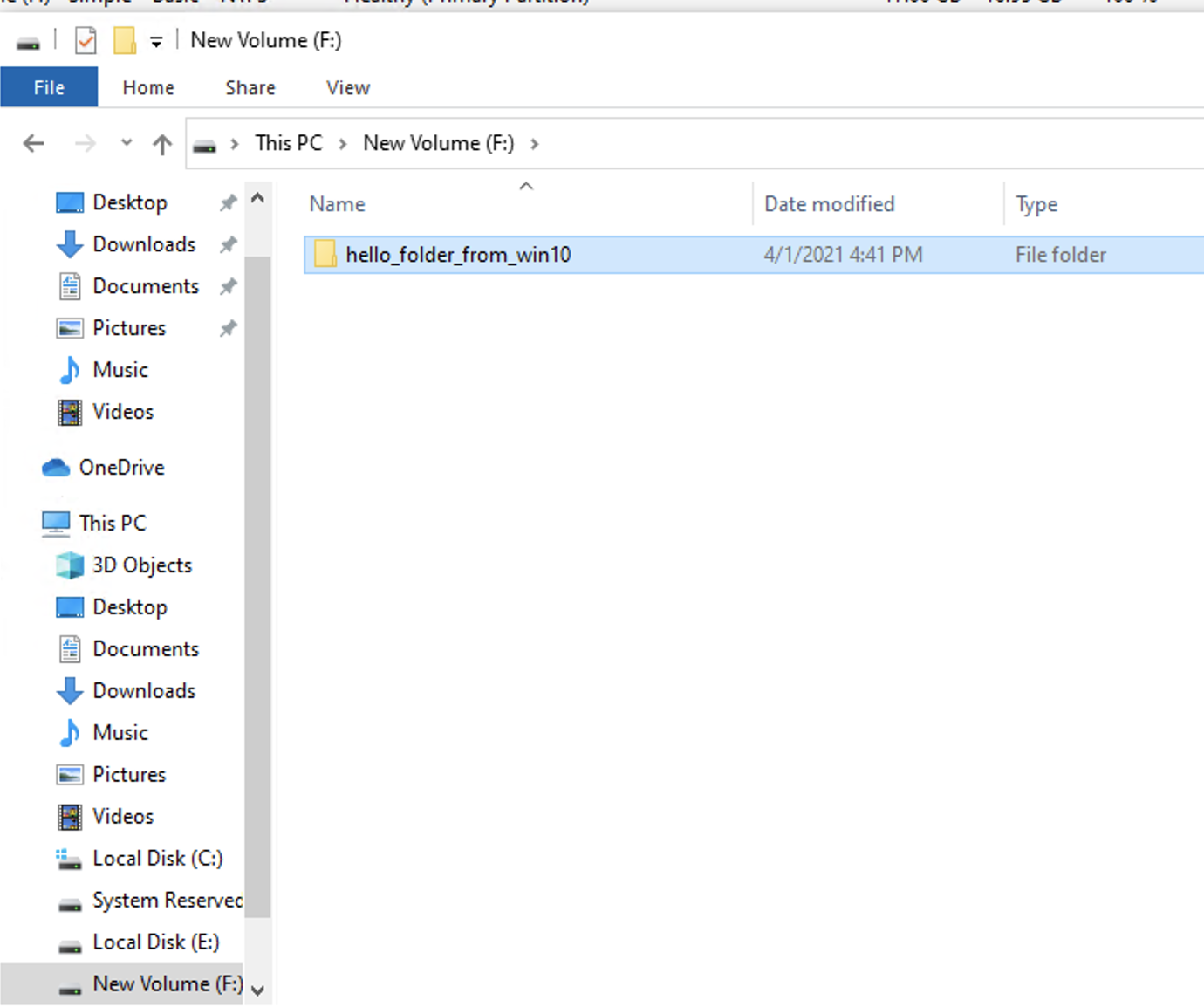
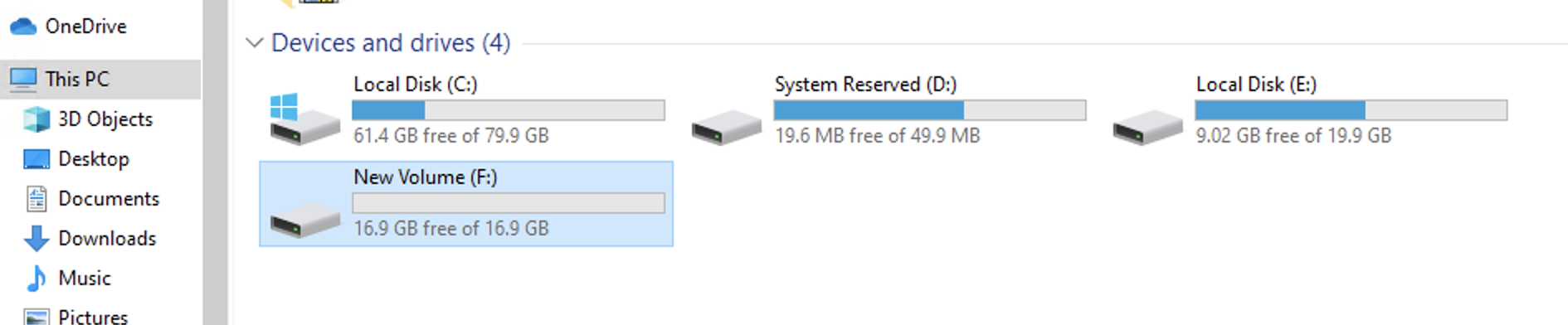
Look for the new iSCSI drive from your computer
Try and create a directory