Create an instance snapshot
The Create Instance Snapshot function captures the current state of a virtual machine, including its disk and configuration, allowing you to create a reusable image for backup or future deployments
Create a snapshot
-
Navigate to
Project > Compute > Instances, choose the desired instance, then hover overMore.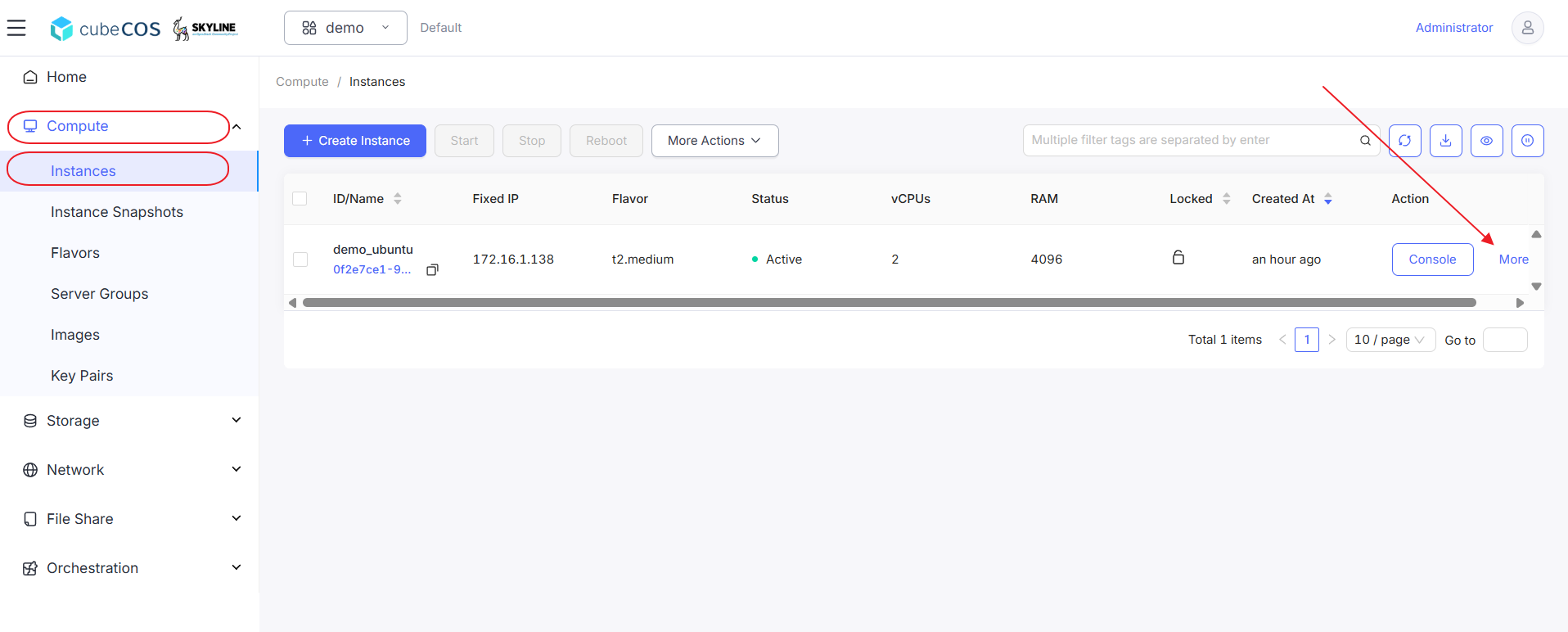
-
Hover over
Backup & Snapshotin the drop-down menu, then clickCreate Snapshot.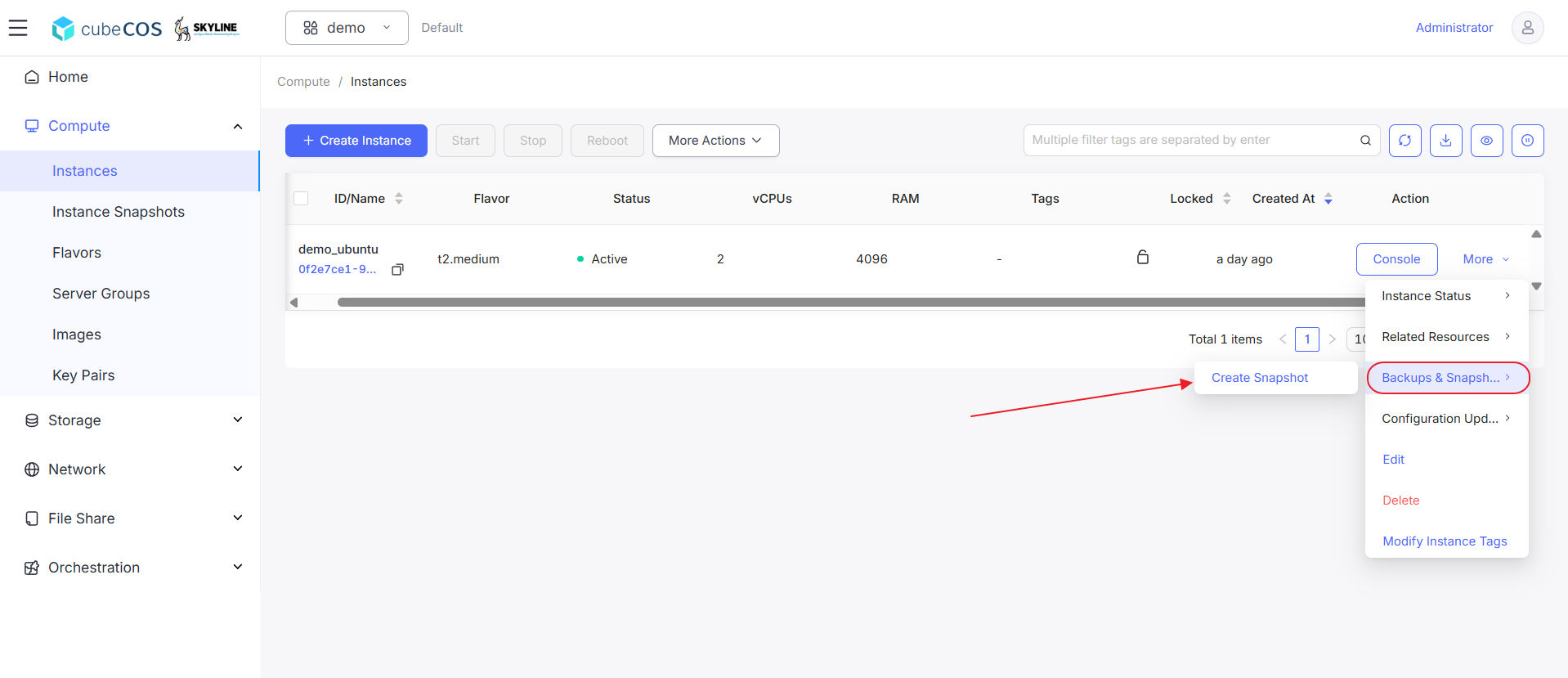
-
Name the snapshot, then click
OKto proceed.
-
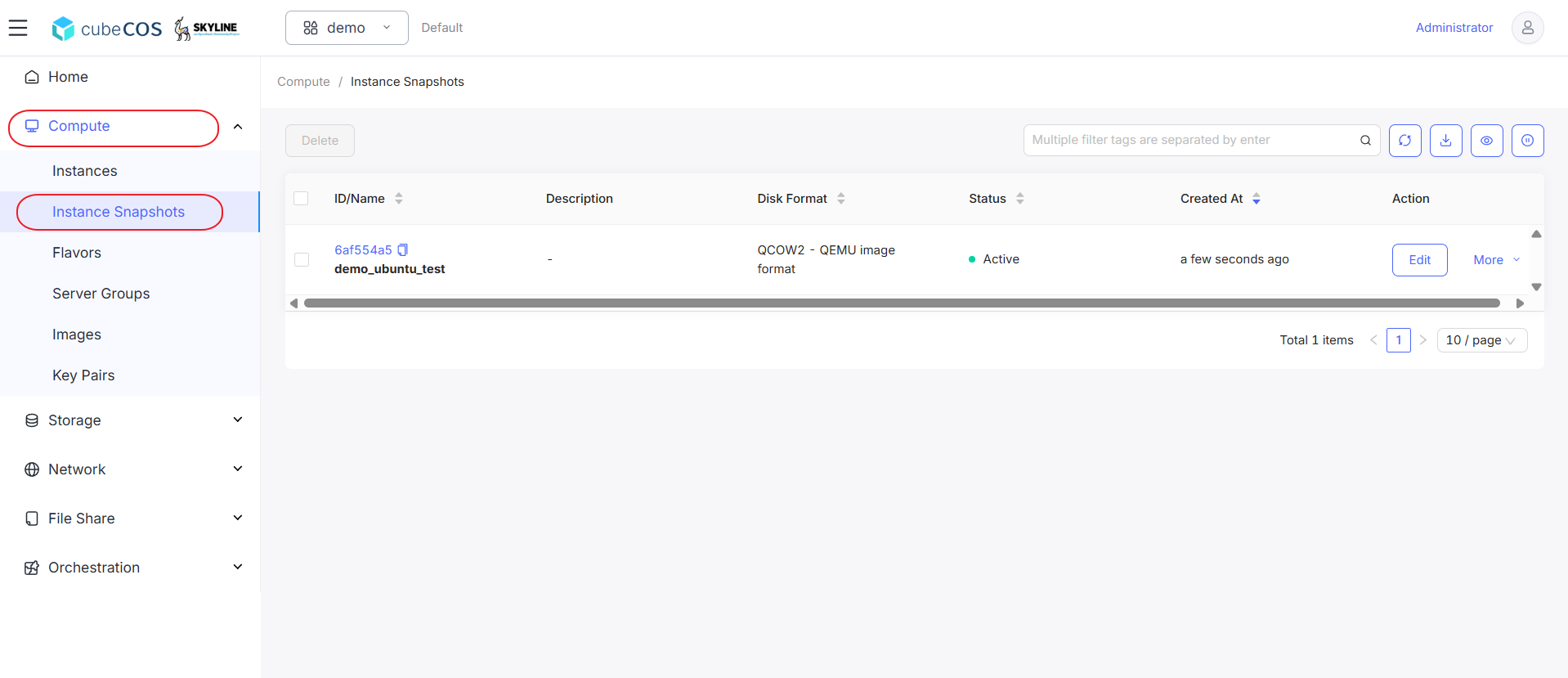
Navigate to
Project > Compute > Instance Snapshotsto verify that your snapshot has been created.