Rancher administrator permission
Configure administrator permission with Keycloak users
-
Navigate to
Rancher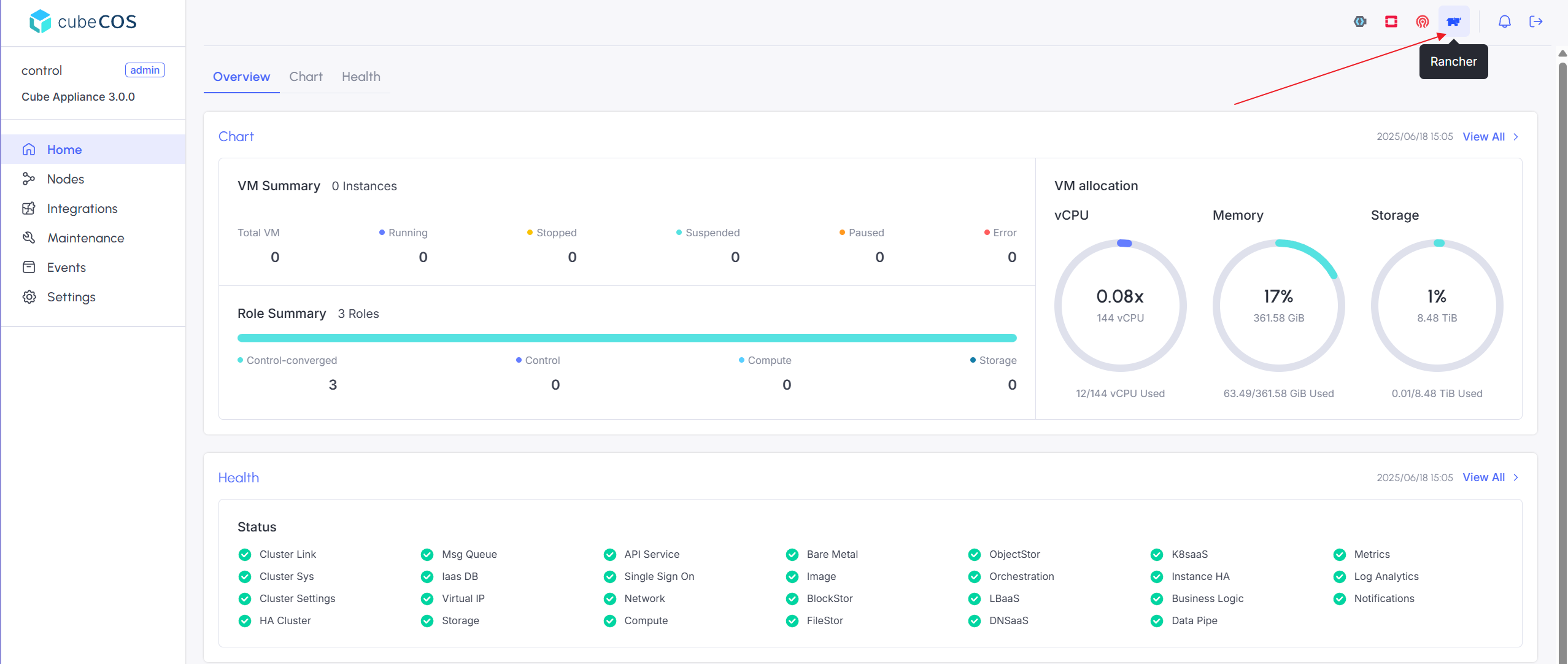
-
Login with Keycloak user
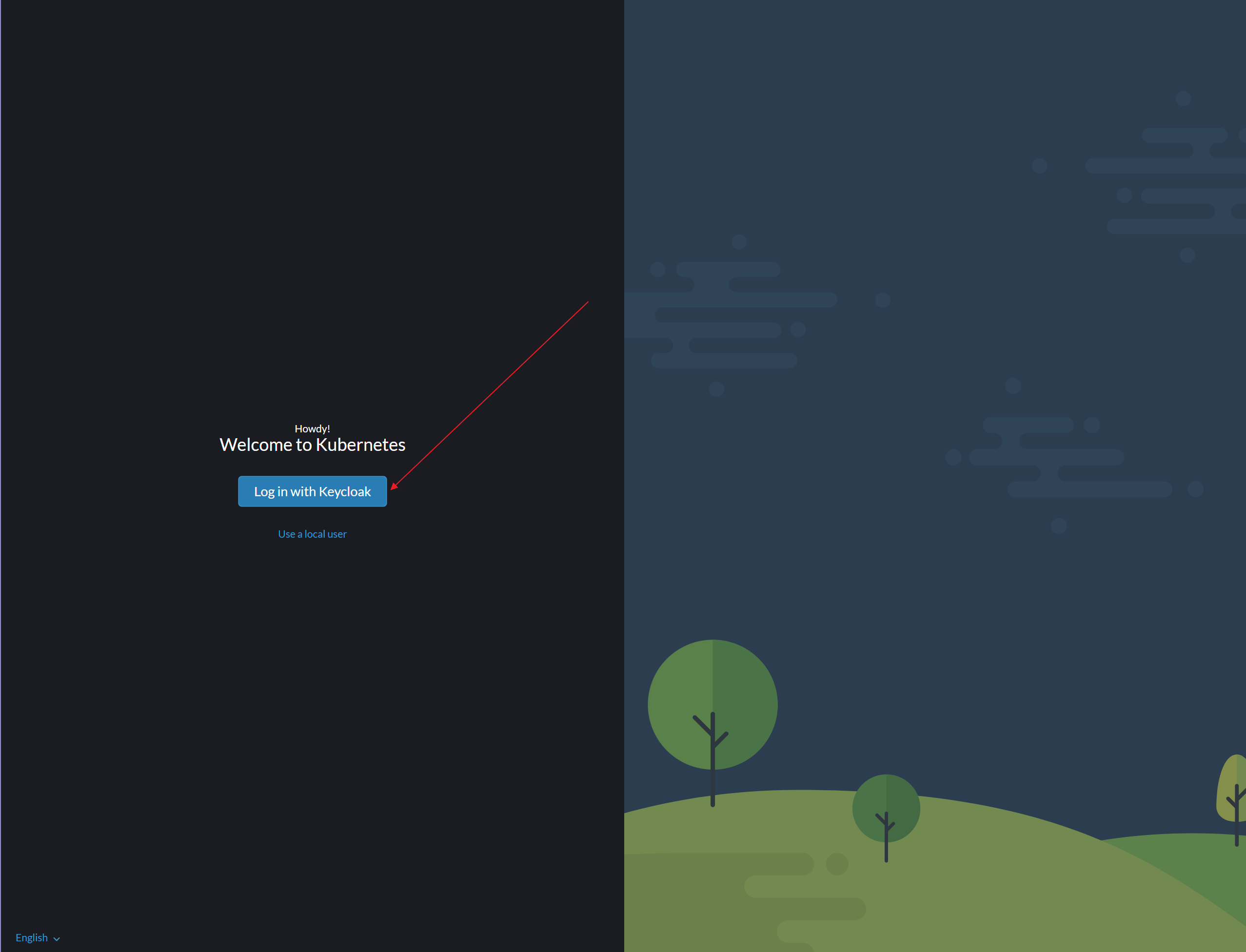
-
Logout
-
This action is used to register a Keycloak user with Rancher
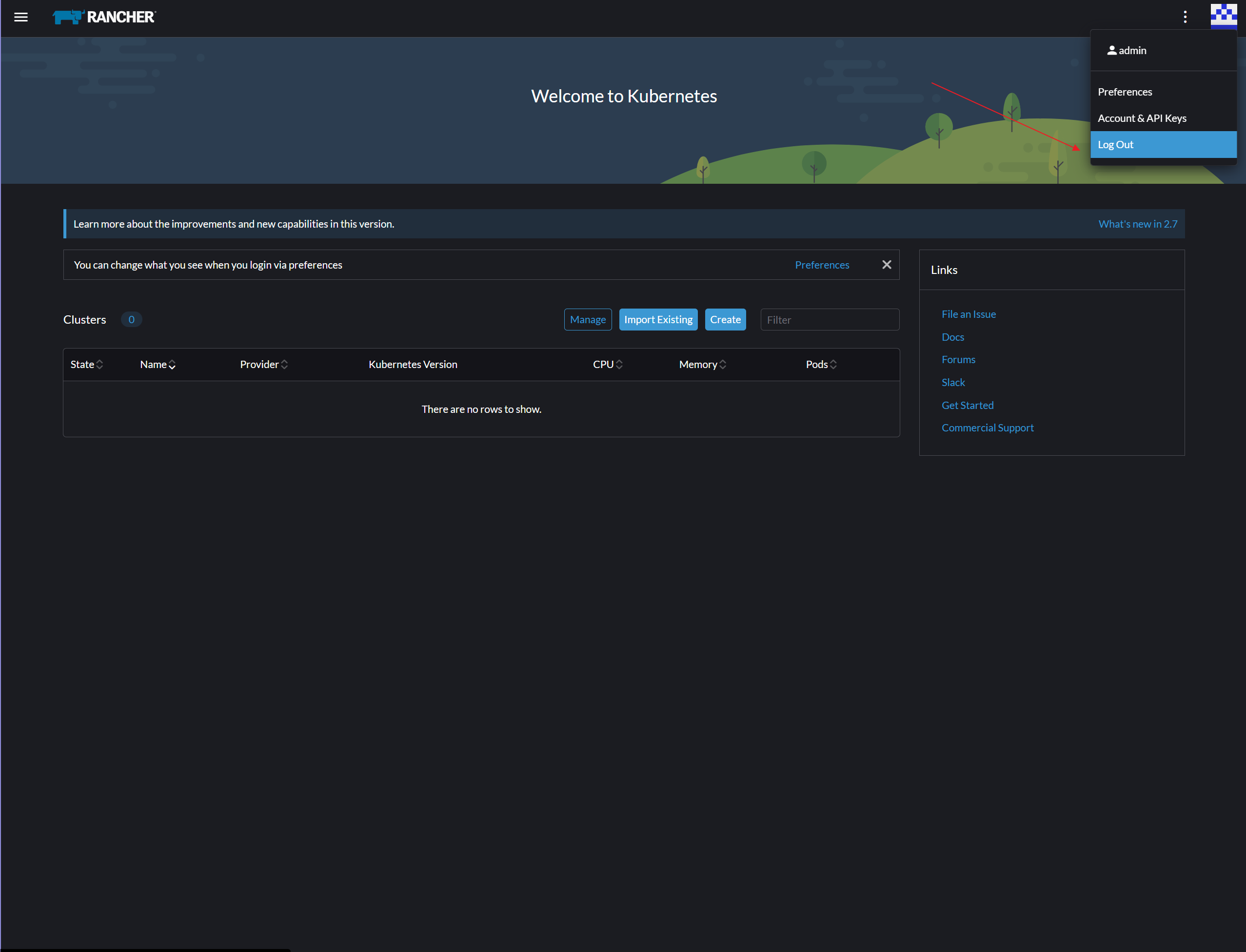
-
Login with Local user -
adminwith passworddefault-admin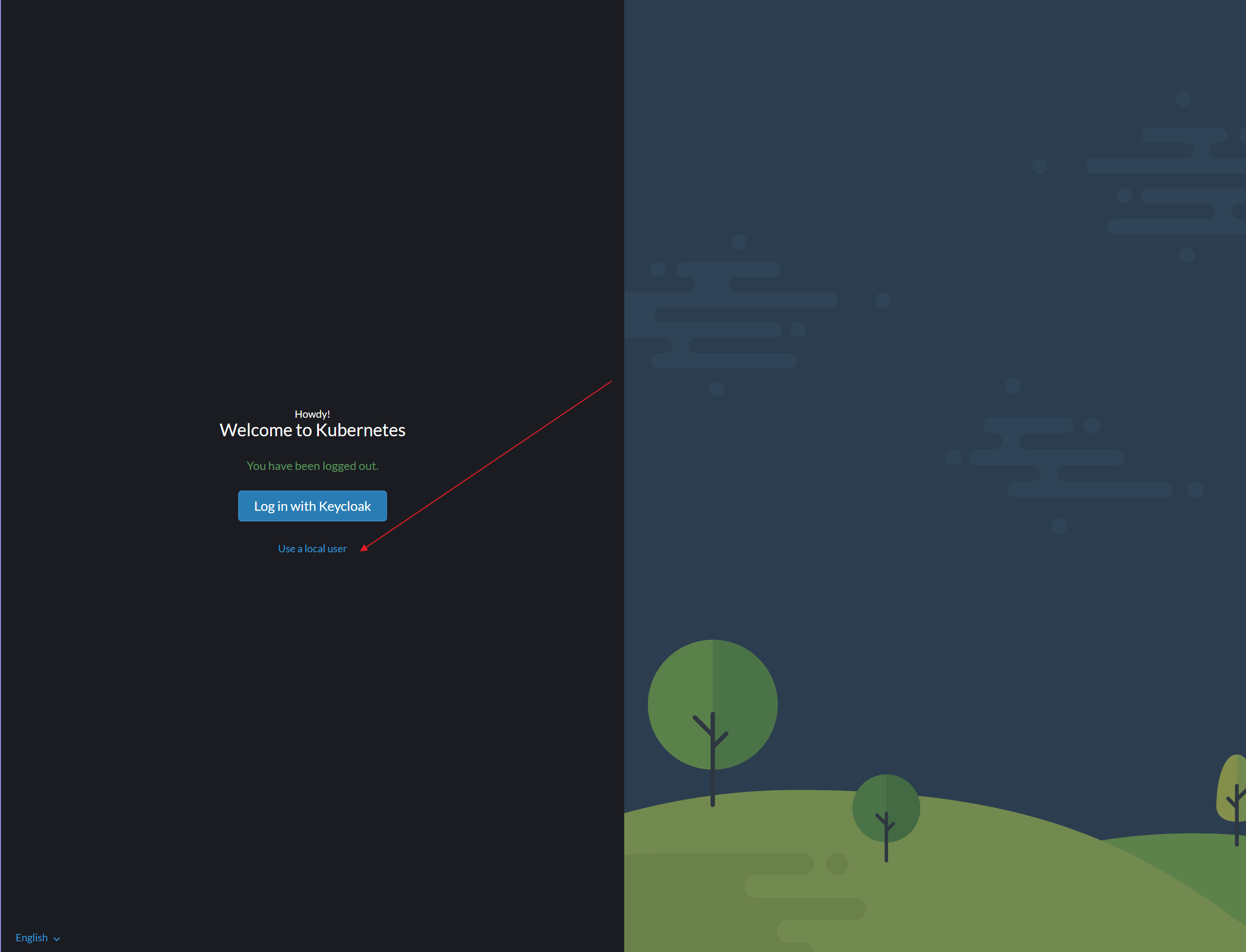
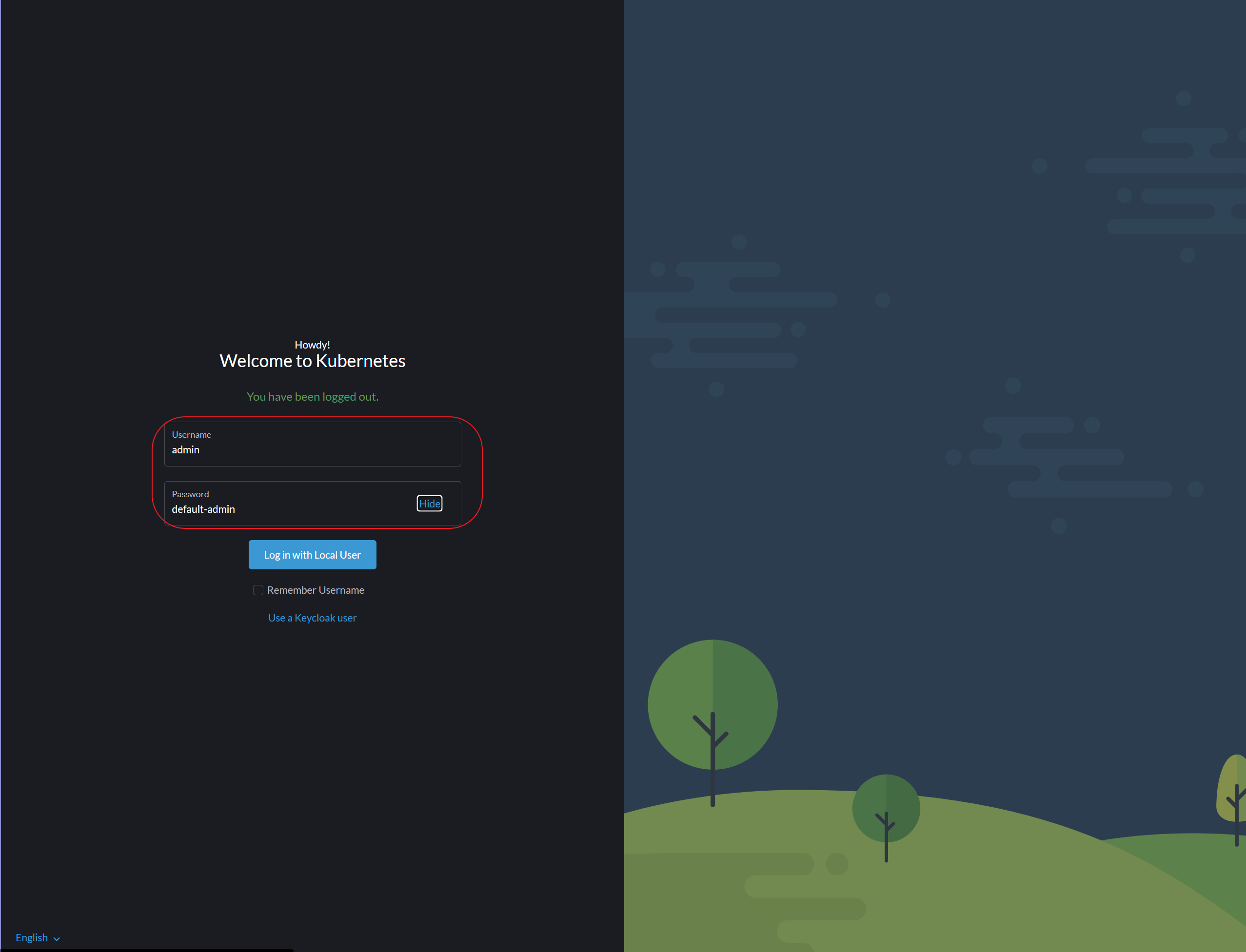
-
Navigate to
Users & Authentication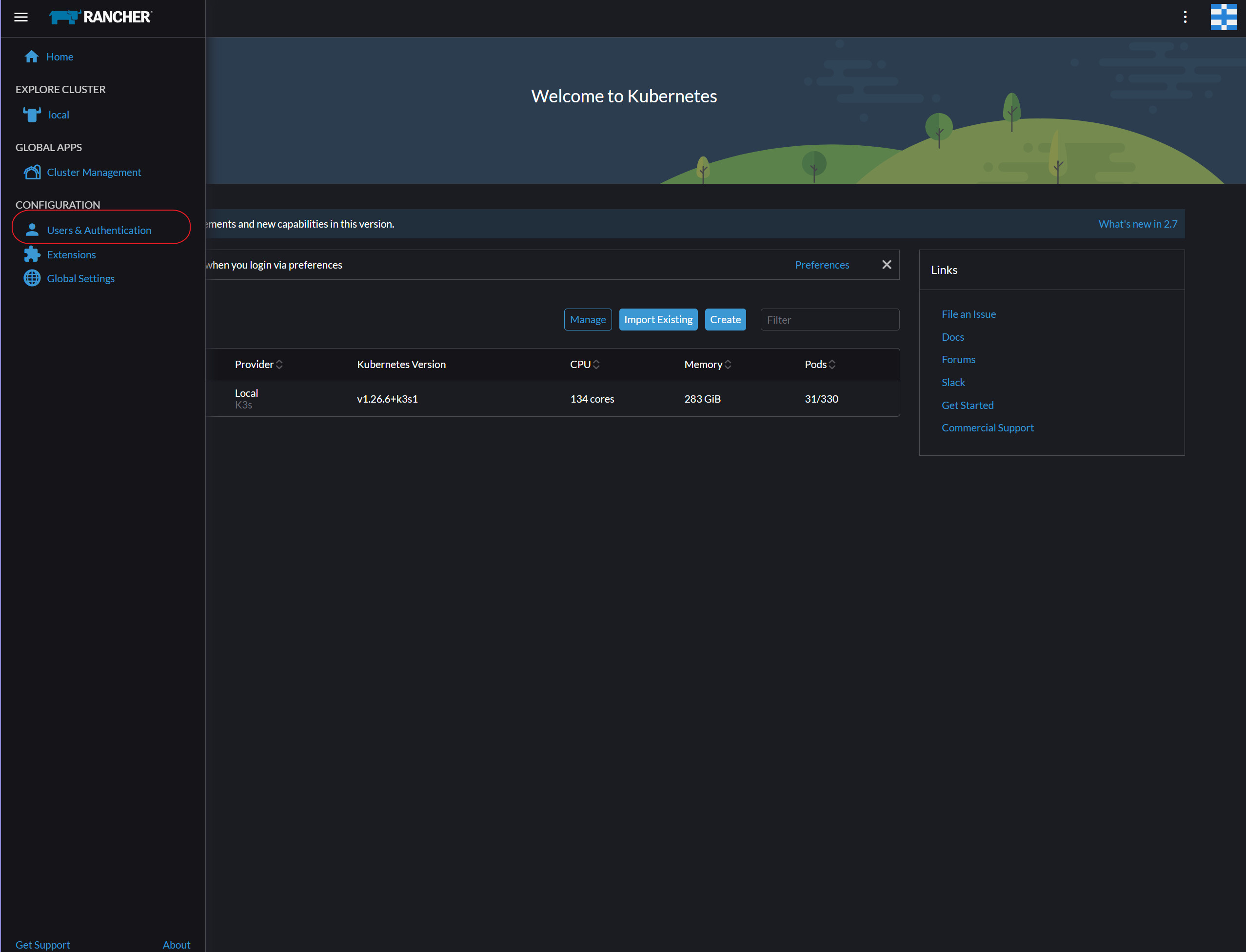
-
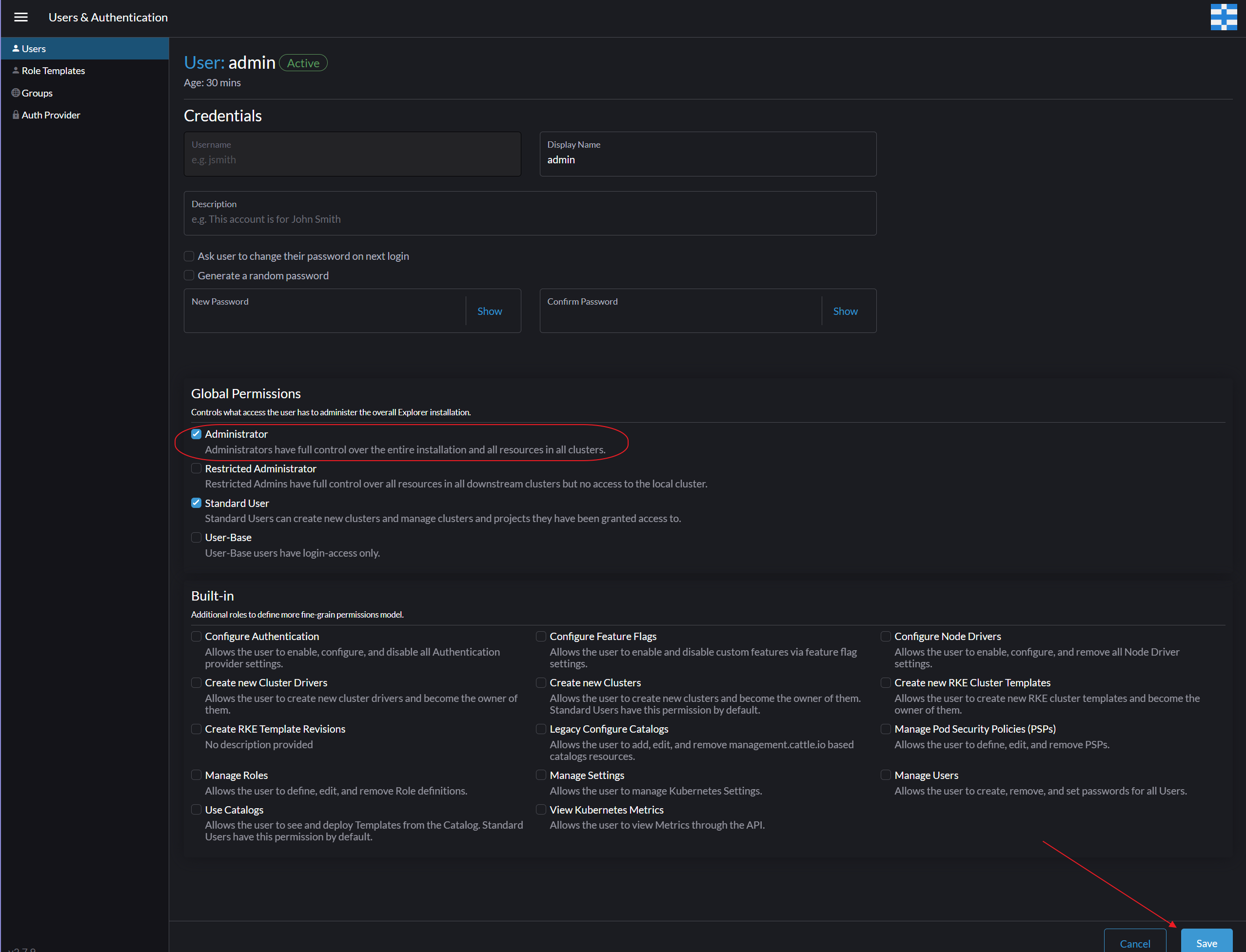
Select Keycloak user and enter
Edit Config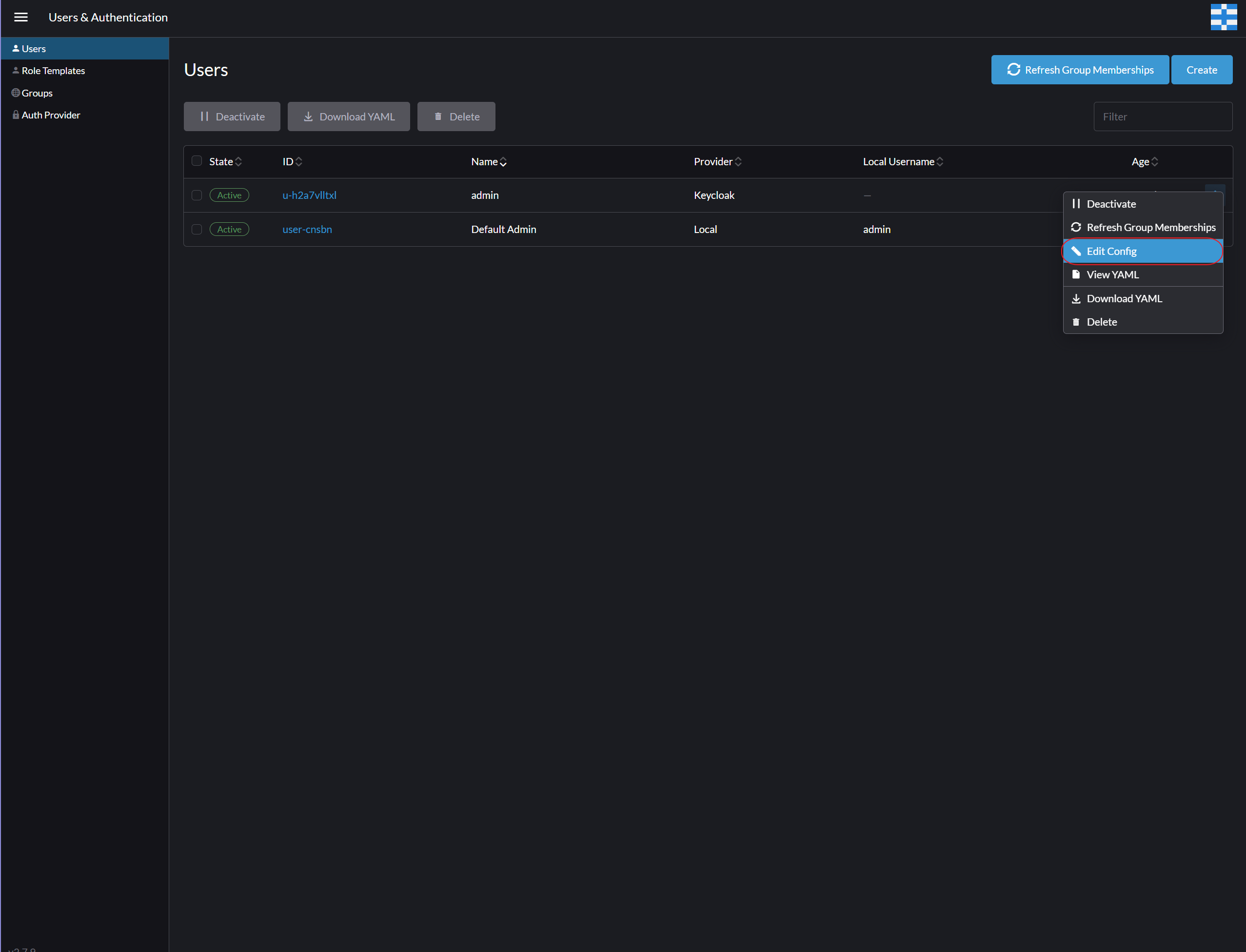
-
Grant Keycloak user with Administrator's Permissions
-
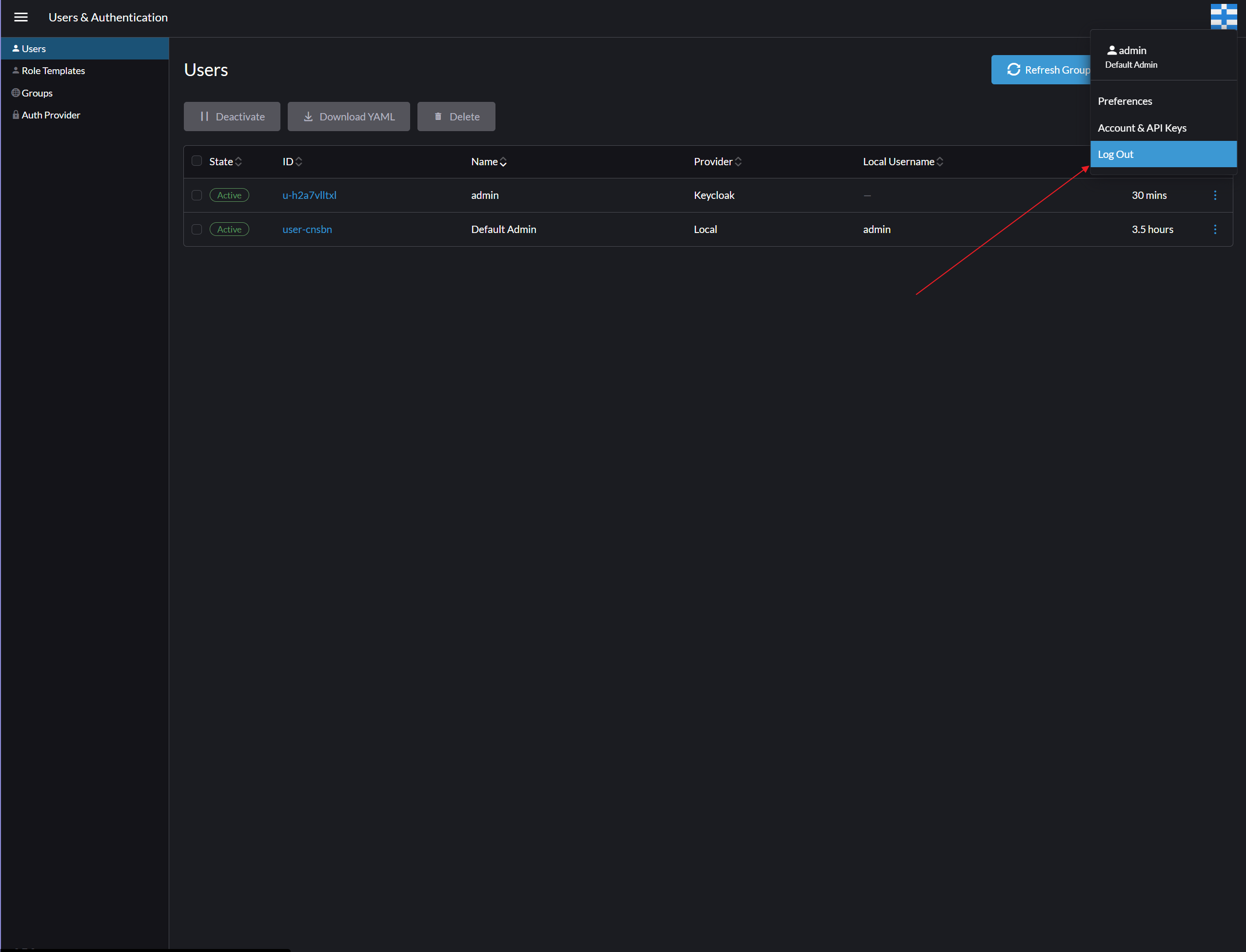
Logout
-
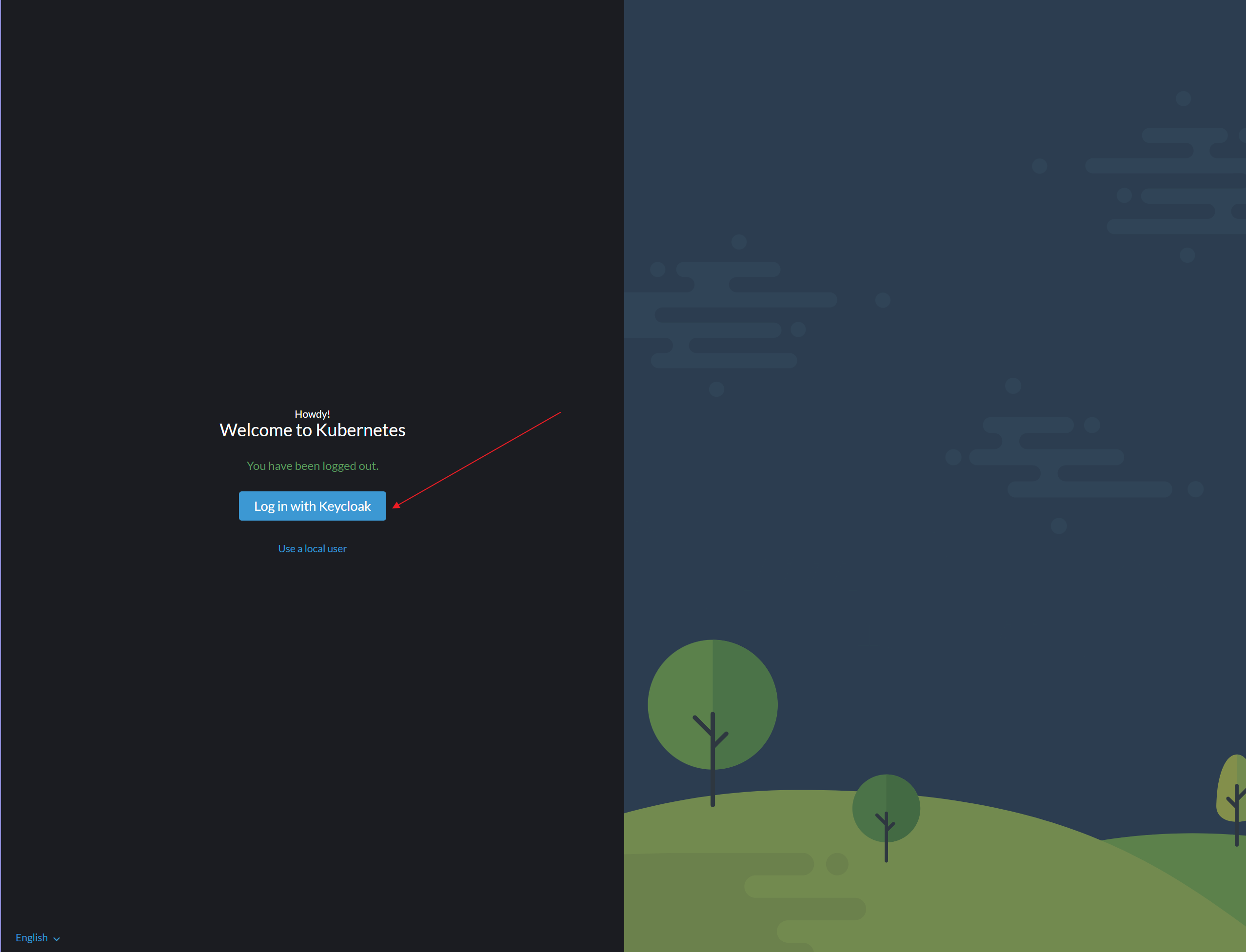
Login again with Keycloak user
-
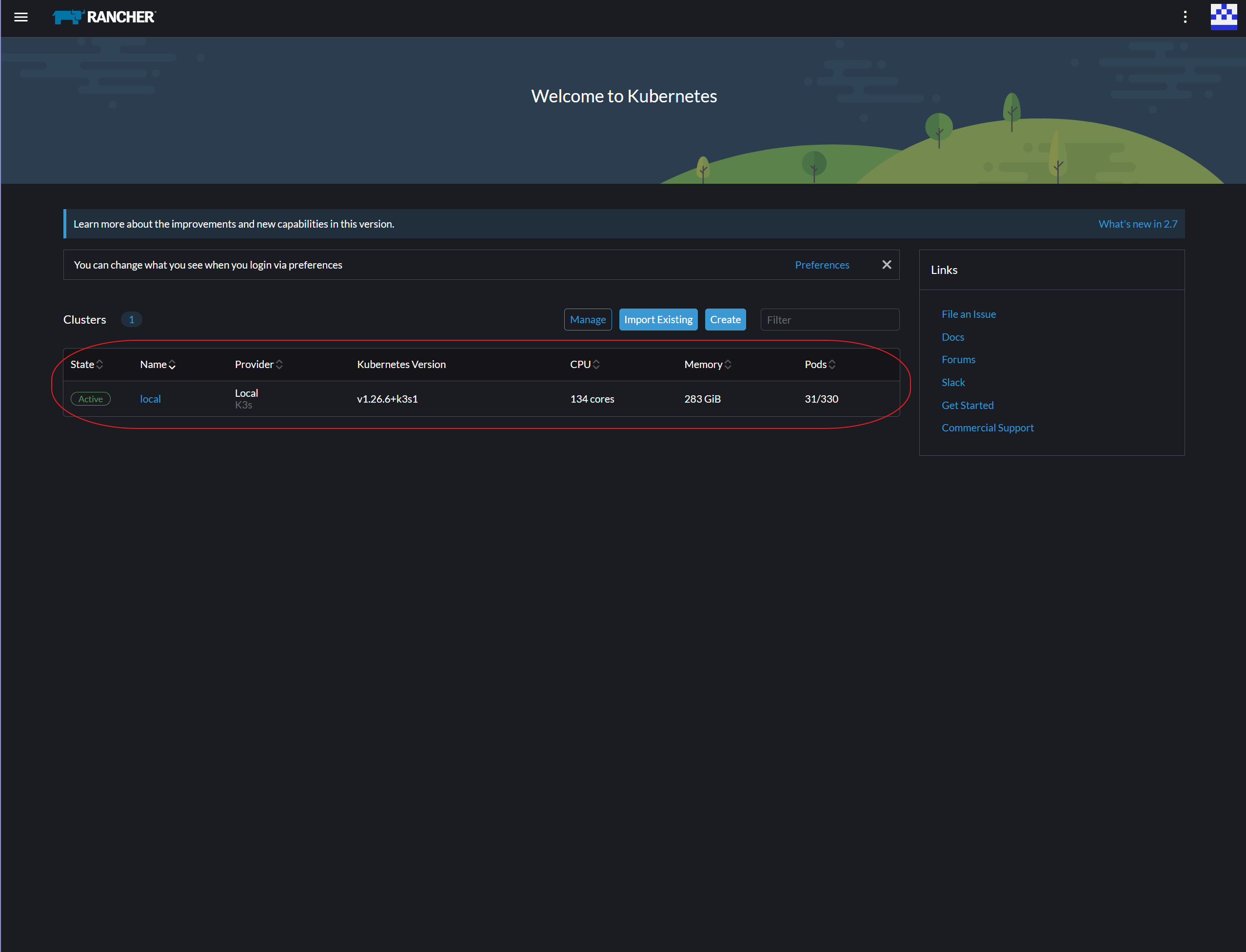
Verify Administrator Permissions via K3s Local Provider Access