Log analysis in CubeCOS
Learn how to perform log analysis in CubeCOS to diagnose issues, monitor system activity, and gain operational insights into your infrastructure through built-in visualization and querying tools.
The follow sections outlines how to perform log analysis on different components of CubeCOS.
Instance log analysis
- Navigate to infrastructure management interface via
CubeCOS -> Home -> Integrations -> OpenStack. - Navigate to any instance to begin log analysis through the integrated log viewer available in the instance detail view via
Home -> Compute -> Instances -> Any instance -> Action Logs. - On the
Action Logspage, select the event you want to investigate and clickAnalyzeto view the full event trace for the instance.
Cluster log analysis
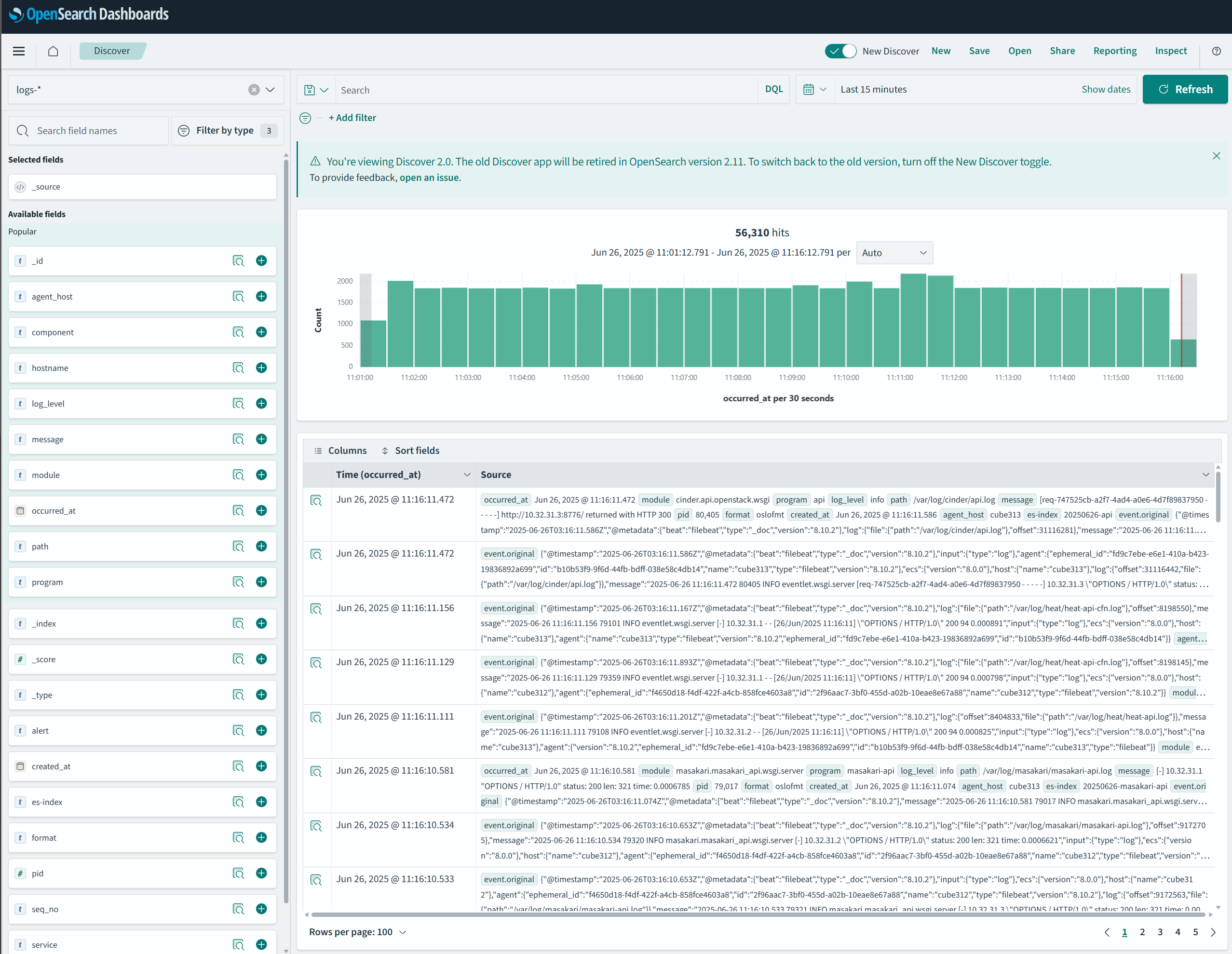
To access the CubeCOS built-in logs visualization and querying tool, navigate to
http://$VIP:5601/opensearch-dashboards/app/data-explorer/discover