Install required device drivers on Windows instances before migration
Download the driver ISO
Install the drive pack with admin privilege
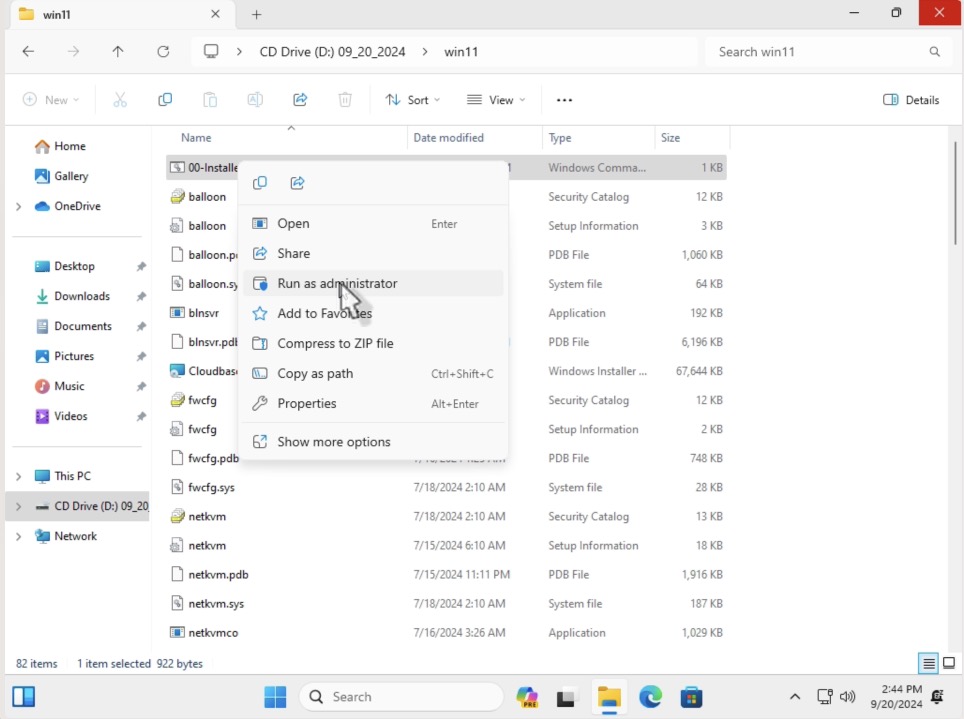
- Mount the downloaded driver on the instance to be migrated by double clicking on driver ISO.
- Right click on the
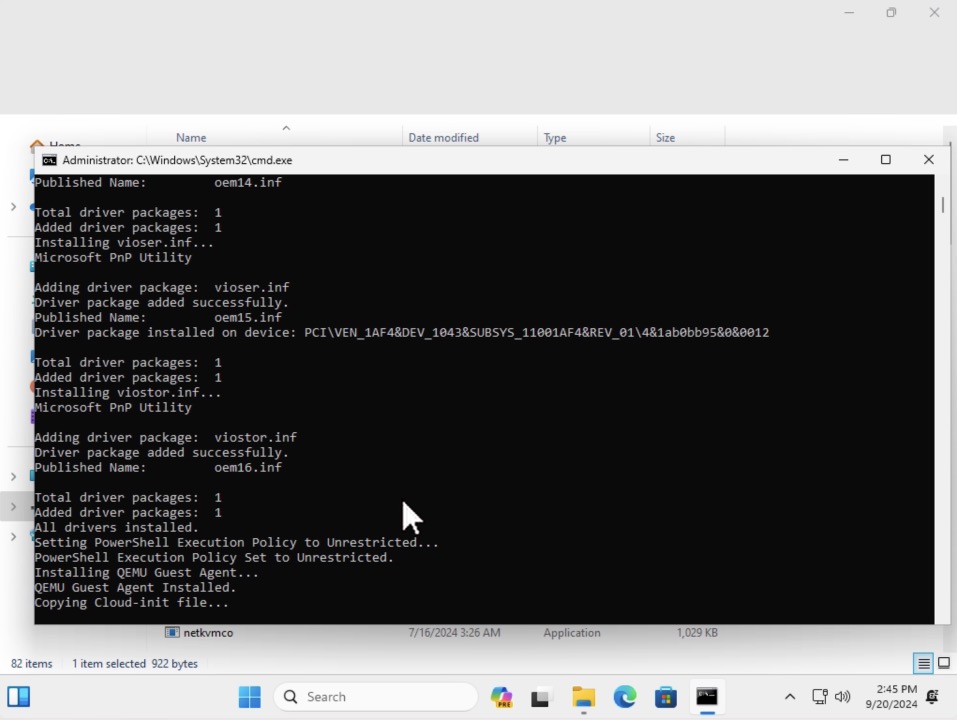
00-Installer.cmdand selectRun as administrator
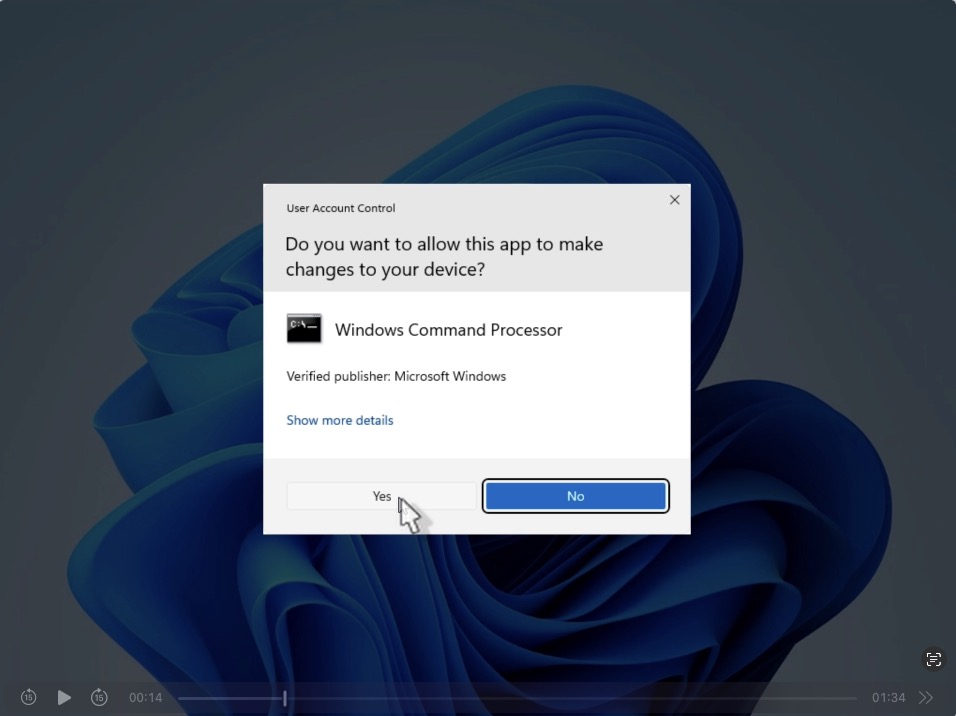
- Click
Yesto allow changes to be made.
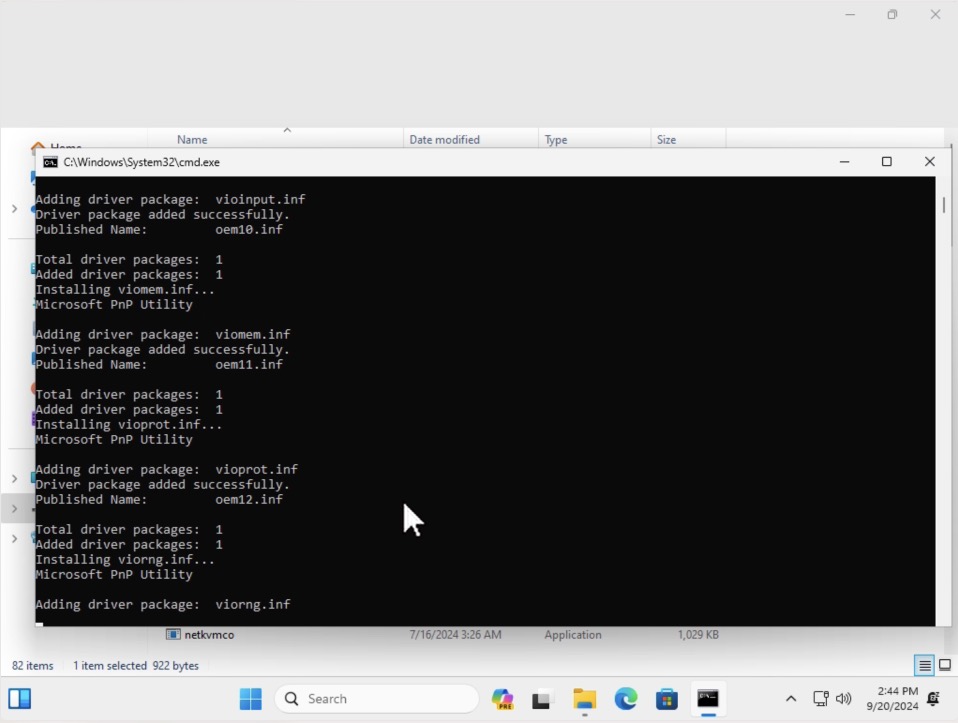
- Allow the installation process to complete.
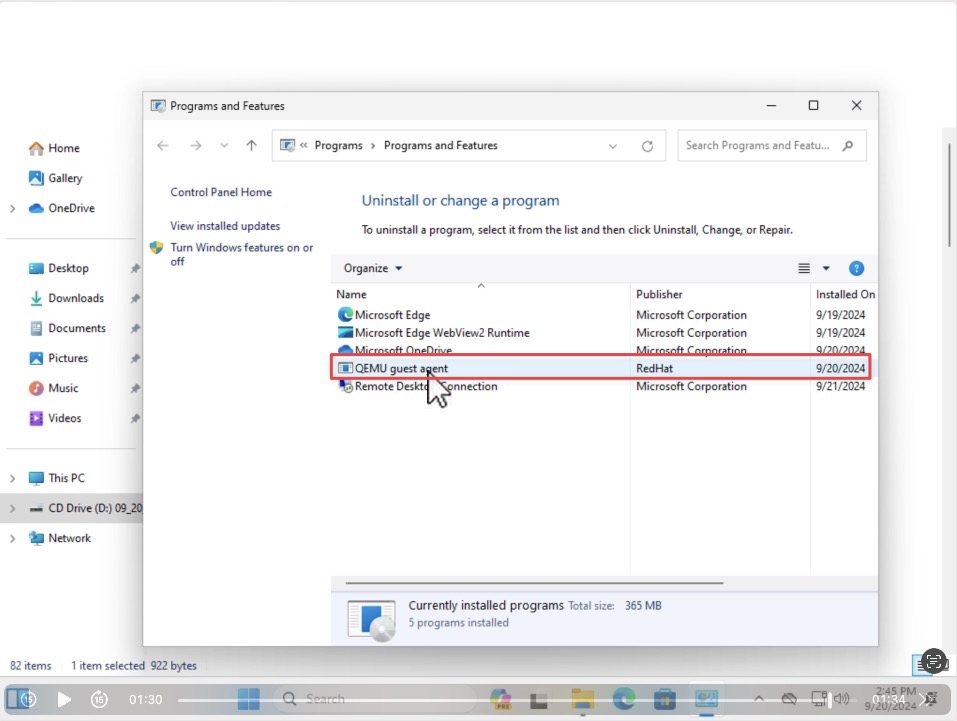
Verify that QEMU guest agent is installed
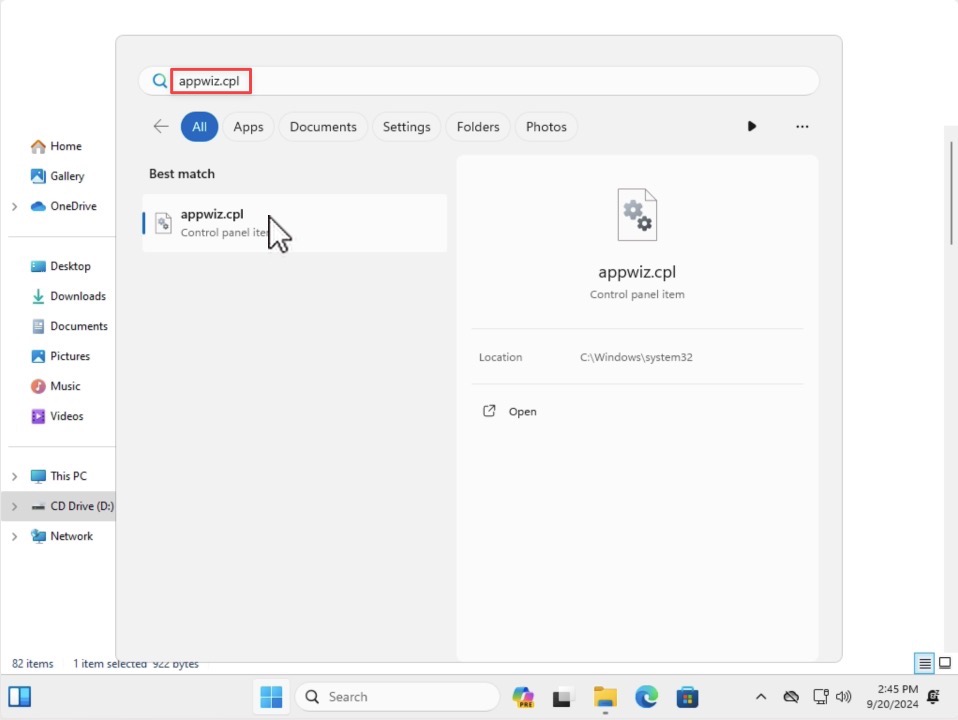
- Verify that the QEMU guest agent is installed by searching for
appwiz.cplin the search bar.
- Launch control panel and navigate to
Programs and Featuresto verify thatQEMU guest agentis present.