CubeCOS quick start overview
The following single-node and cluster installation guides offer quick and simple setup instructions to get started with CubeCOS.
For detailed introduction and explanation of CubeCOS, check out our Getting Started.
CubeCOS quick start deployment models
To get started, choose one of two installation methods based on your available hardware and desired feature set.
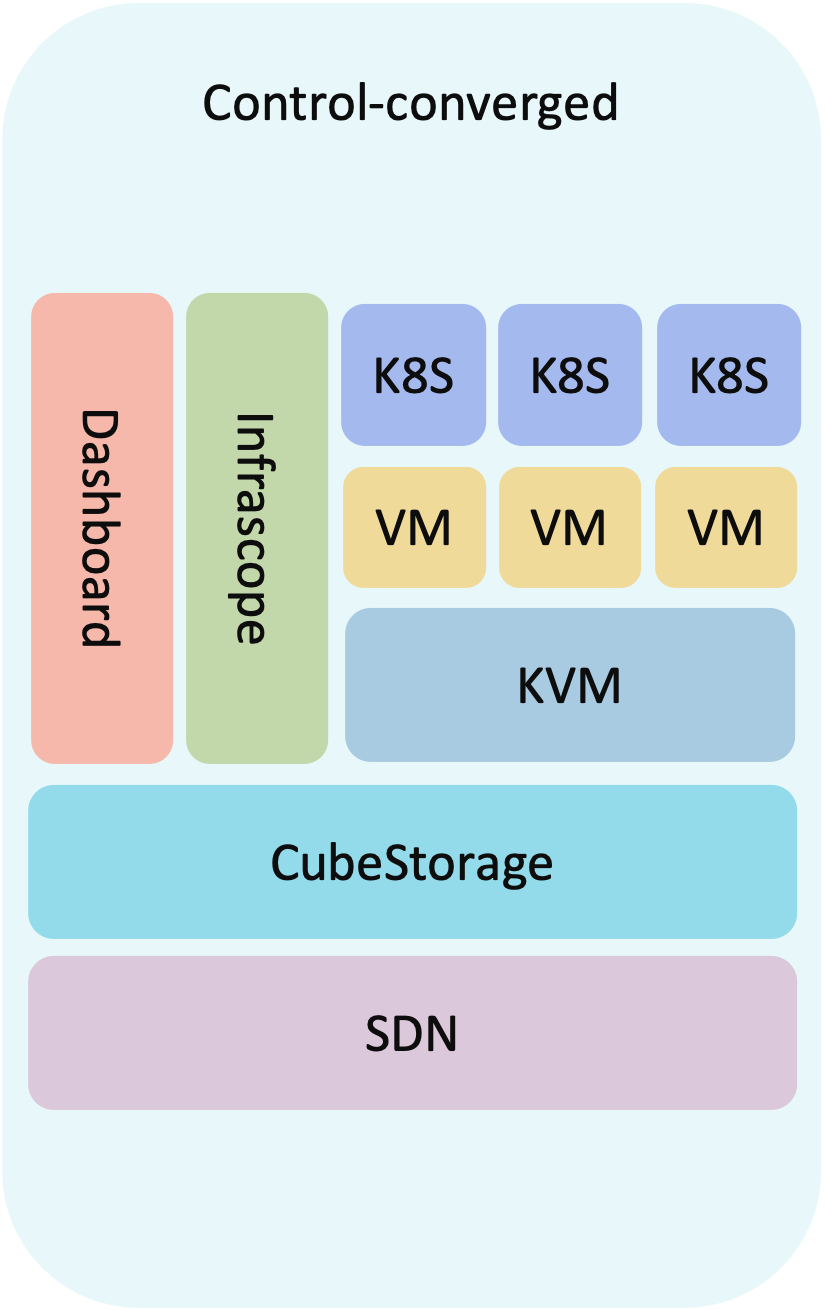
CubeCOS single node quick start
The fastest way to try out CubeCOS. Installs all core features on a single host. Ideal for testing and evaluation, but does not provide failure protection or high availability.
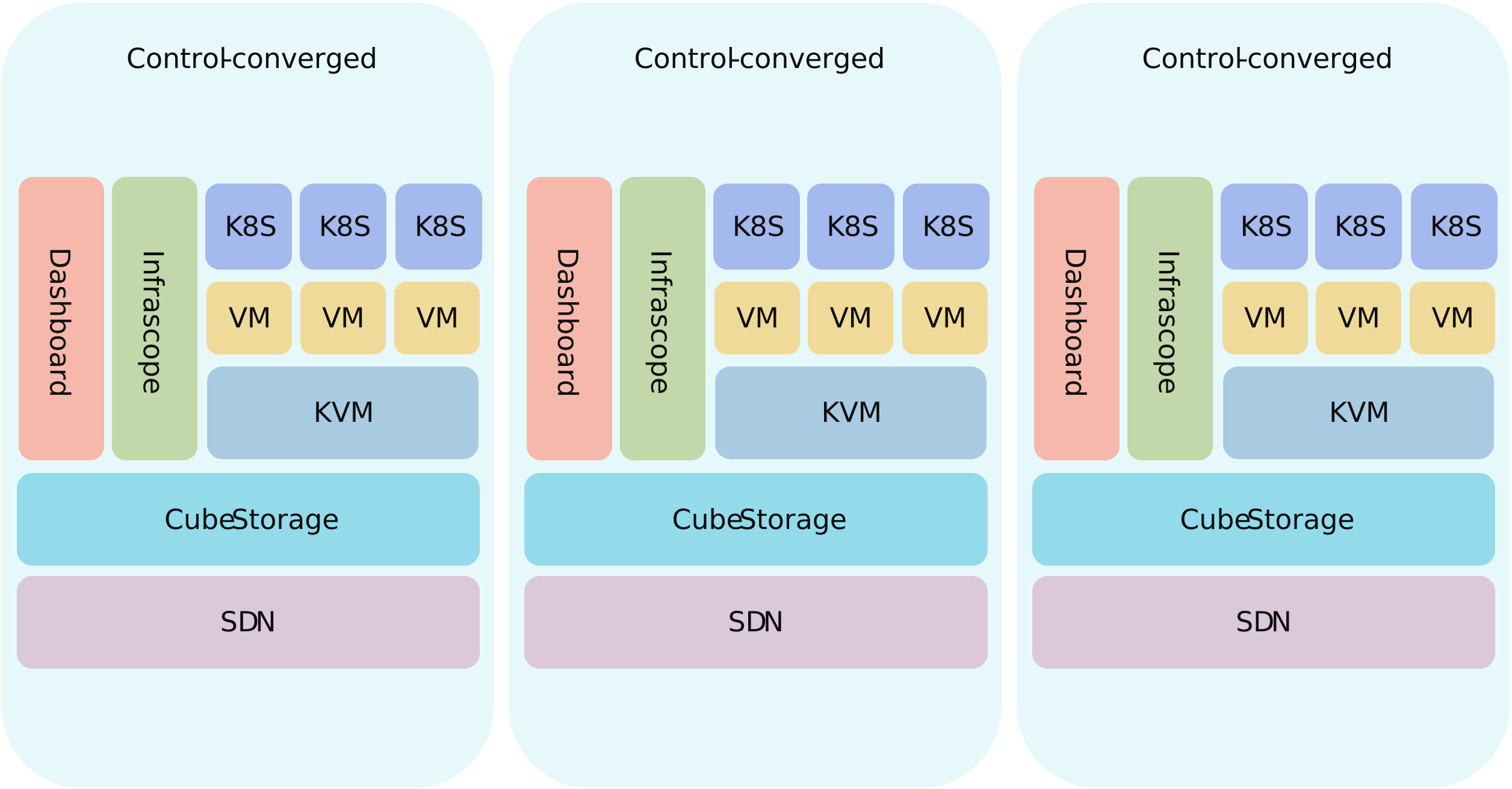
CubeCOS three node cluster quick start
Deploys CubeCOS across multiple nodes with full clustering services enabled. Recommended for production scenarios or testing high availability, recovery, and failover capabilities.
Select the setup that fits your needs and follow the corresponding installation steps to begin.
Deployment Considerations
Review key deployment considerations for CubeCOS, including hardware specifications for CPU, memory, storage, and networking across node roles.
Single Node Installation
Set up CubeCOS with a single-node installation for fast deployment, minimal hardware use, and easy testing in lab or development environments.
Three-Node Cluster Installation
Deploy a production-ready CubeCOS cluster across three nodes to enable high availability, fault tolerance, and full platform functionality.
Launch your first instance
Launch your first virtual machine instance after installing CubeCOS—step-by-step guidance for new users and test deployments.