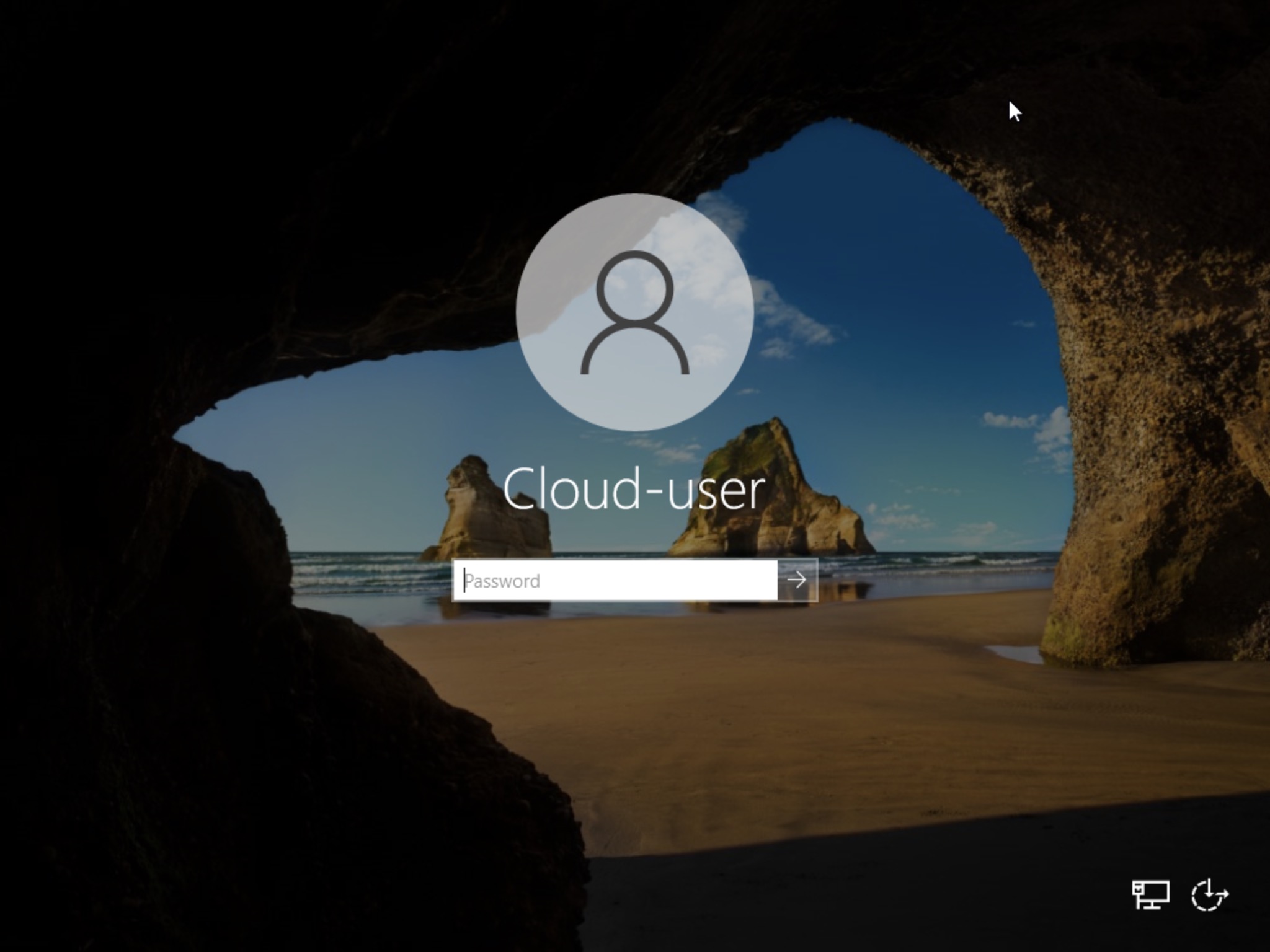
Set a Windows instance's administrator password
Select your instance

Switch to the console tab and click OK to begin password setting

Set the password
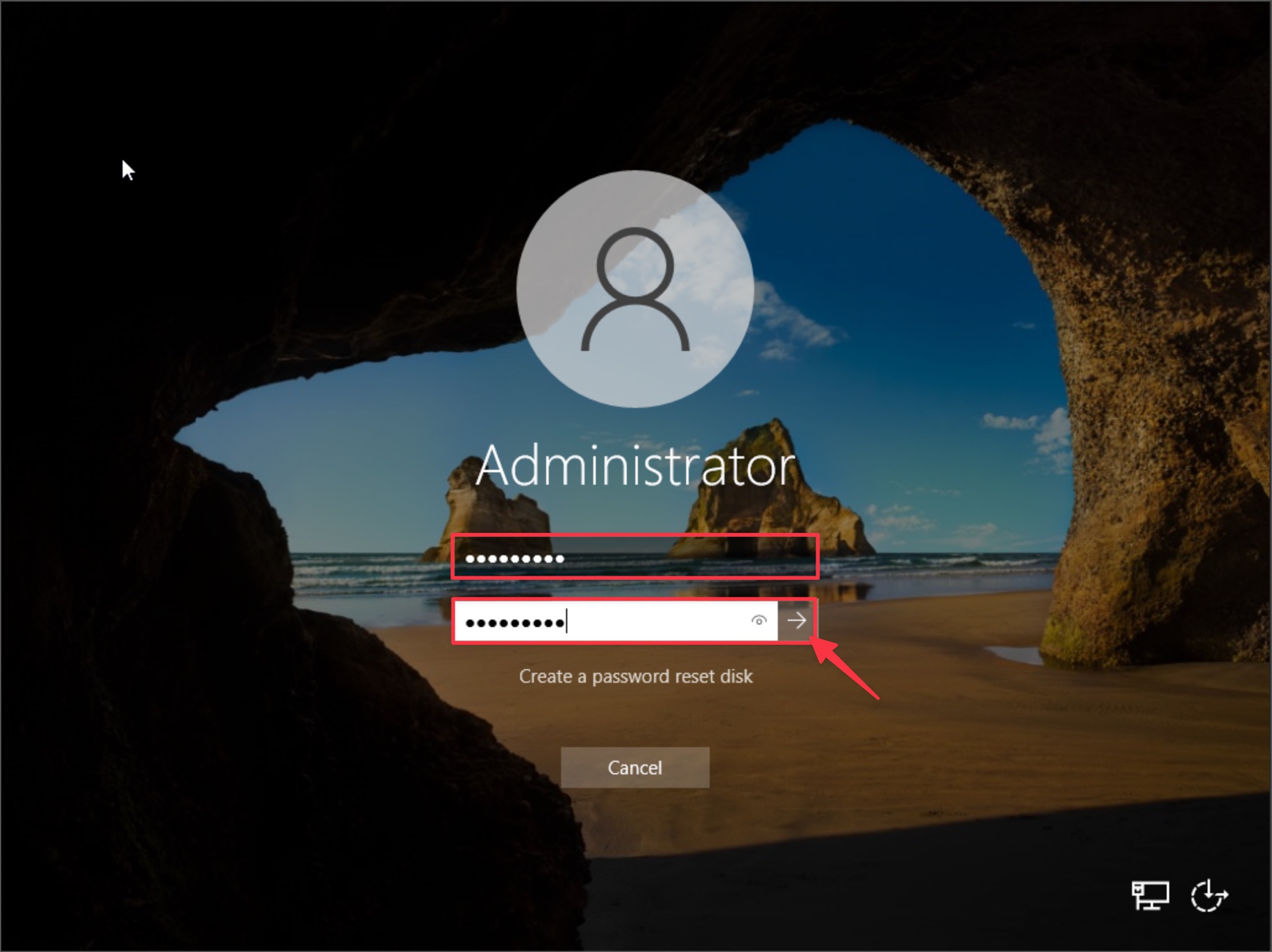
The password is set
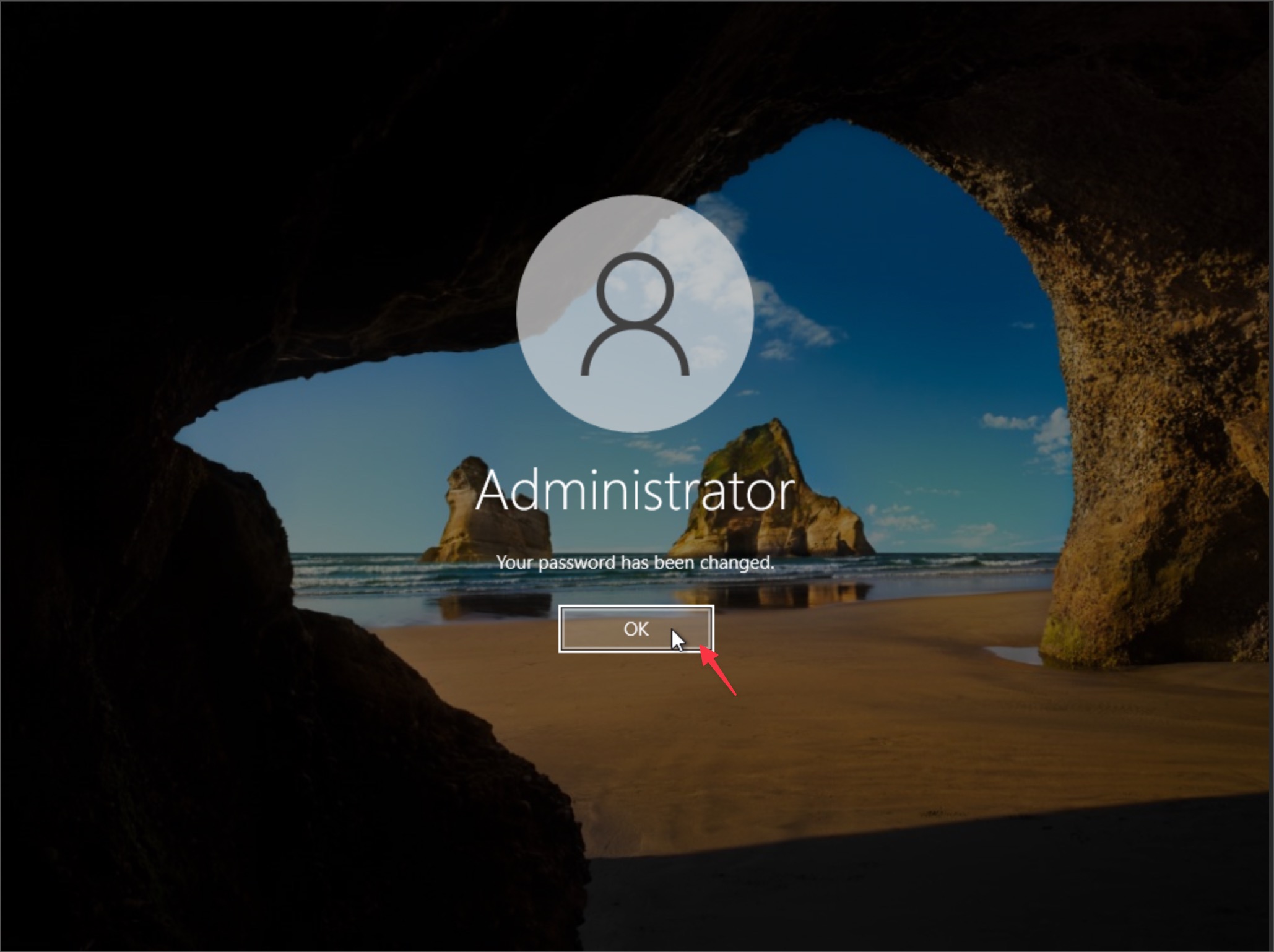
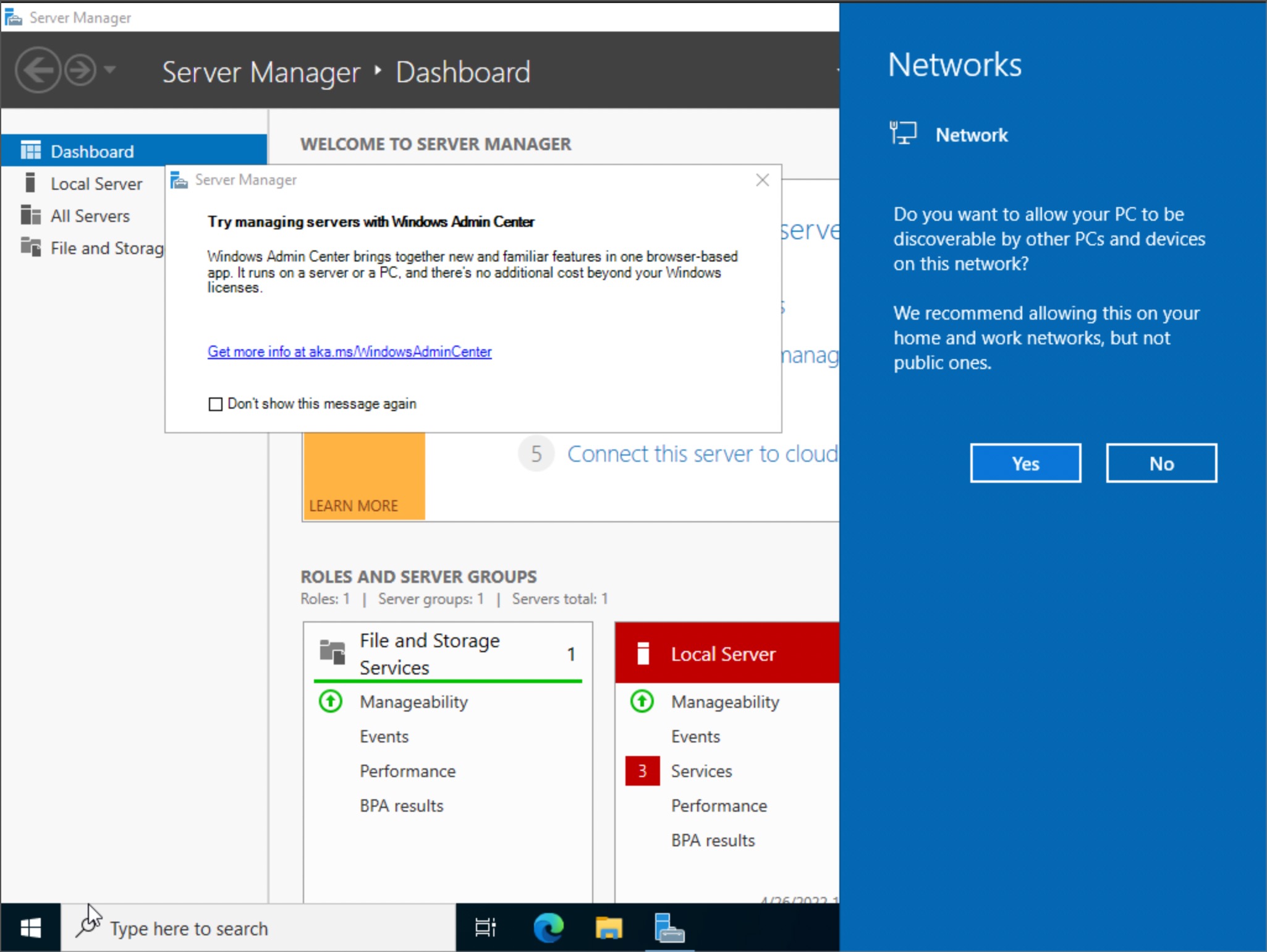
Log in to Windows on the console
Additional you can connect with Windows Remote Desktop(RDP), make sure you had added allow 3389 rules to the security groups
Tips:
- Account :
Administratoris require you to set the password over console whenever you launch the instance
Set a password with a cloud-init script

Create a new user with a preferred password and disable the admin/administrator account
#cloud-config
users:
  -
    name: Cloud-user
    primary_group: administrators
    groups: administrators
    passwd: YOURPASSWORDHERE
    inactive: False
runcmd:
  - "net user administrator /active:no"
  - "net user admin /active:no"
  - "shutdown -r"
Log in with the new user