初回ログインを行う
CubeCMPは、デフォルトで管理者アカウントとユーザーアカウントを作成します。
デフォルトの認証情報
- デフォルトの管理者ユーザーについては:
- ユーザー名:
admin - 初期パスワード:
admin
- ユーザー名:
- デフォルトのユーザーの場合:
- ユーザー名:
bigstack - パスワード:
bigstack
- ユーザー名:
初めてデフォルトの管理者ユーザーとしてログインする
-
ウェブブラウザを開き、
https://<CubeCMP_VIP>/portalにアクセスしてください。 -
デフォルトの管理者アカウントでログインしてください。
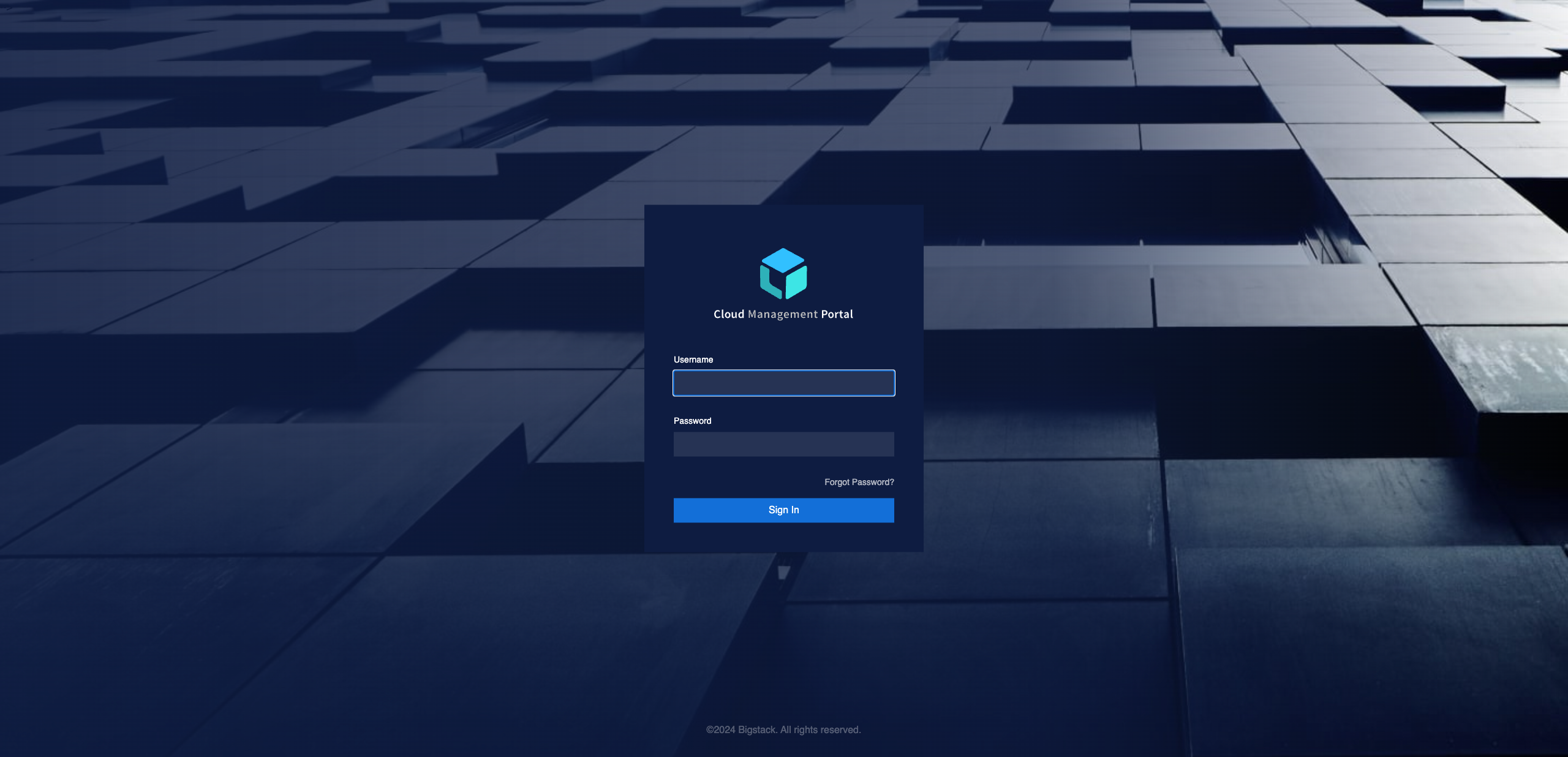
-
左側のサイドバーに「デフォルトのプロジェクト設定」が表示されていることを確認し、現在デフォルトのプロジェクトにいることを確認してください。
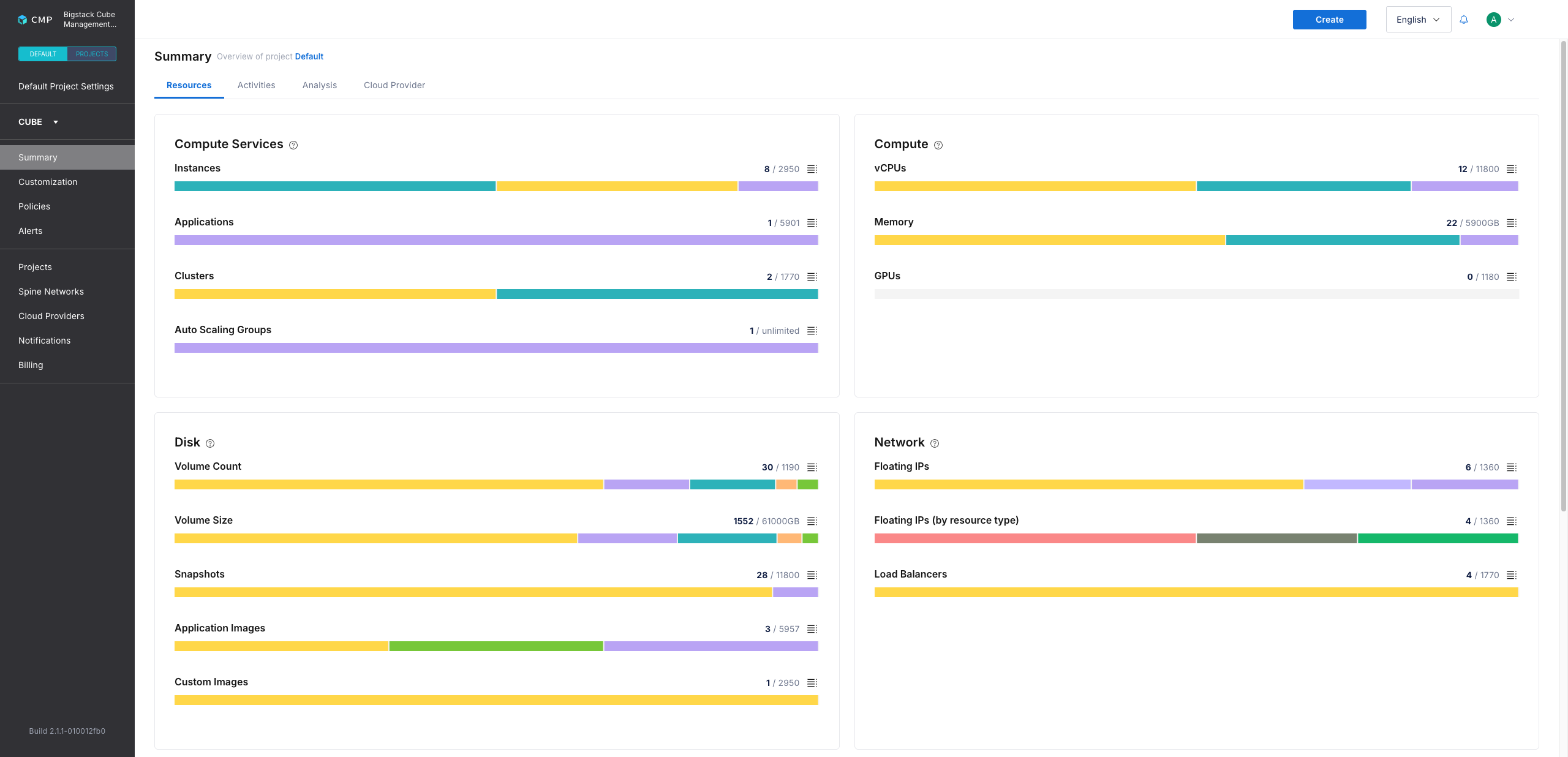
初めてデフォルトユーザーとしてログインする
-
ウェブブラウザを開き、
https://<CubeCMP_VIP>/portalにアクセスしてください。 -
デフォルトのユーザー資格情報でサインインしてください。
-
プロジェクトの概要が表示されていることを確認してください。
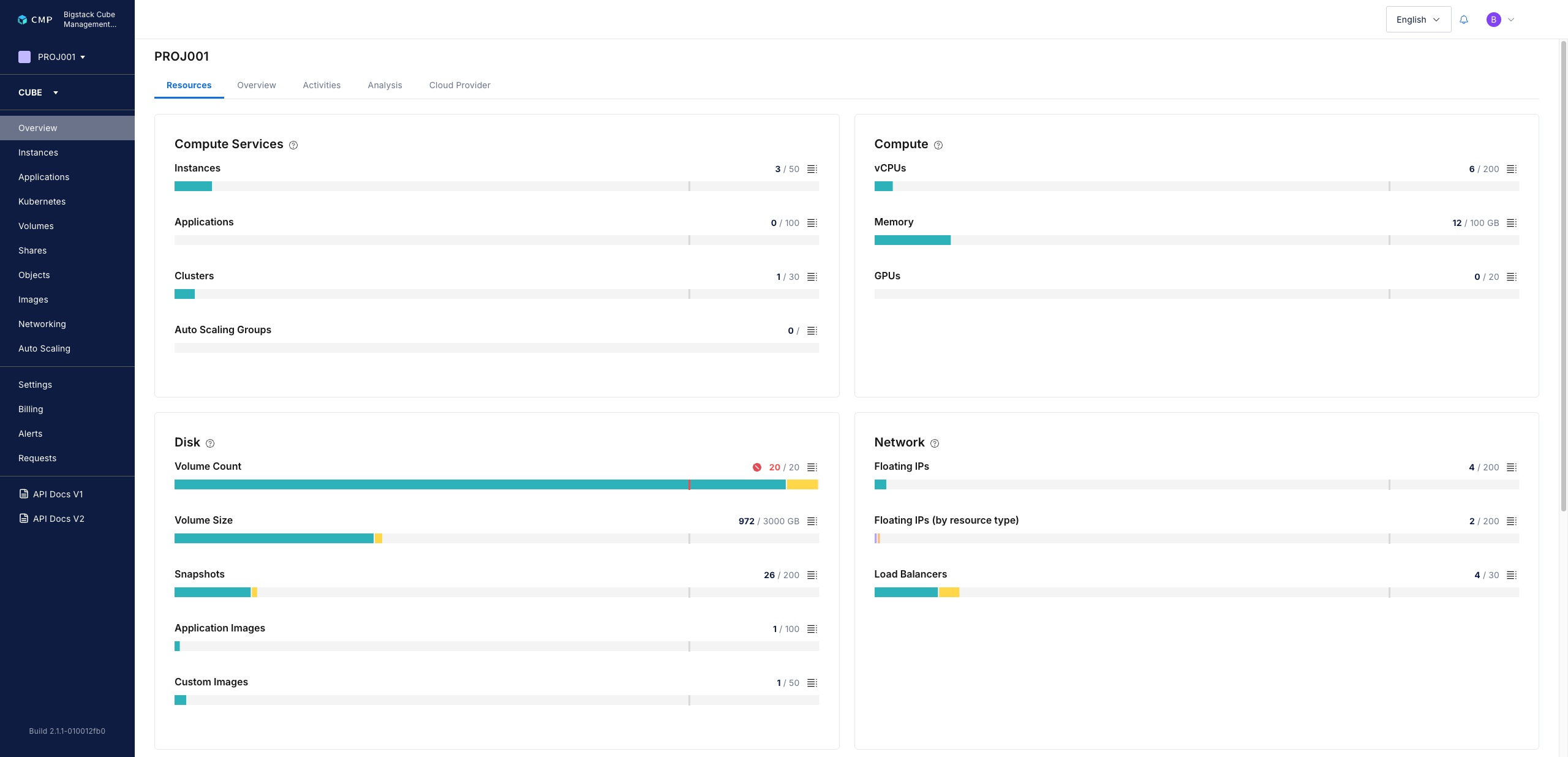
デフォルトの認証情報を変更する
-
https://<CubeCMP_VIP>/authにアクセスしてください。 -
管理コンソールをクリックします。
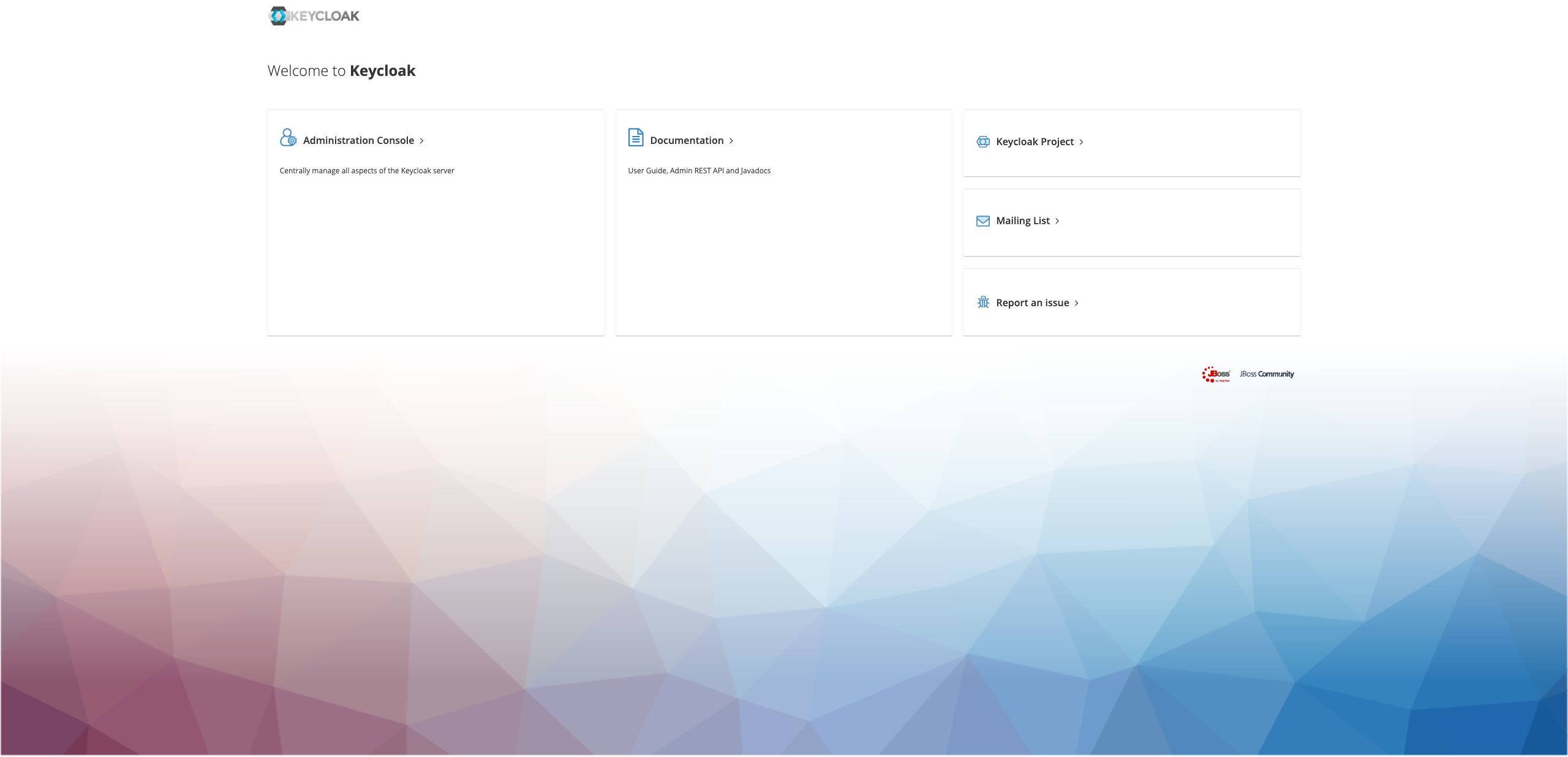
-
更新したいアカウントのデフォルトの認証情報でサインインしてください。
-
ユーザー名とパスワードを入力してください。
-
ログイン後、右上のユーザー名をクリックしてください。
-
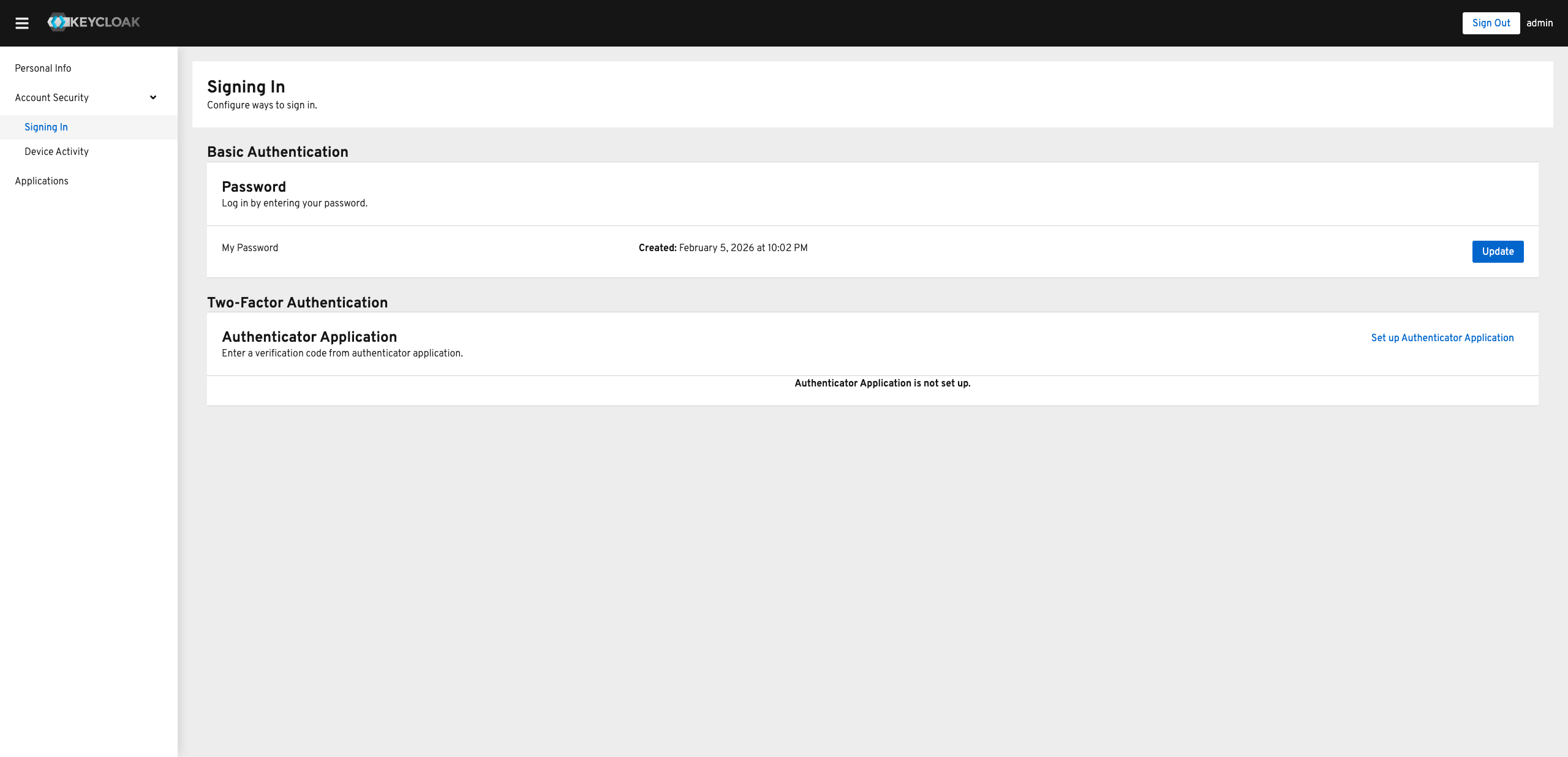
「アカウントのセキュリティ」タブに移動し、「サインイン」をクリックします。
-
「基本認証 > パスワード」セクションで、更新をクリックします。
-
新しいパスワードを入力し、確認のためもう一度入力してから、送信をクリックしてください。
-
CubeCMPポータルにリダイレクトされ、ログインが完了しました。