# Create a Network File System (NFS) storage service

> Learn how to create a NFS share service.

This page explains how to create a Network File System (NFS) file share service for use in virtual machine storage.

NFS file shares provide an effective and scalable network share service for client and virtual machine workloads.

## Create a NFS share {#create-a-nfs-share}

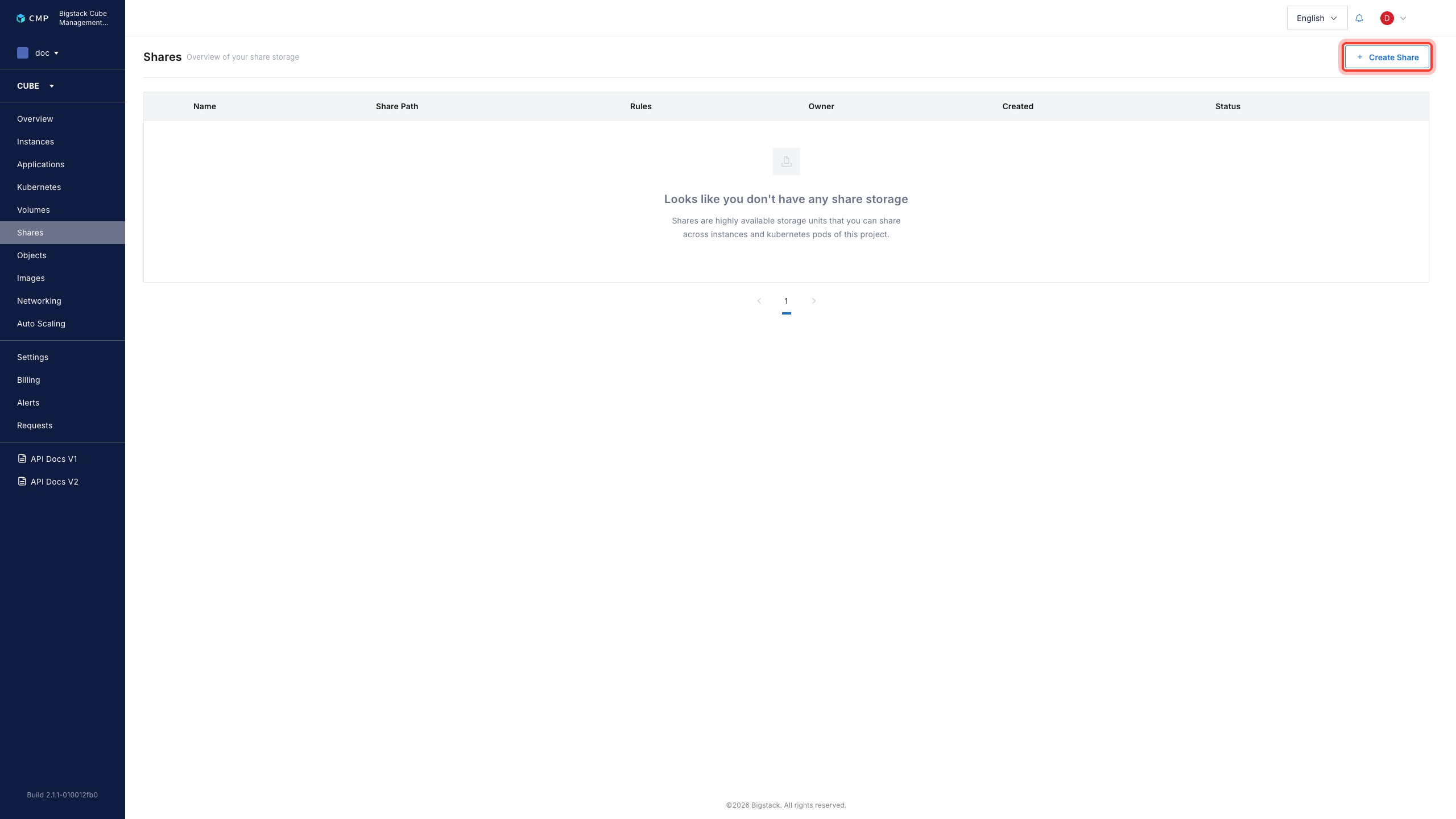
1. In the CubeCMP management console, go to the `Shares` page.

   ![Shares page](/assets/storage/create-nfs-network-share-1-shares-page.jpg)

2. To start the file service creation flow, click `+ Create Share`.
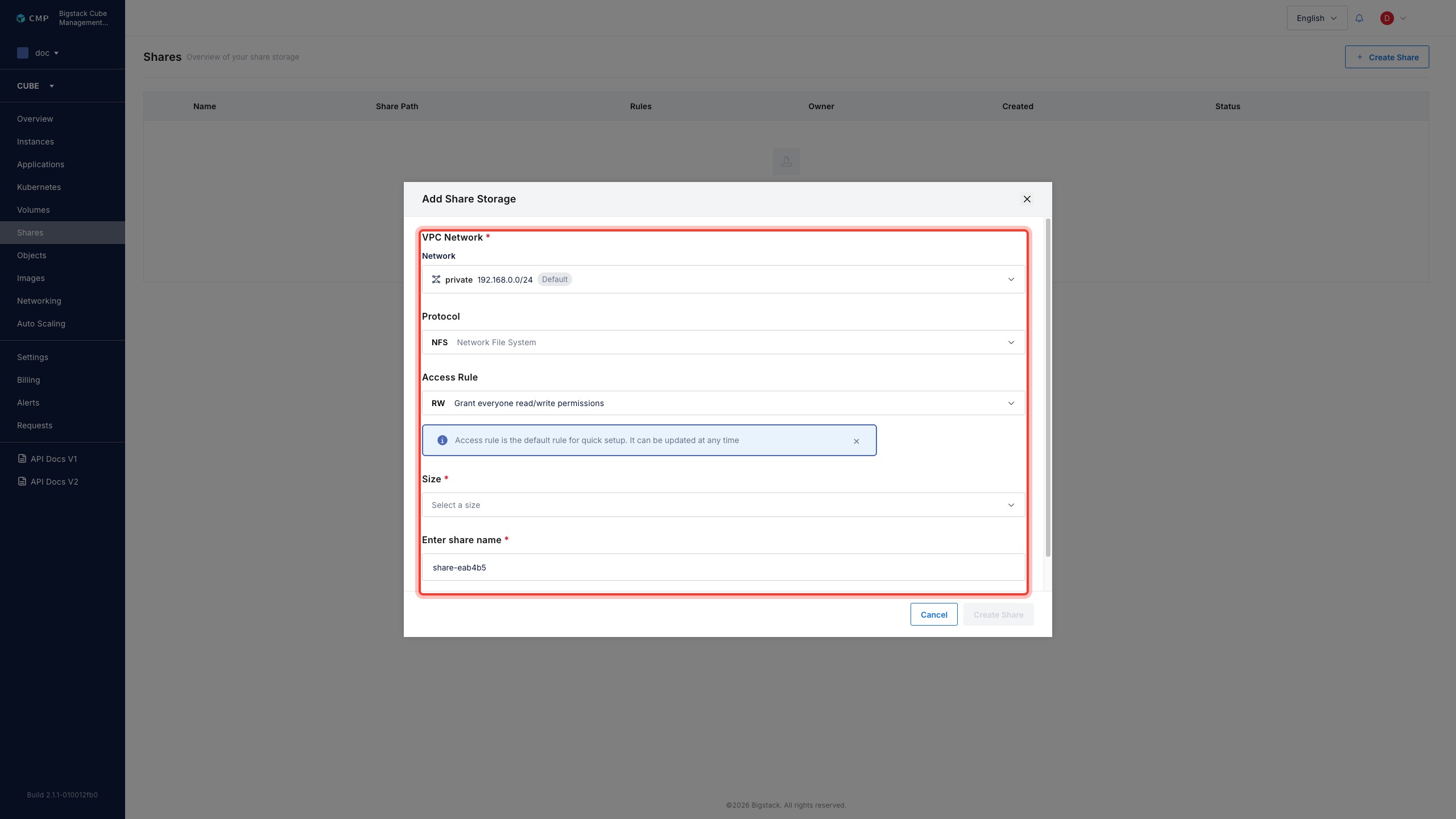
3. Configure the file share parameters:
   1. To configure the share network, choose a **VPC Network** from the dropdown menu.
   2. Select **NFS Network File System** as the file share protocol.
   3. Set an **Access Rule**.
   4. Select a share **Size**.
   5. To configure the file share name, set **Enter share name** field.

   ![NFS share configuration](/assets/storage/create-nfs-network-share-2-share-config.jpg)

4. To create the file share, click **Create Share**.

After creation, the NFS share appears on the **Share** page with its current status and share path for consumption.