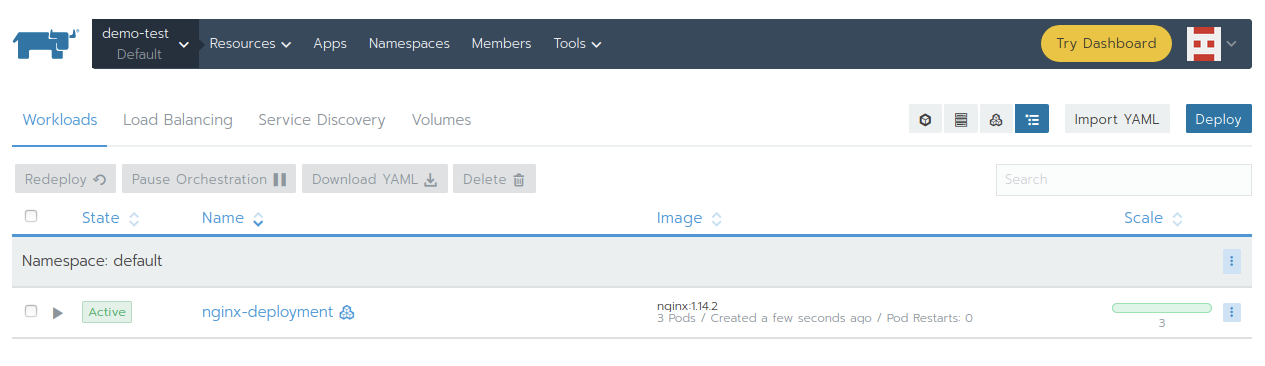
Create Kubernetes on Instance(VM)
Connect to Kubernetes management
https://CONTROLLER_IP:30443
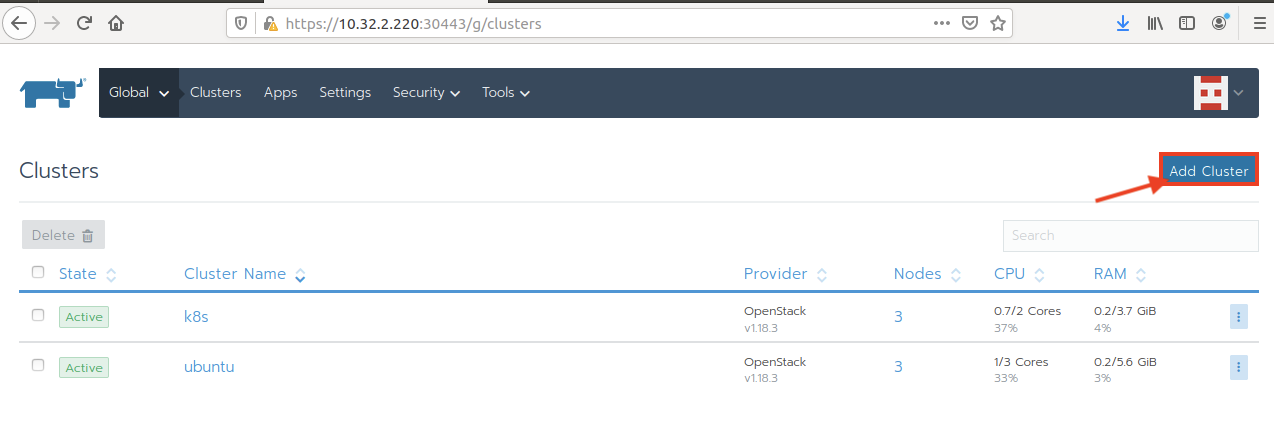
Create a new Cluster - Add Cluster
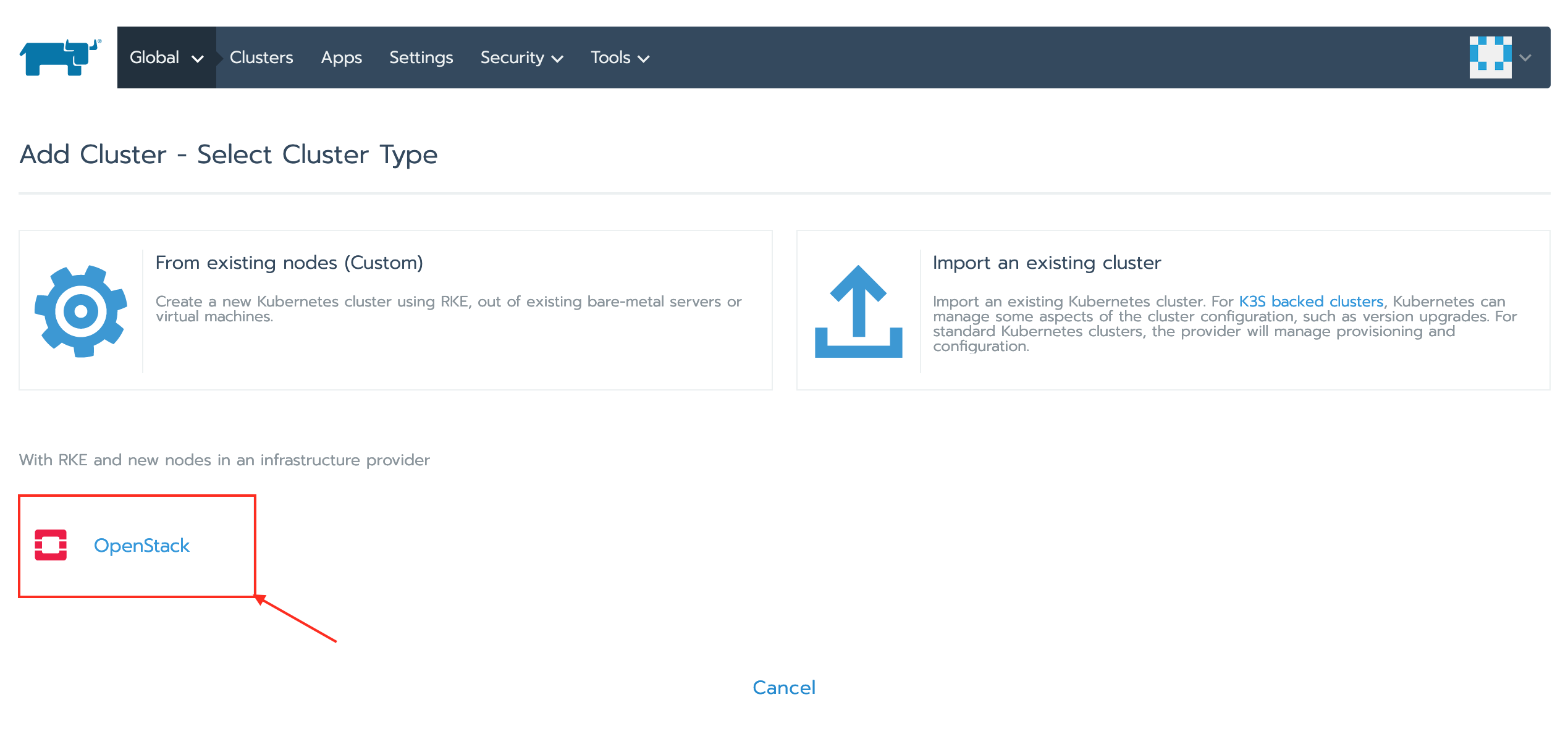
Select Cluster type - Openstack
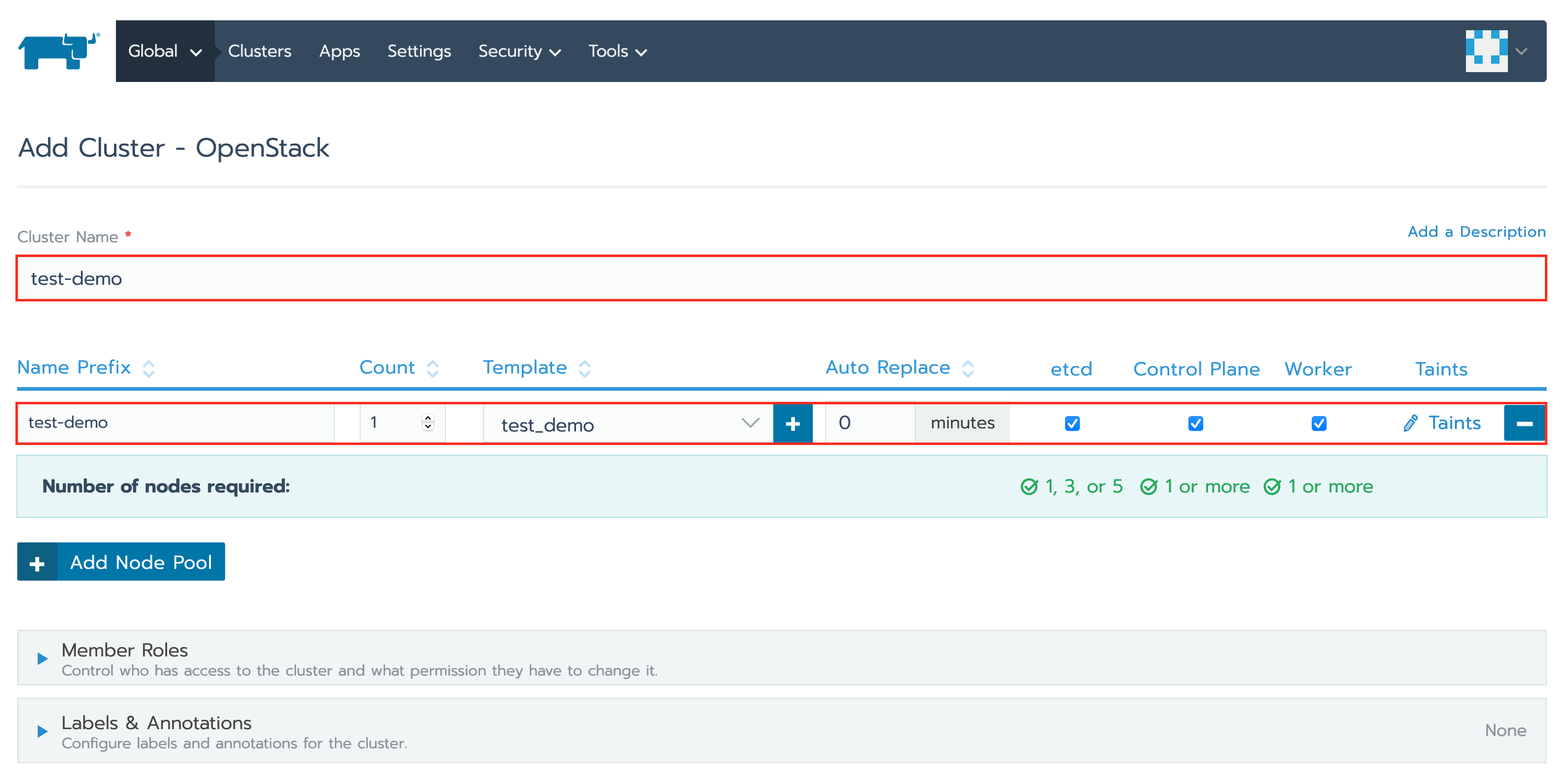
Create Cluster
- Cluster name
- Name Prefix
- Count
- Check - etcd, Control Plane, Worker
Edit YAML
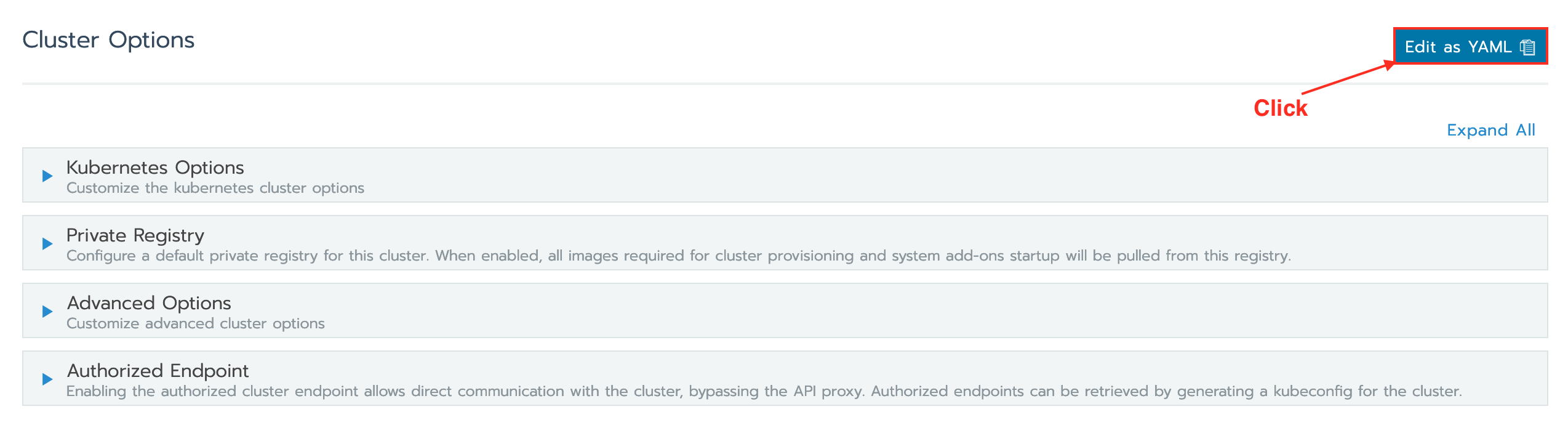
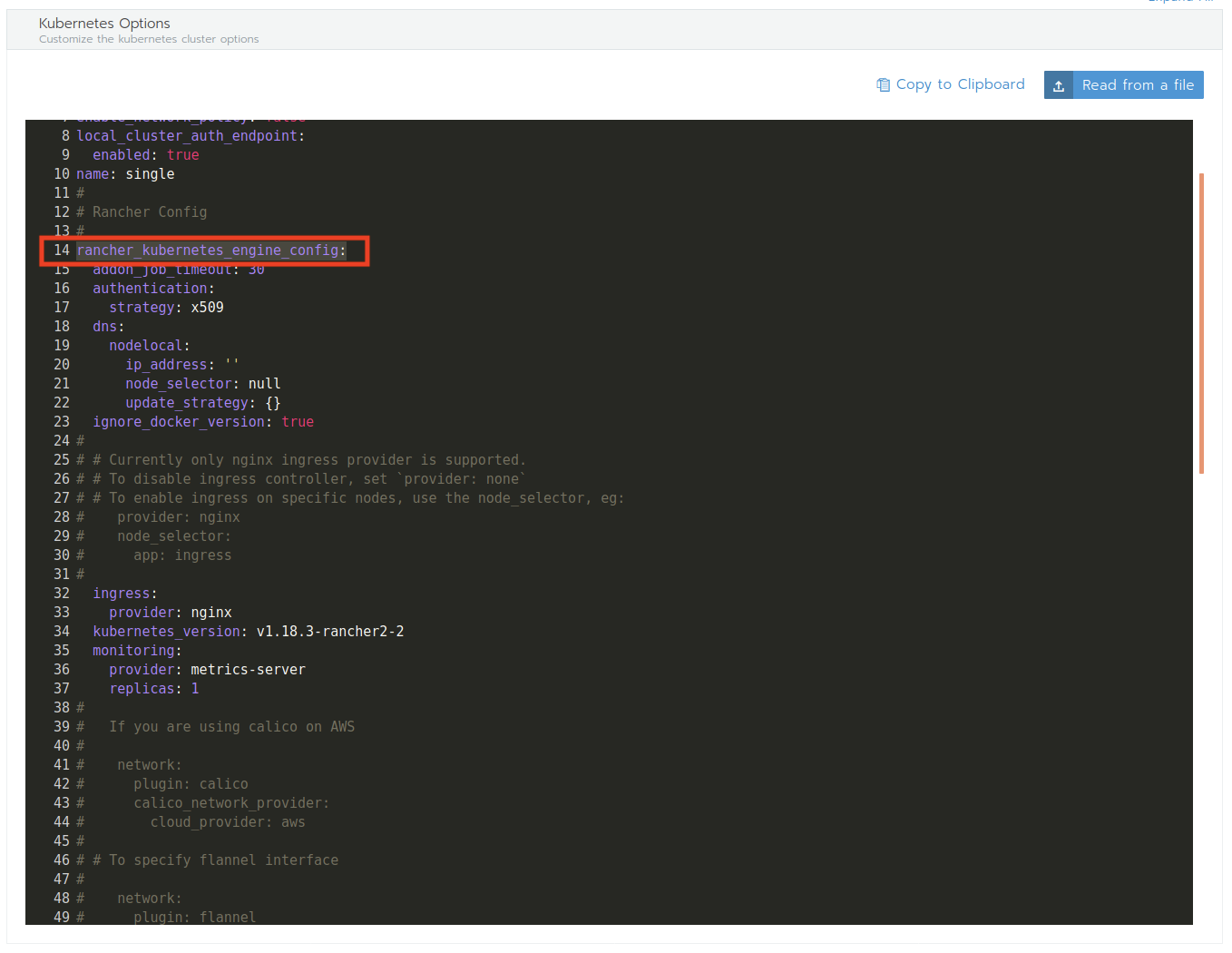
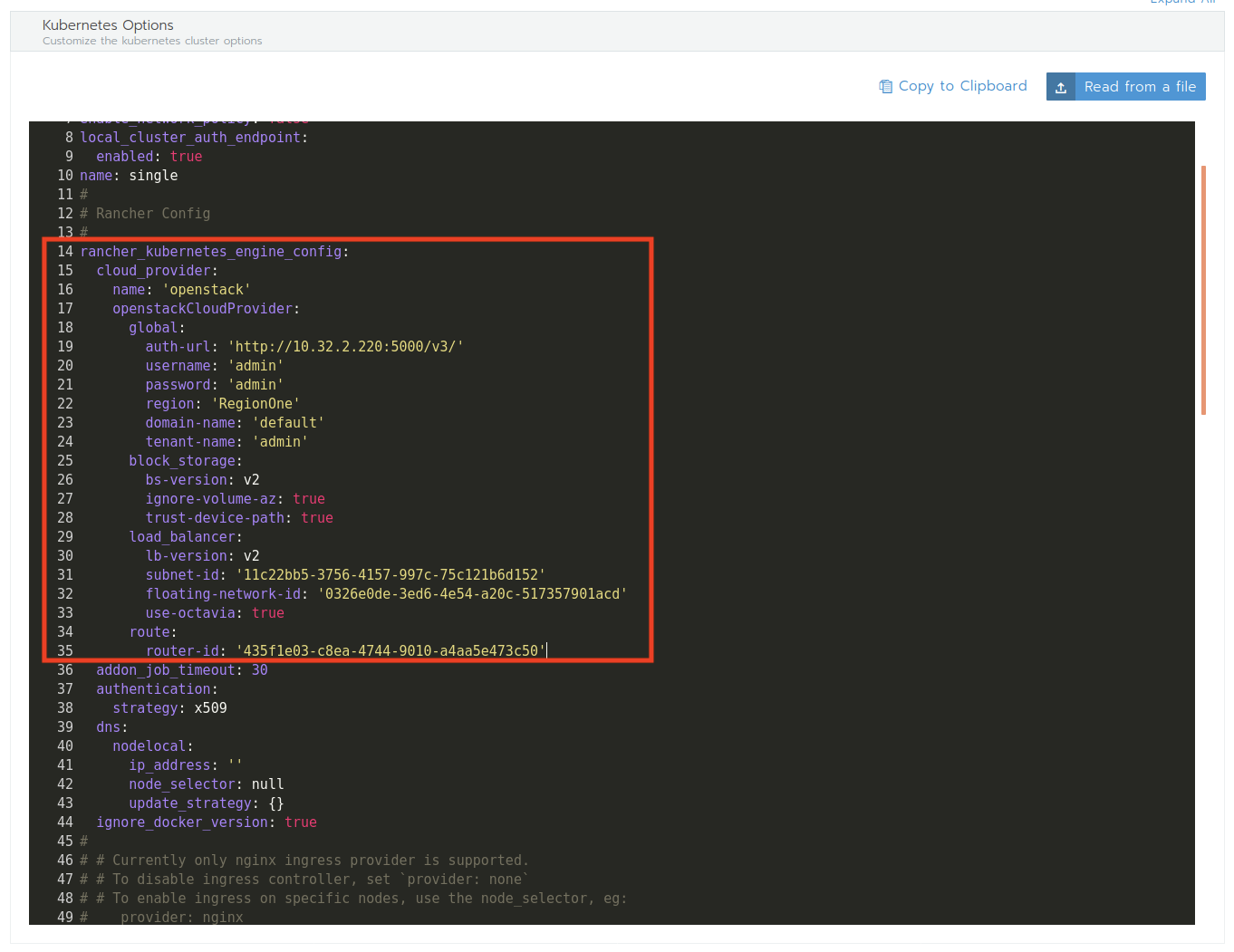
Replace the code rancher_kubernetes_engine_config
With the configuration that generated from CLI and Create
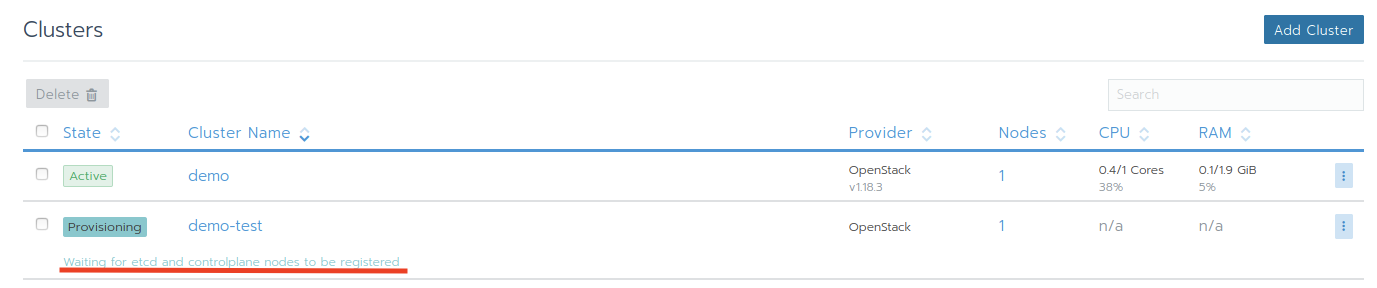
Provision started
Let's check the instance over LMI
Project > Compute > Instance
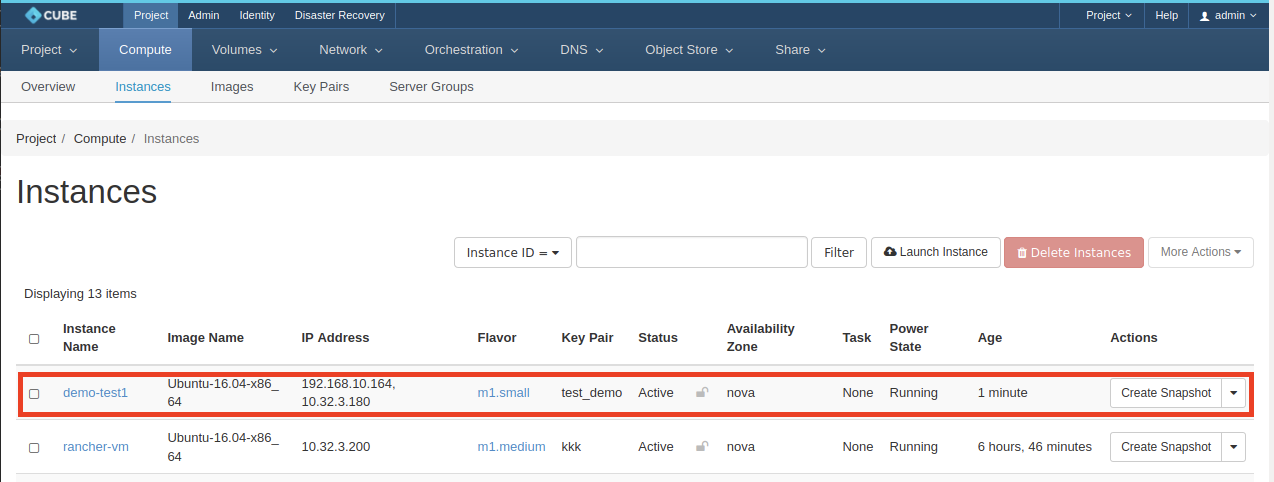
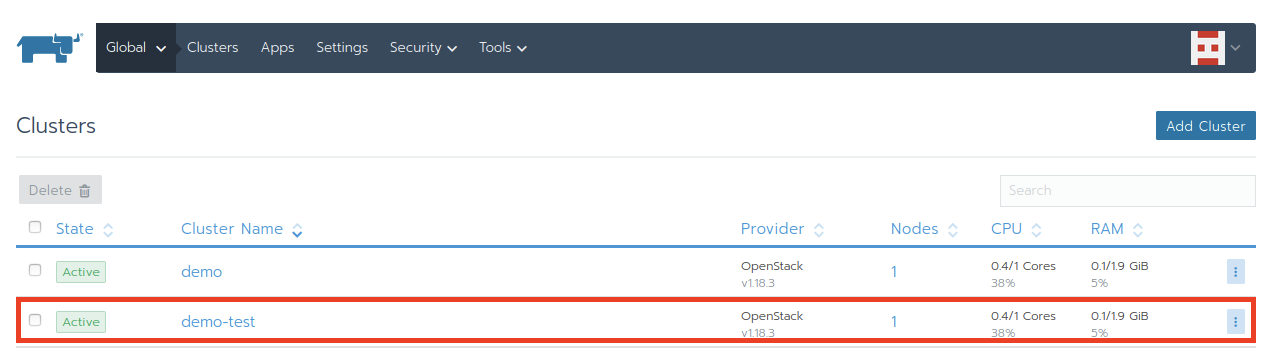
Provision done
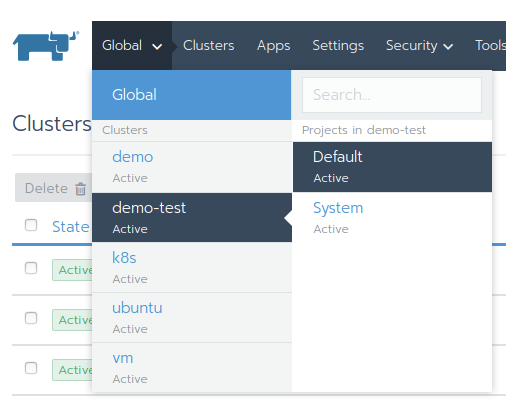
Change to project demo-test
Create a sample workload
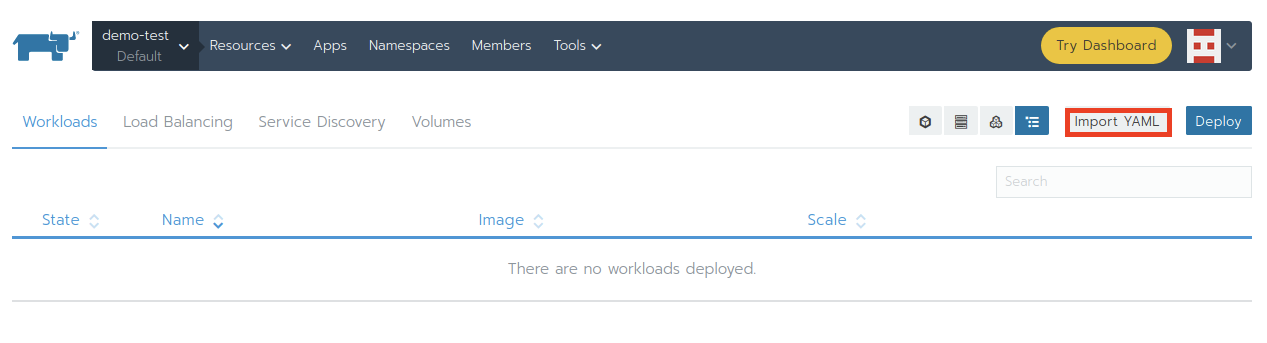
Click Import
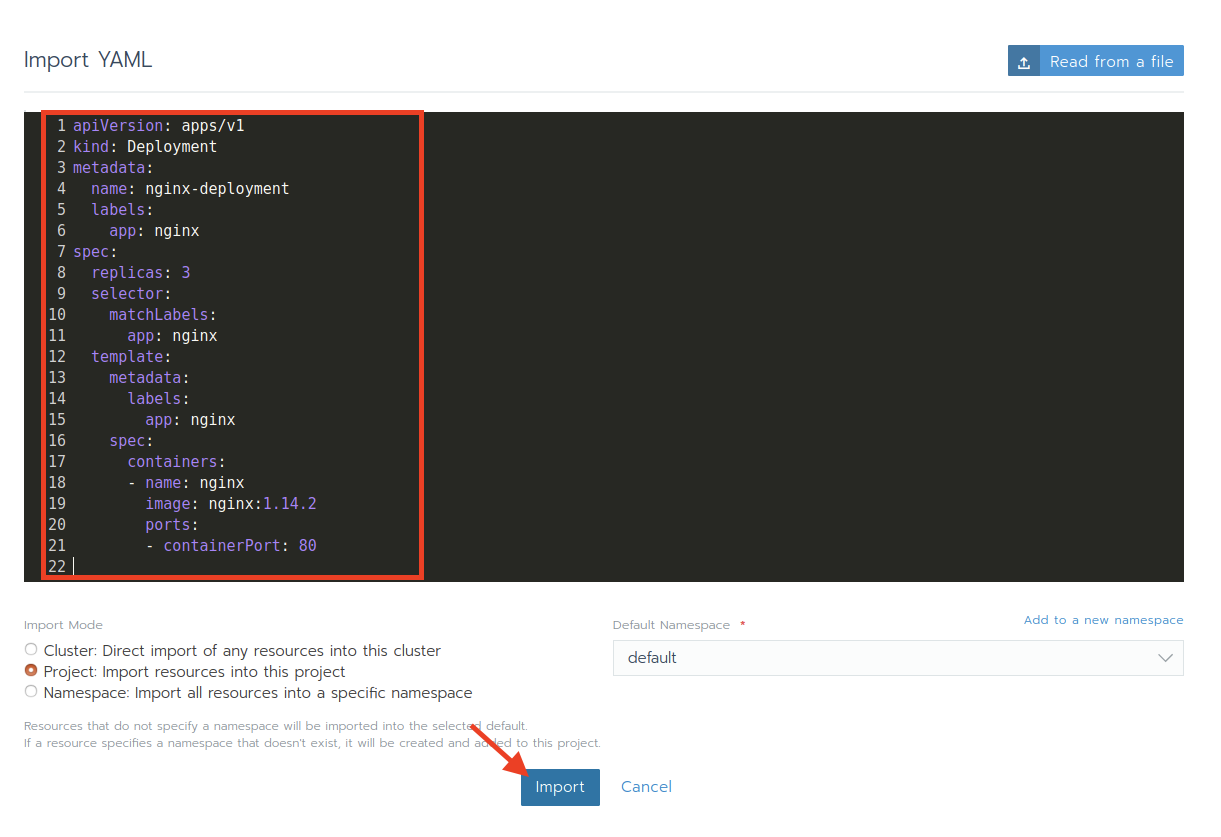
Wait for the workload become active