How do I retrieve my Windows admin password after launching an instance?
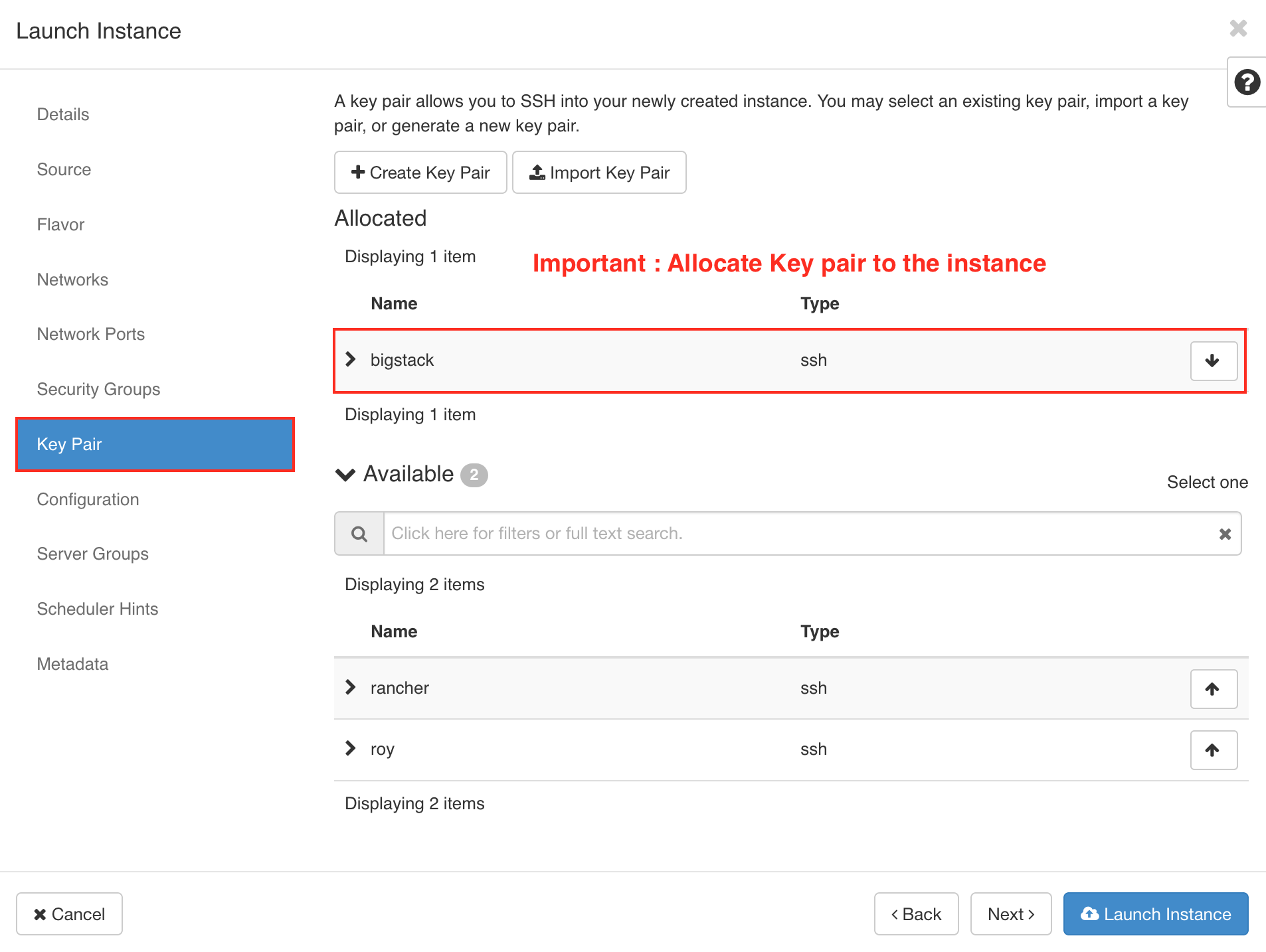
Important: add key pair to Windows instance
It's a requirement to add a keypair to Windows instances
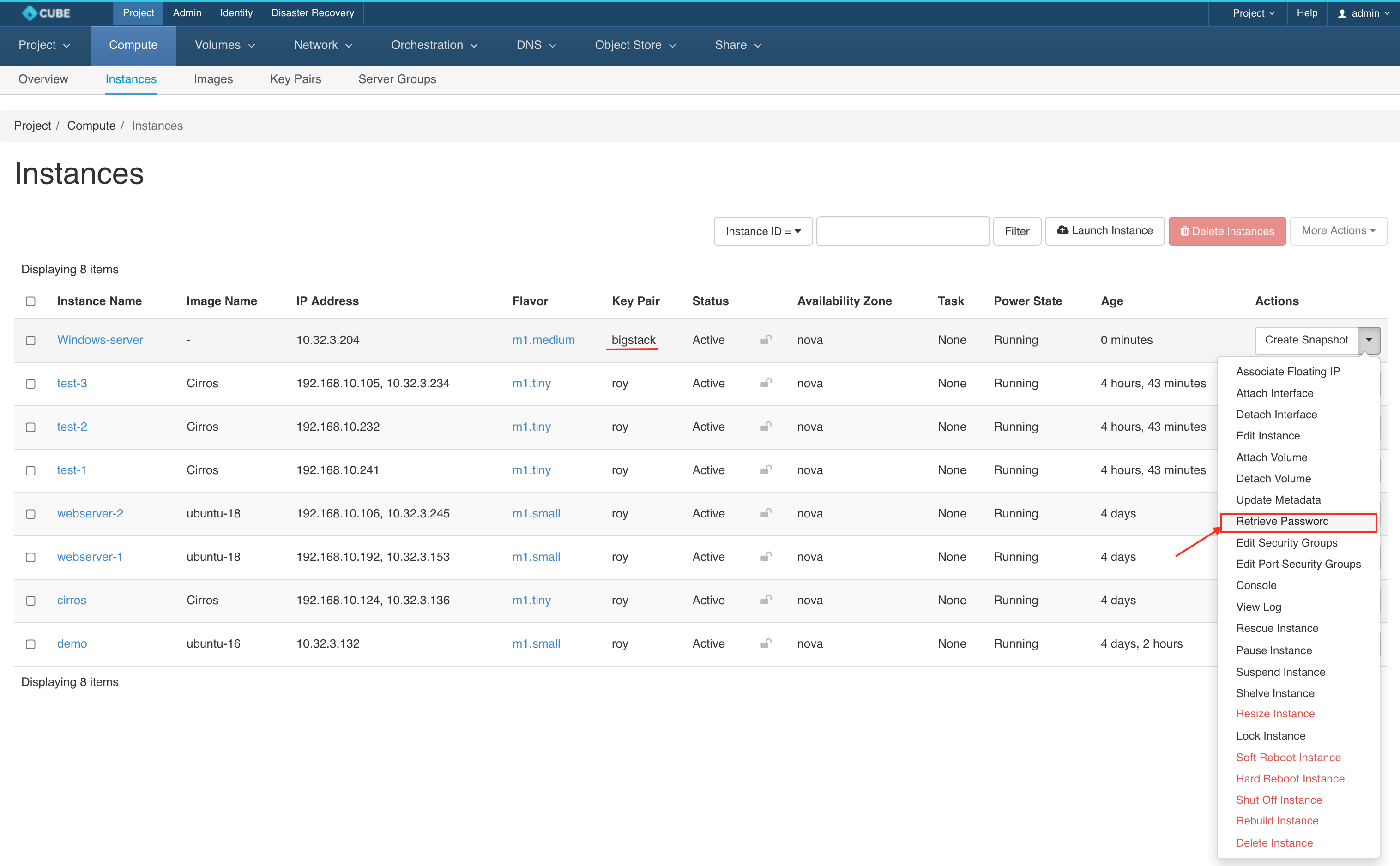
To retrieve the password in Horizon, select Retrieve Password from the instance dropdown menu:
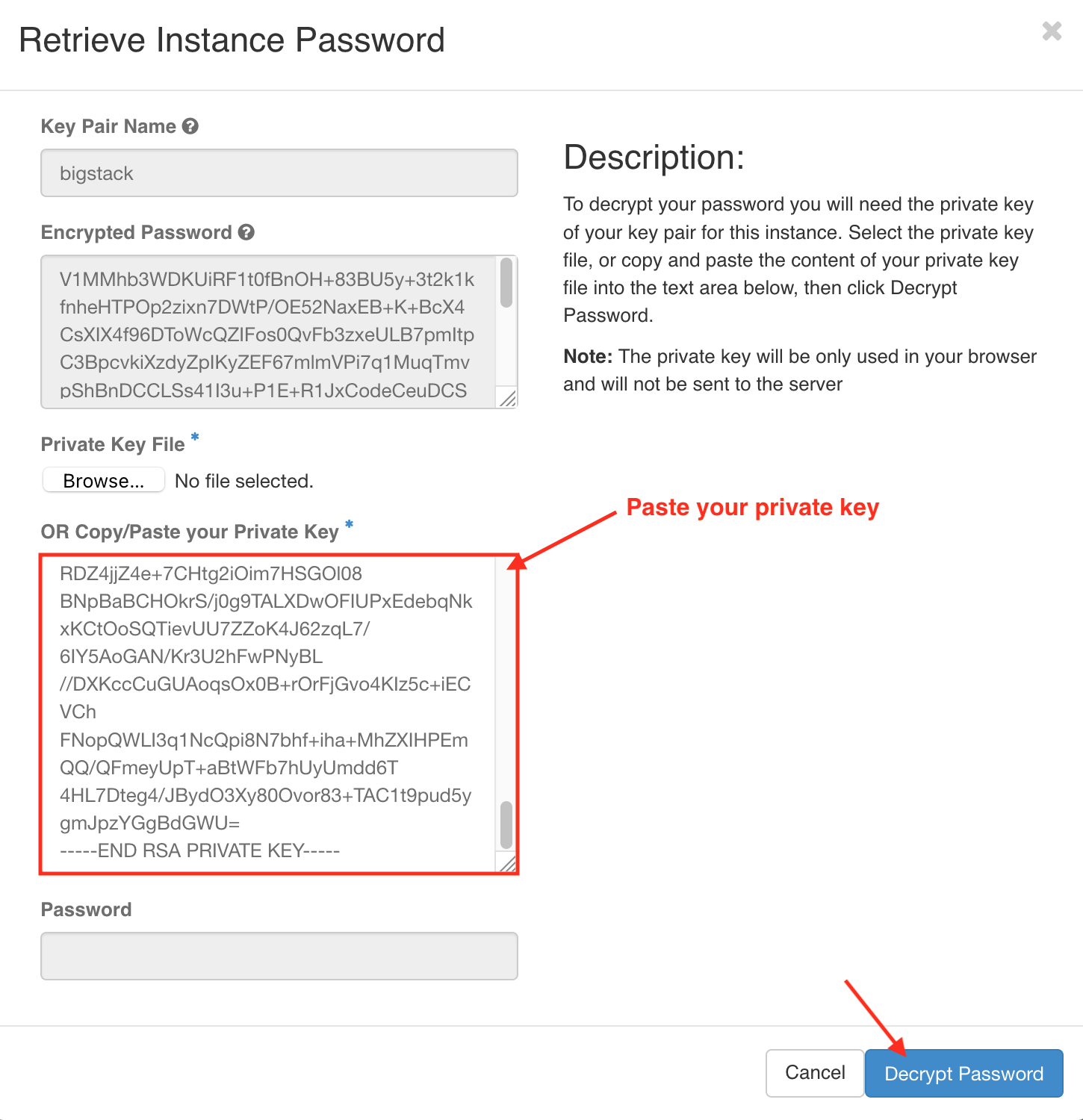
Paste your Private key and click on Decrypt Password
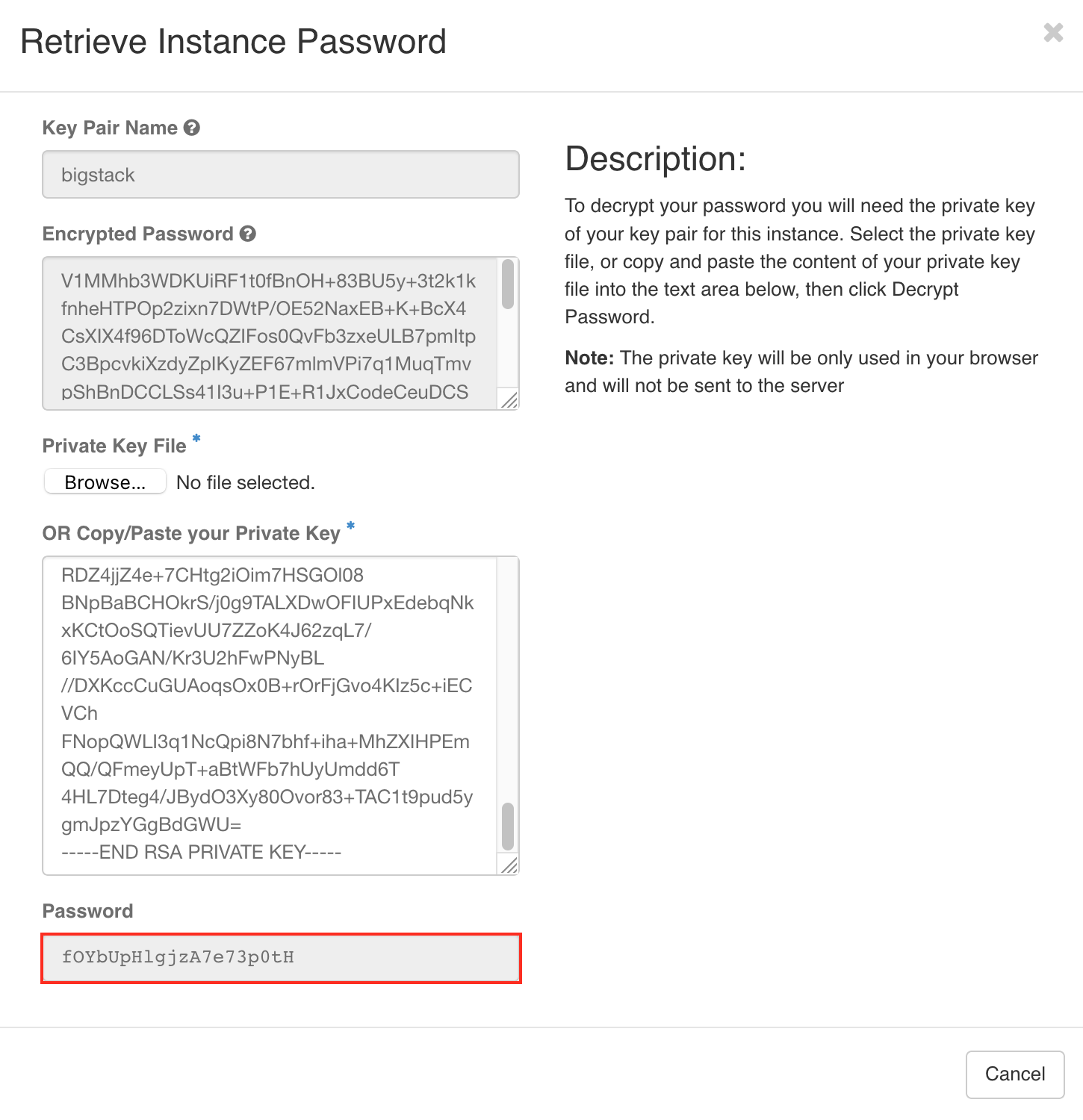
The password has been revealed - fOYbUpHlgjzA7e73p0tH
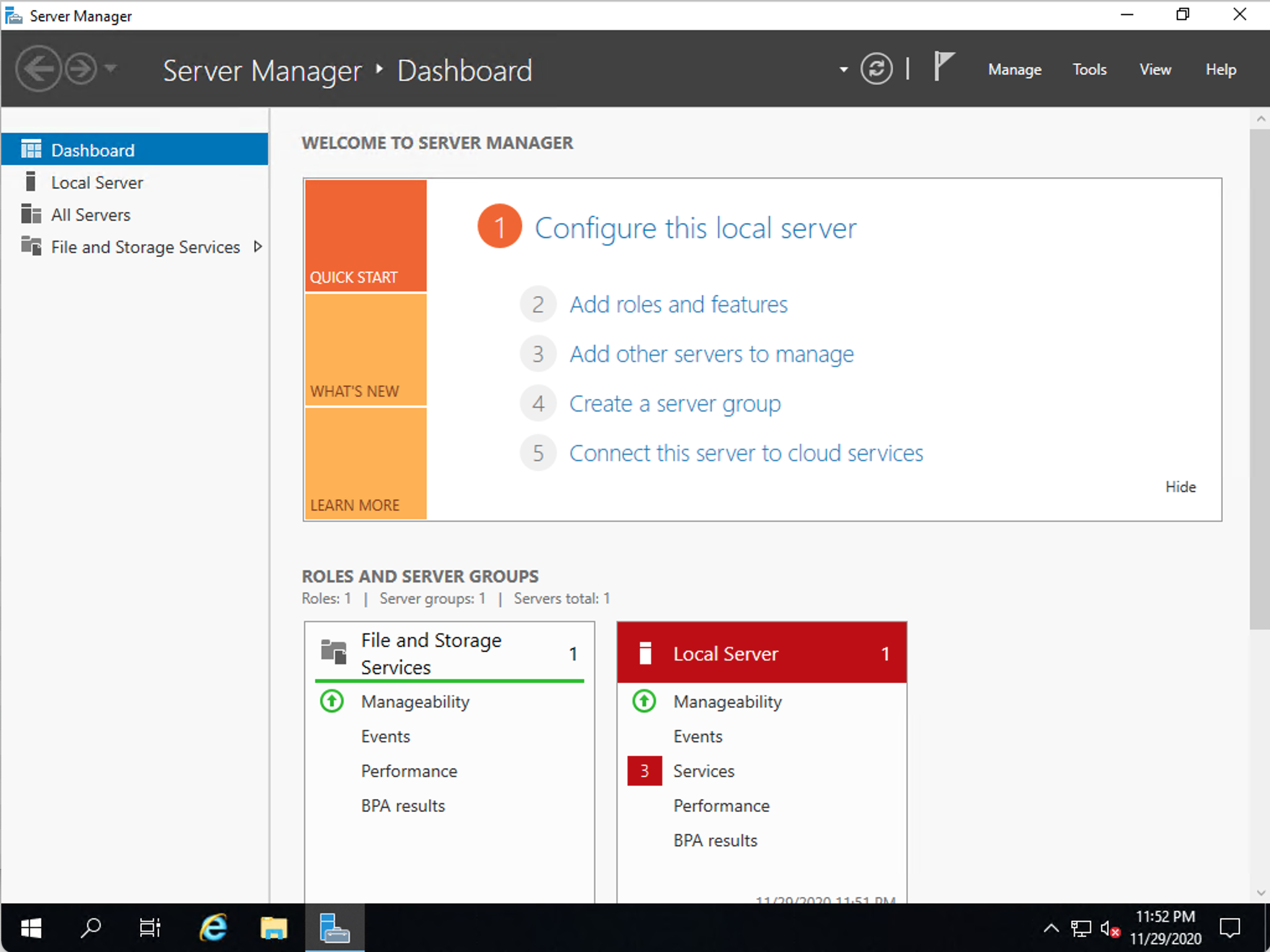
Connect to the instance using
make sure you had added allow 3389 rules to the security groups
- Win/Mac - Windows Remote Desktop(RDP)
- Linux - Remmina
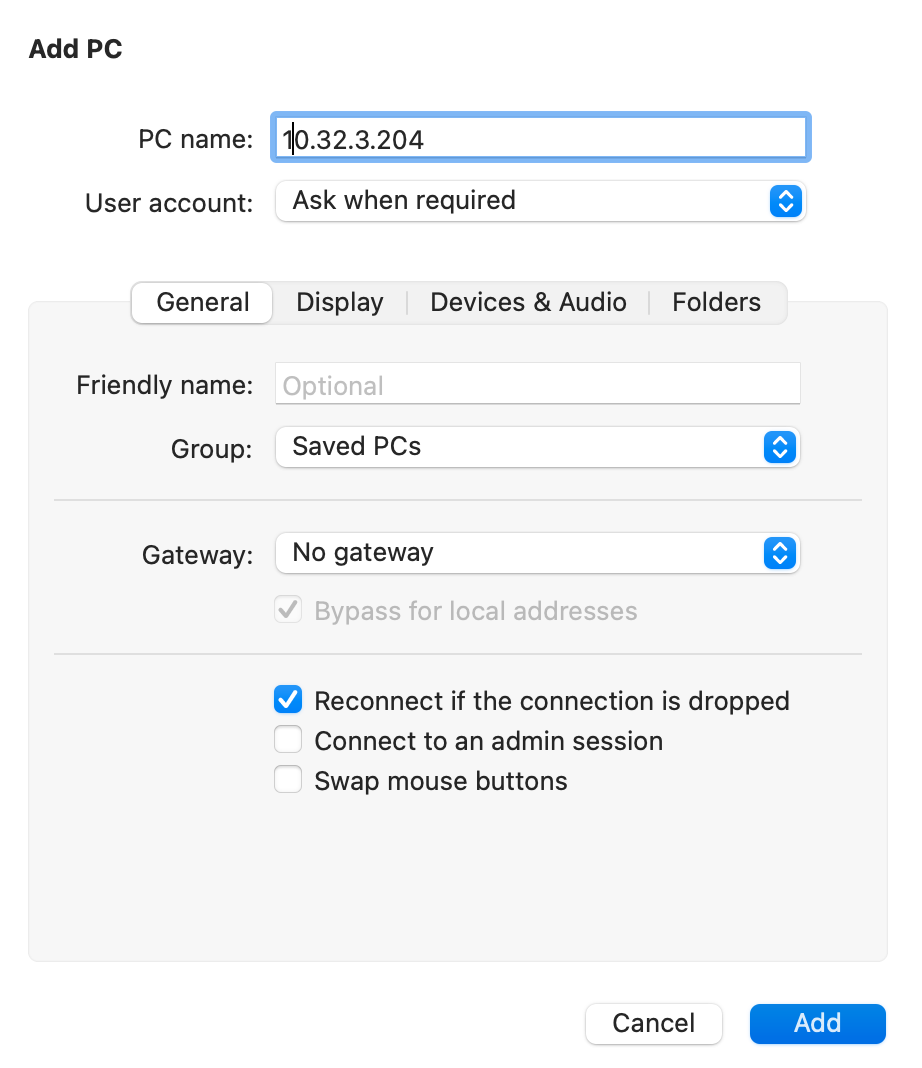
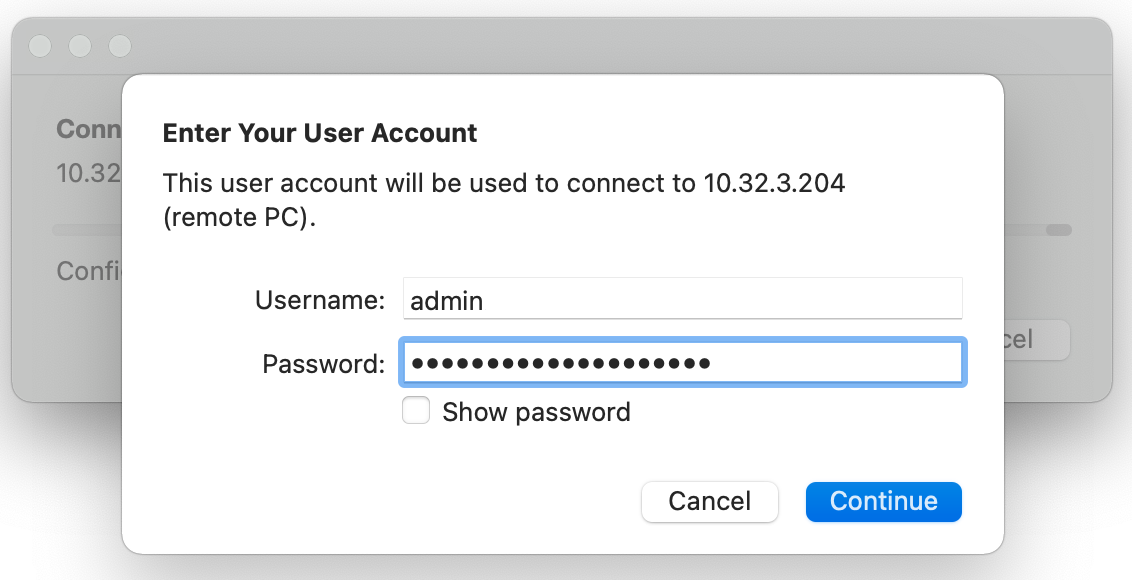
Username : admin, Password : fOYbUpHlgjzA7e73p0tH(Decrypted from private key)
Tips:
- Account :
Admin, You need to boot your instance with a SSH keypair this is the secure and proper way to set passwords in Windows instances is by letting Cloudbase-Init generate a random password and post it encrypted on the Nova metadata service.