跳到主內容
CubeCOS 3.1.0 is here 🚀
Download now
and explore the next-generation foundation for cloud infrastructure.
Bigstack 文件
文件
CubeCOS
CubeCMP
API
知識庫
版本
參與開發
社群
繁體中文
English
繁體中文
日本語
搜尋
CubeCOS
2.4
3.1
3.0
2.5
2.4
2.3
2.2
2.1
2.0
1.3
Copy page
注意:此文件適用於舊版 CubeCOS。
如需最新文件,請參閱
最新版本
(3.1)。
身分識別
修改配額
版本:2.4
修改配額
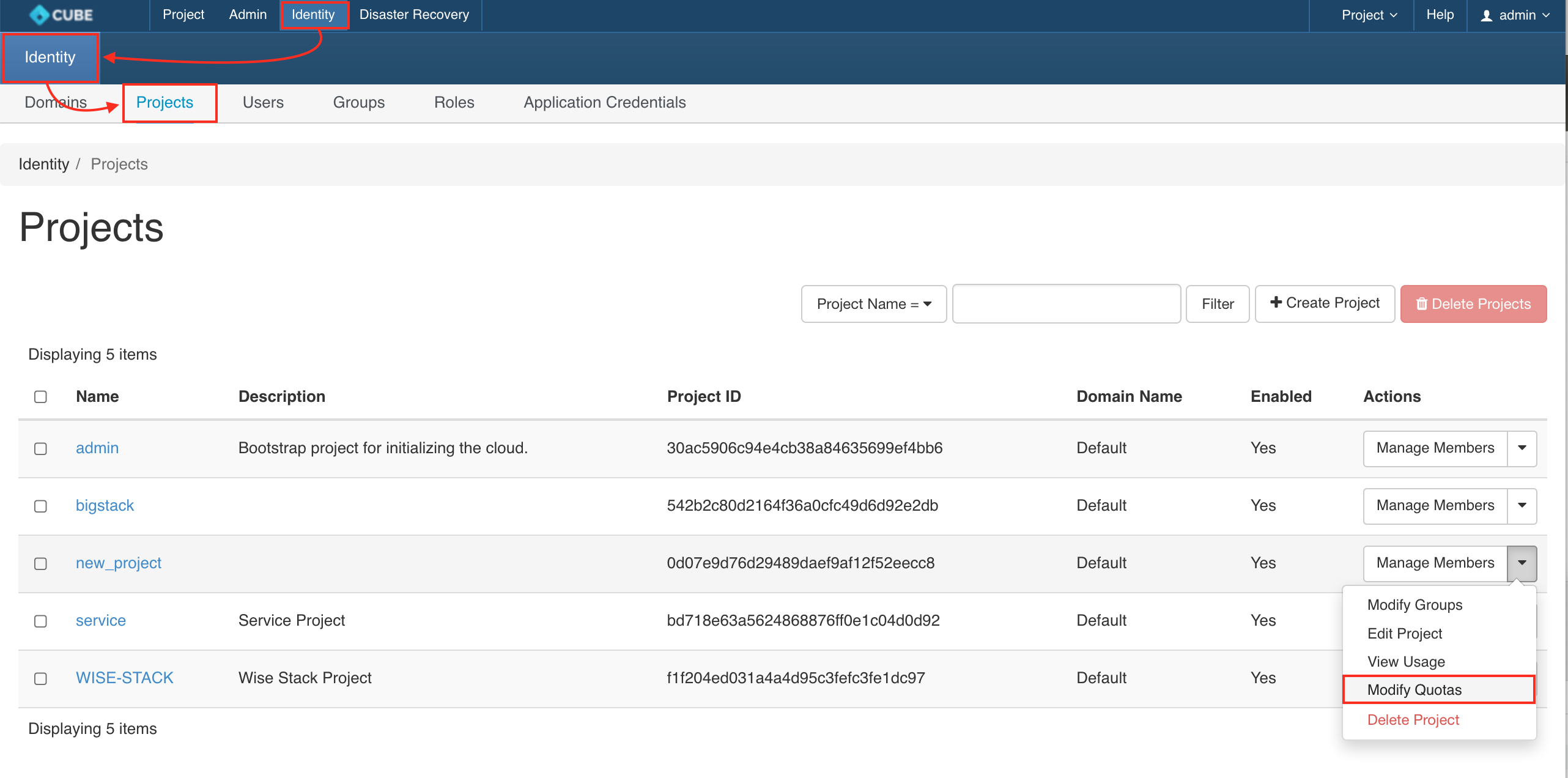
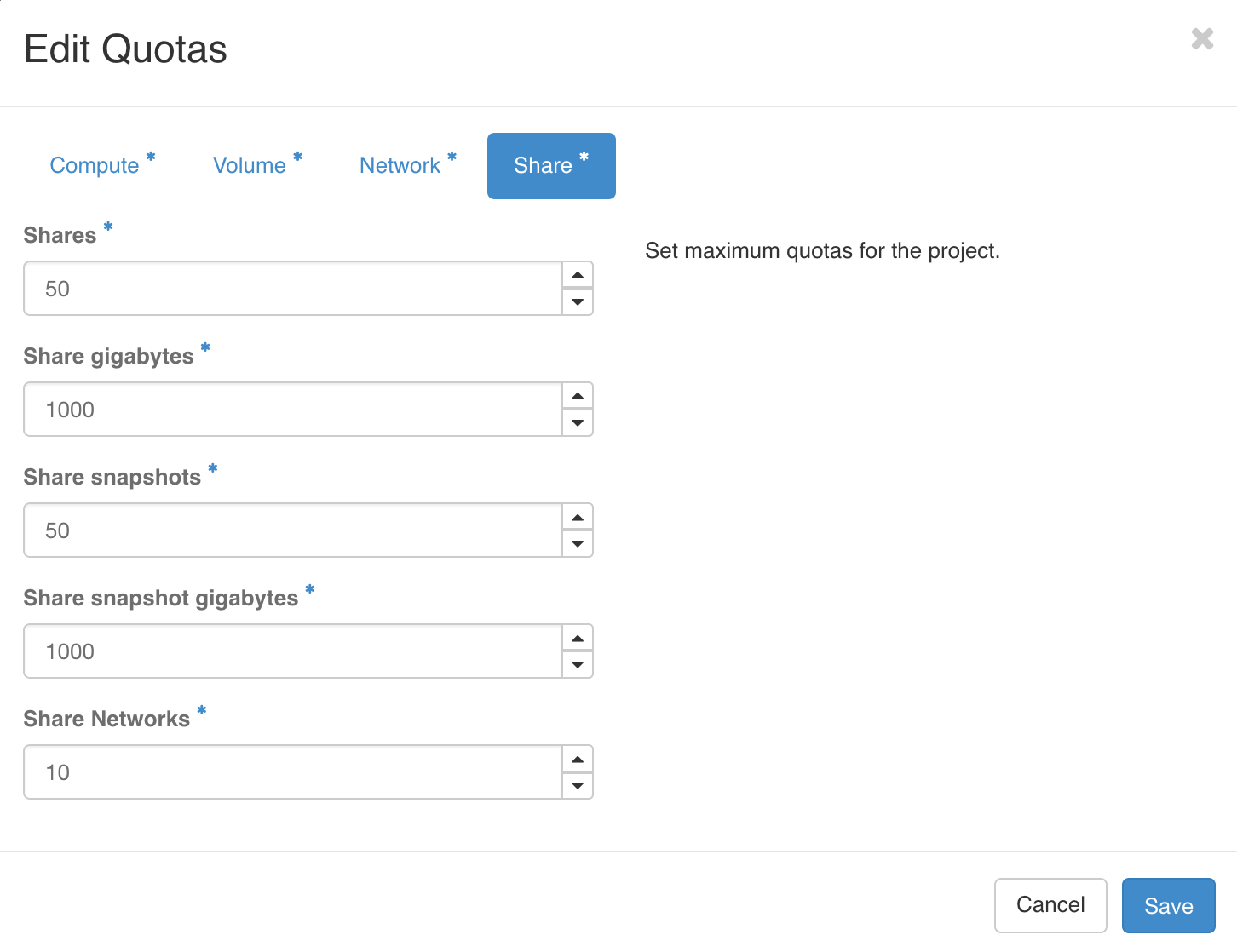
請導航至「管理員 > 身分識別 > 專案」,選擇您的專案,並從動作下拉選單中選取「修改配額」。
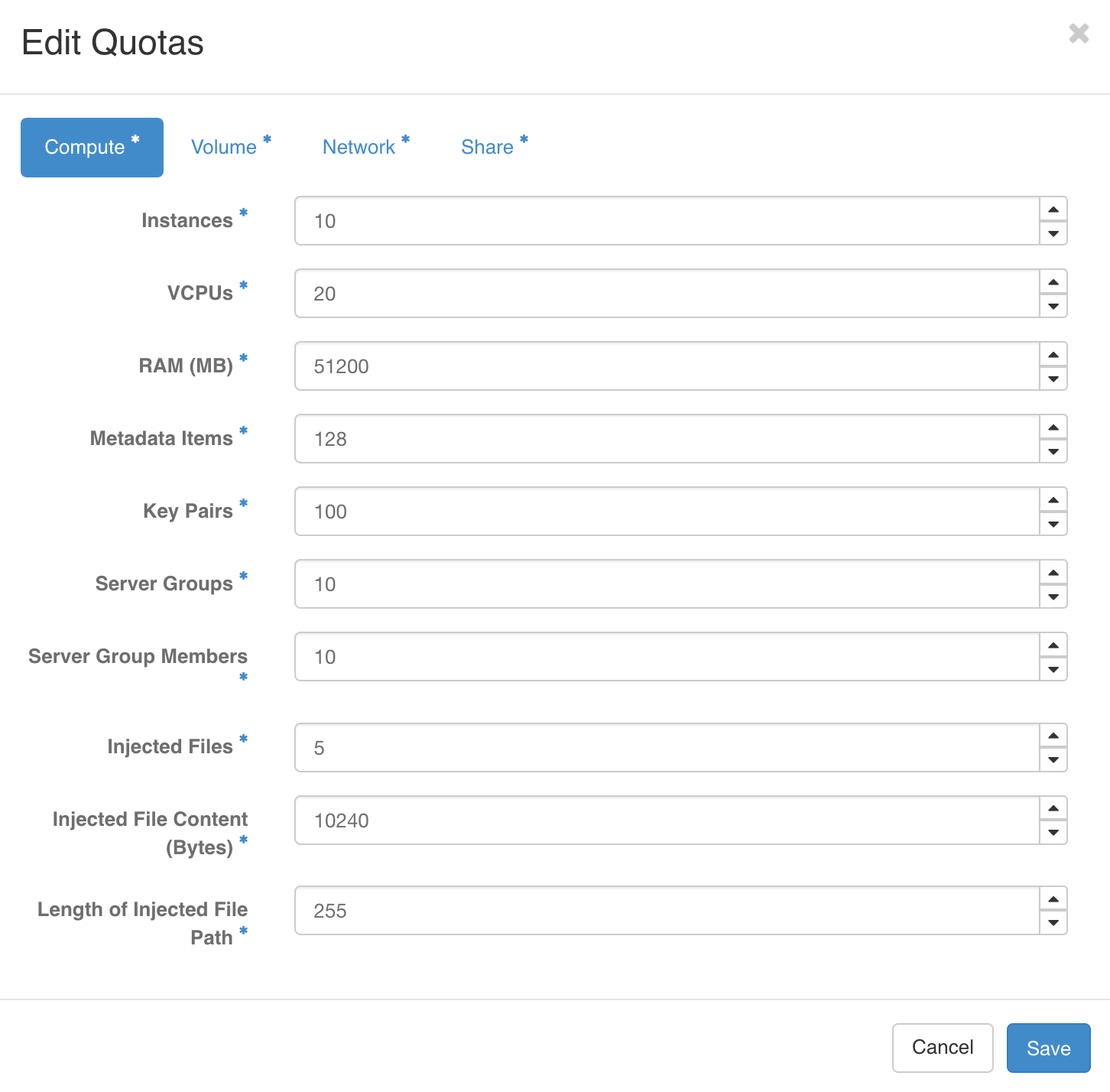
運算資源
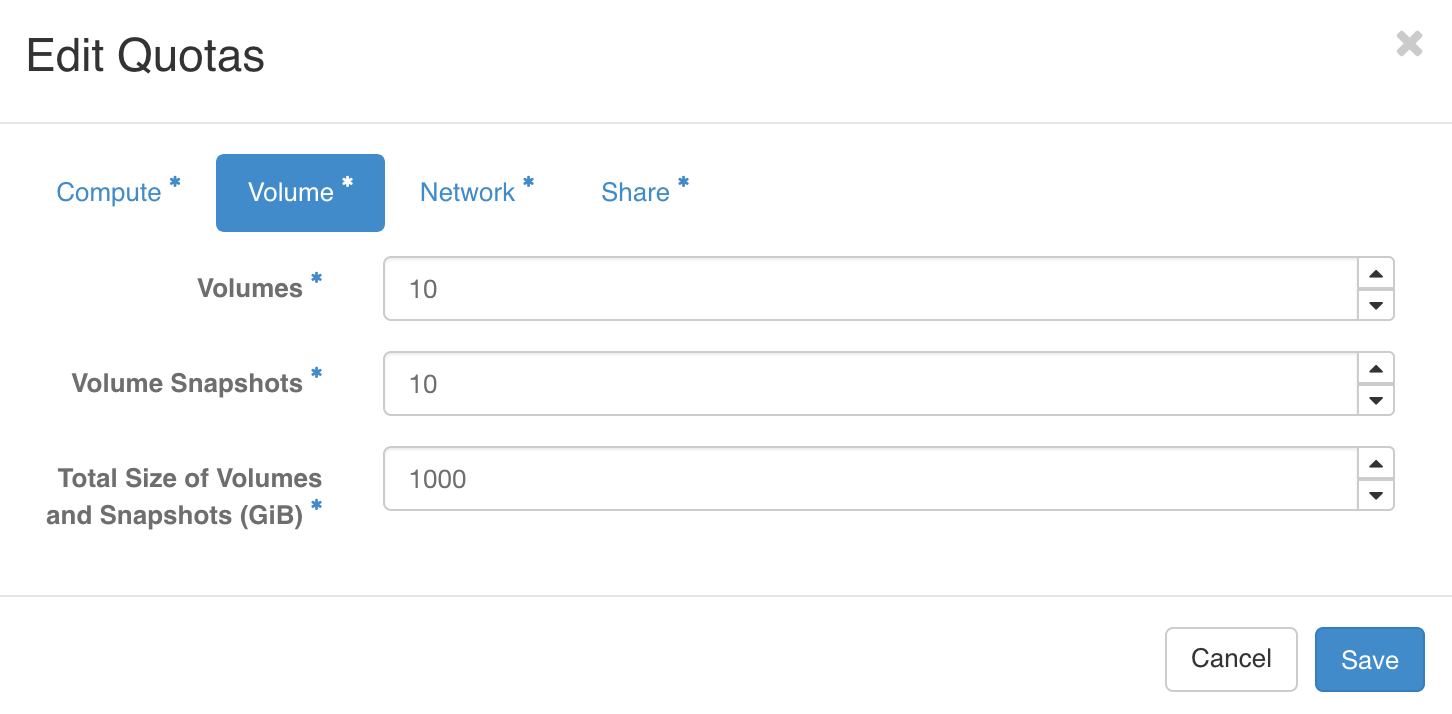
磁碟
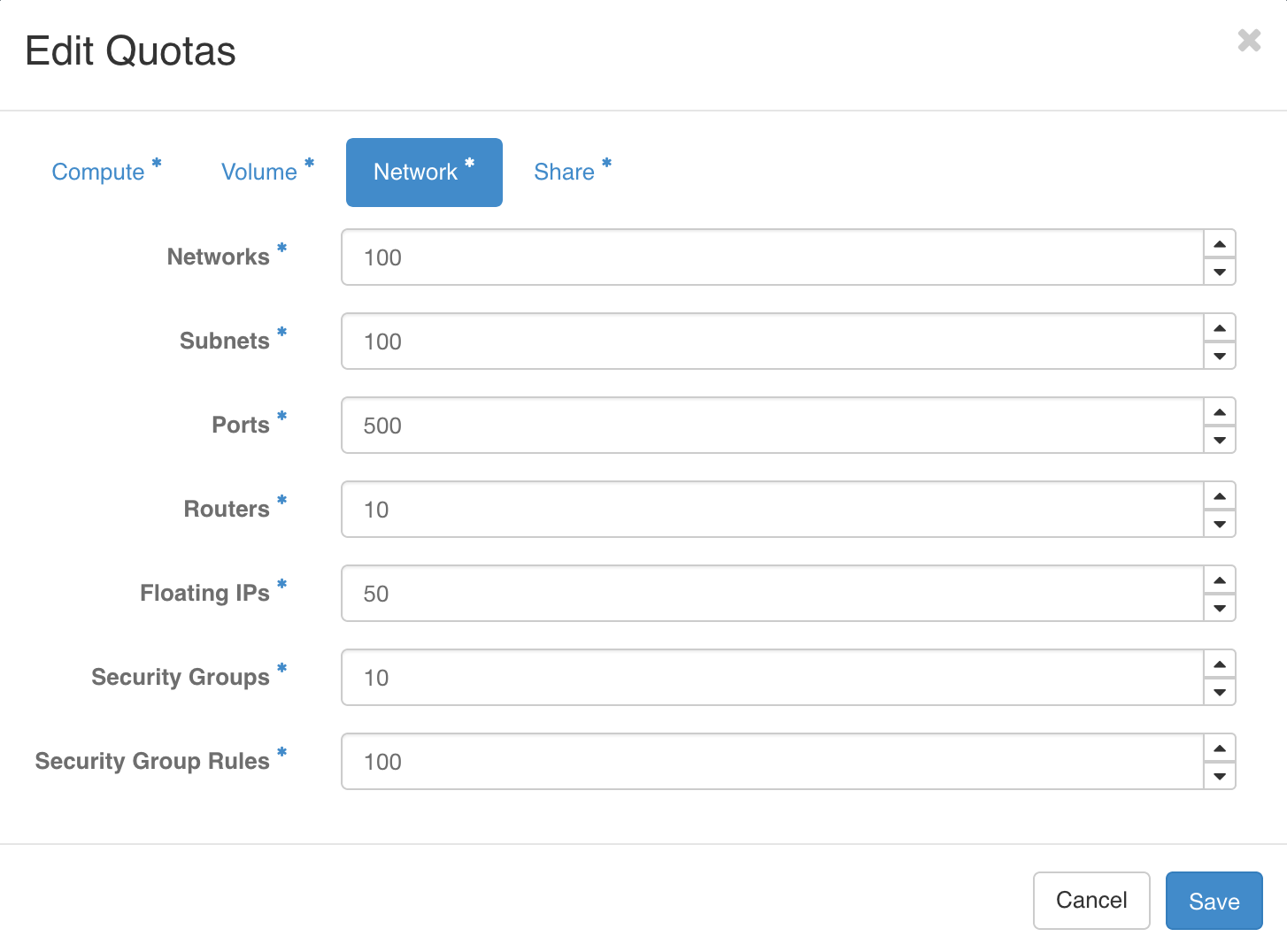
網路
分享
變更/增加您的專案配額並儲存
上一頁
將使用者指派至專案
下一頁
建立單一登入使用者