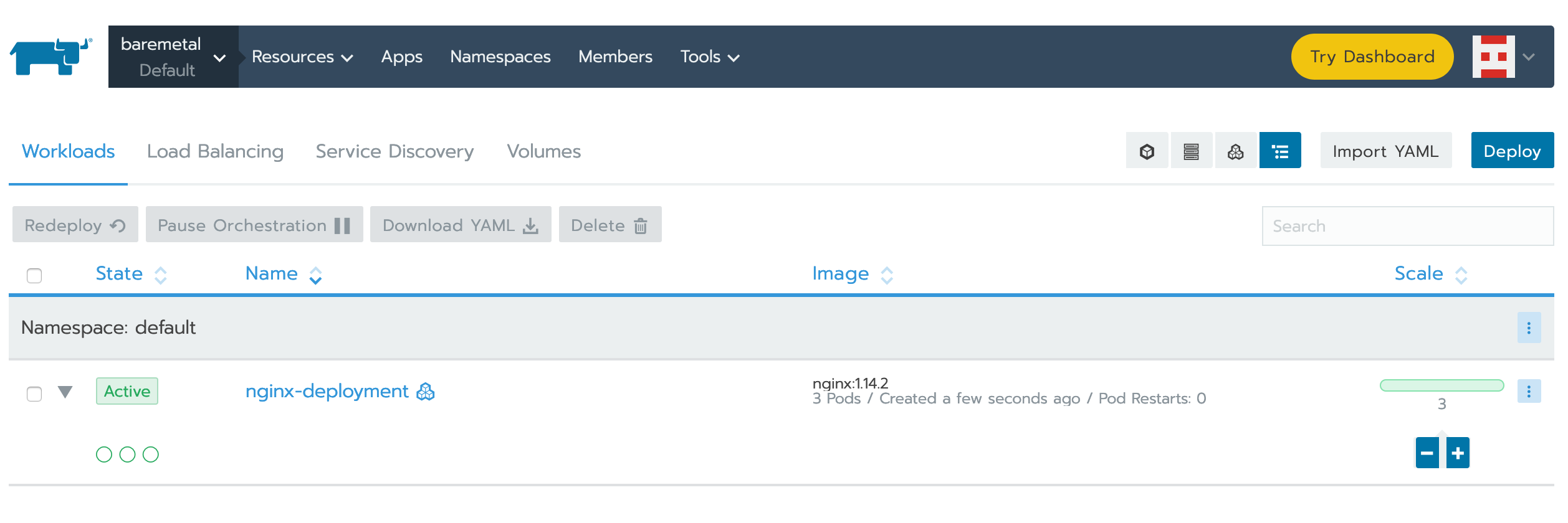
在運算節點(超融合基礎架構)上部署 Kubernetes
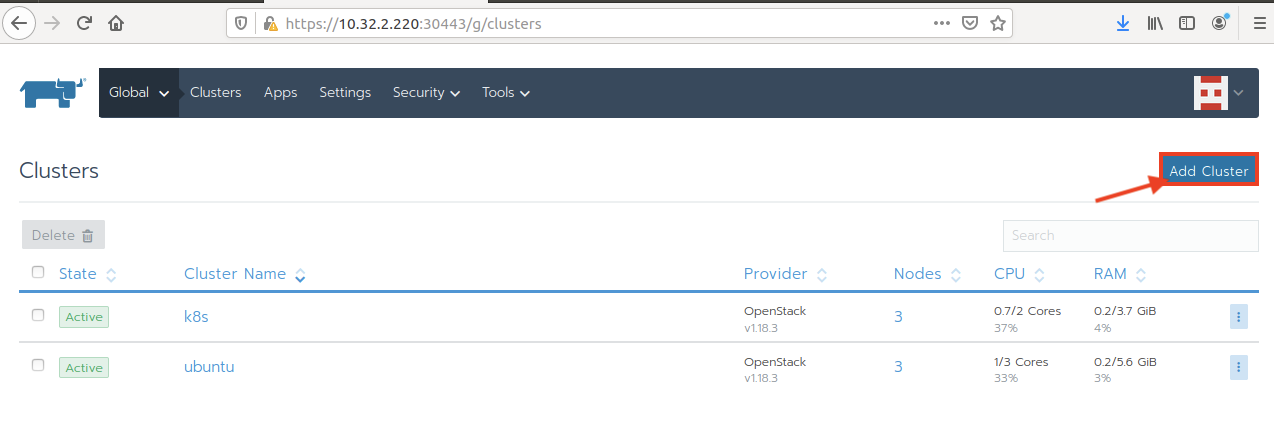
透過 Add Cluster 建立新的叢集
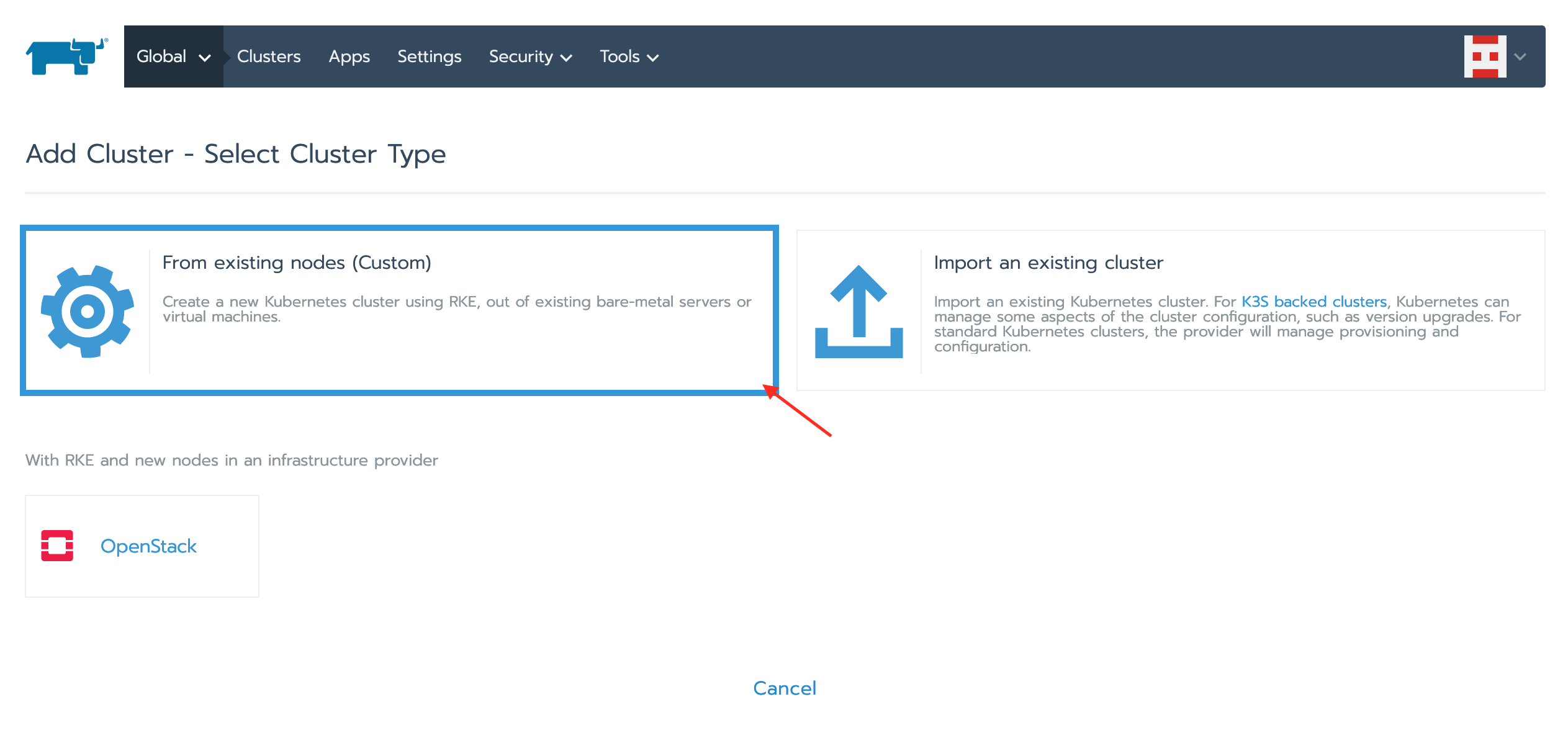
選擇叢集類型 - 自訂
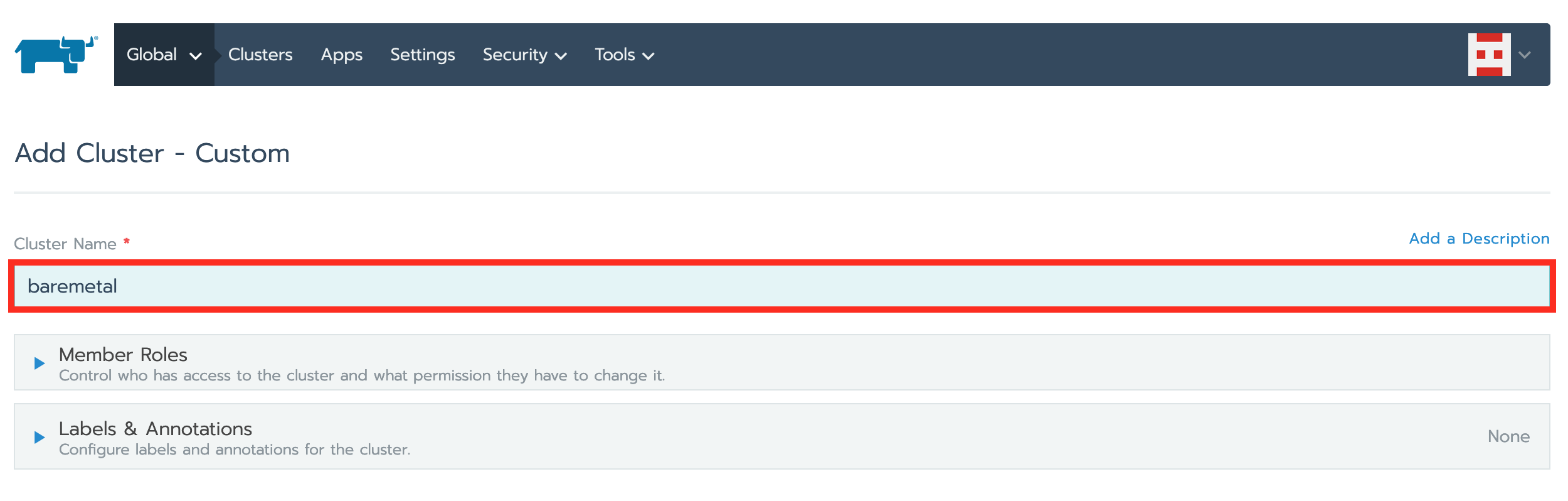
建立新的叢集
- 叢集名稱
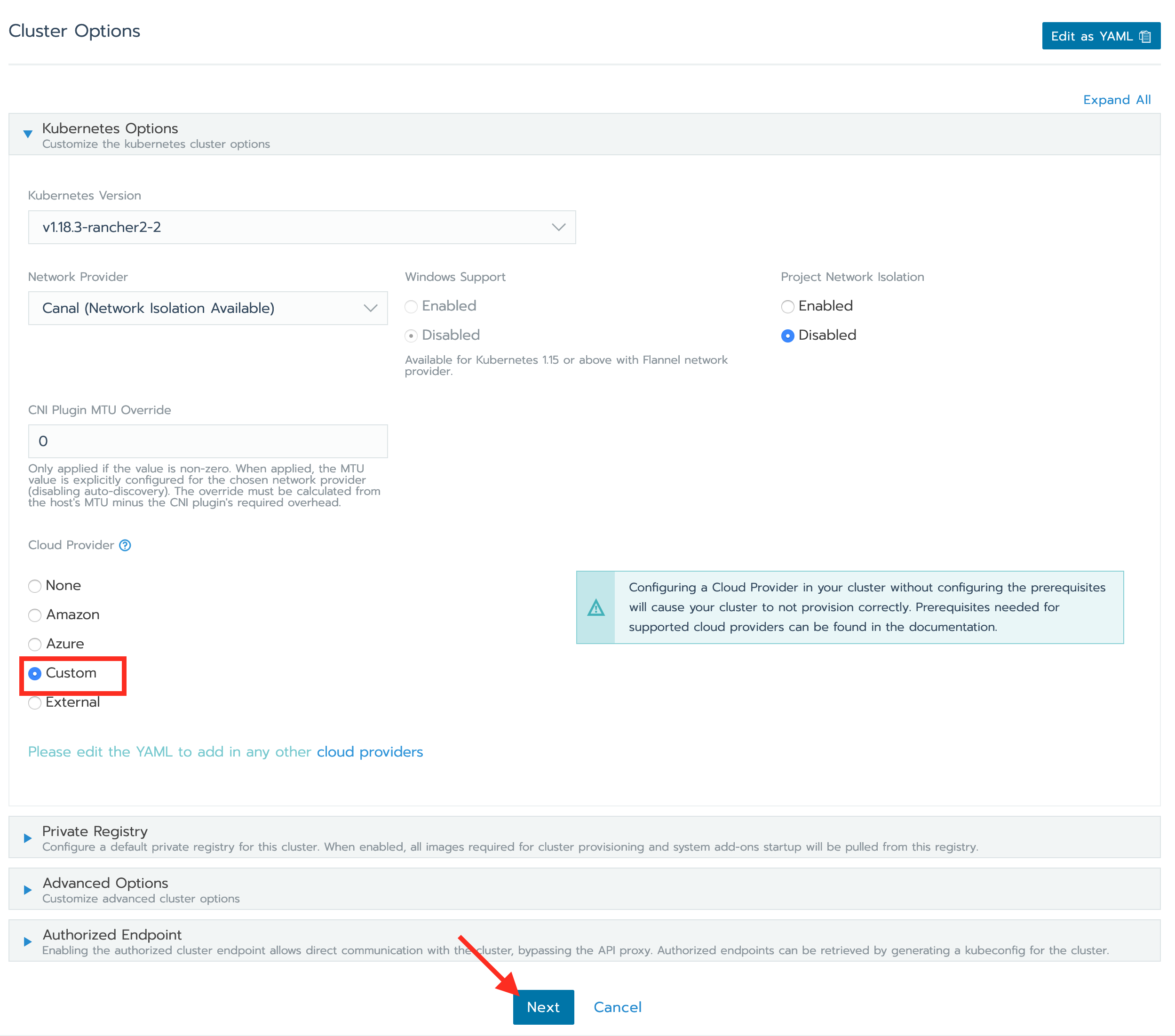
編輯 Kubernetes 選項 - 自訂
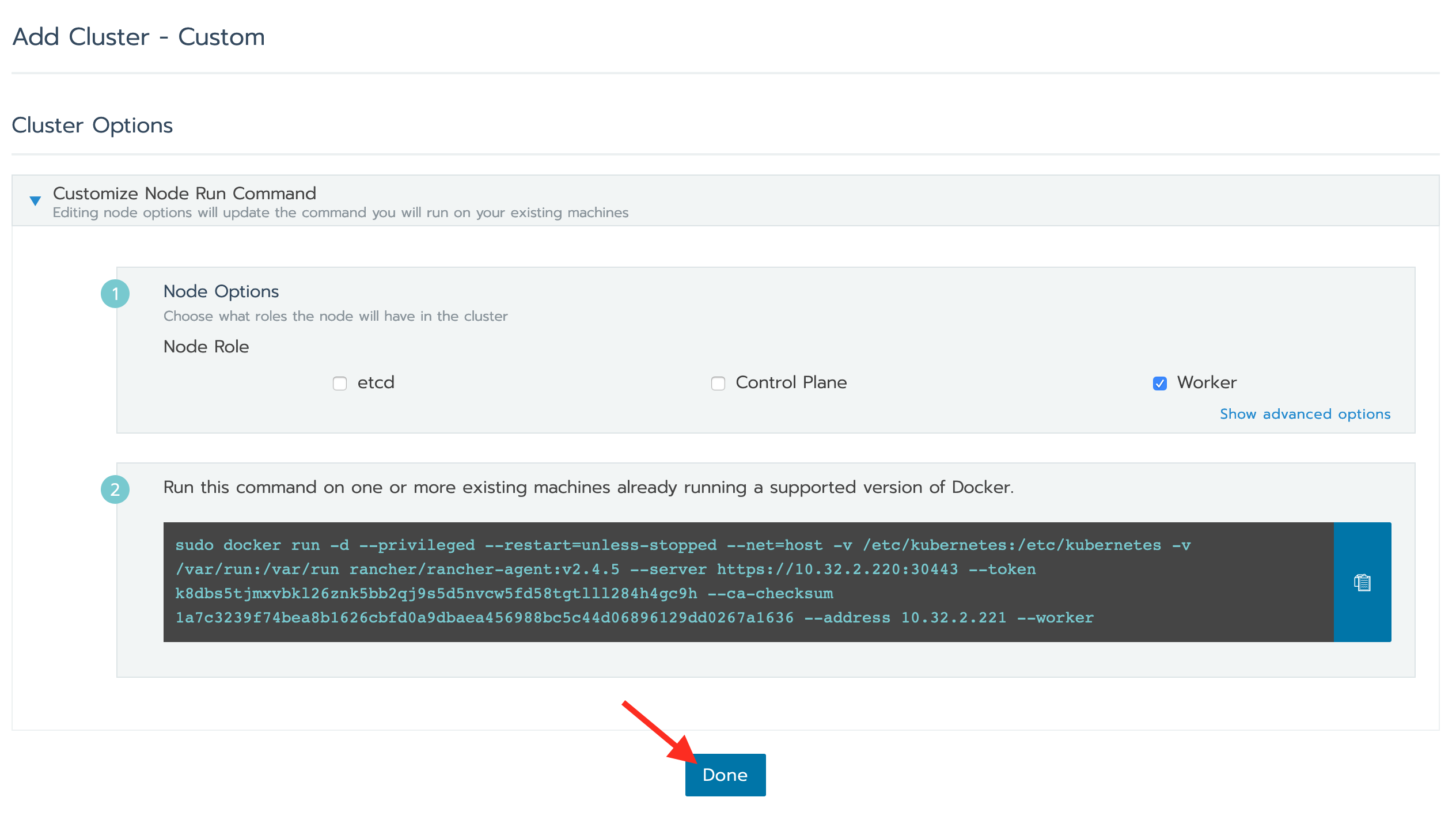
點擊完成
準備計算節點
    Summary
    Password has not been modified.
    Host name: com1
    IF.1
        IPv4 Mode: Manual
        IPv4 Address: 0.0.0.0
        IPv4 Netmask: 0.0.0.0
        IPv6 Mode: Automatic
    IF.2
        Interface disabled
    IF.3
        Interface disabled
    IF.4
        Default interface.
        IPv4 Mode: Manual
        IPv4 Address: 10.32.2.221
        IPv4 Netmask: 255.255.0.0
        IPv4 Gateway: 10.32.0.254
        IPv6 Mode: Automatic
    IF.5
        Interface disabled
    IF.6
        Interface disabled
    IF.7
        Interface disabled
    DNS server 1: 8.8.8.8
    Time Zone: Asia/Taipei
    Date: 11/02/2020
    Time: 20:51:11
    Role: compute
    Controller: CONTROLLER(10.32.2.220)
    External IP/Domain: N/A
    Management: IF.4
    Provider: IF.4
    Overlay: IF.4
    Storage: IF.4
    Domain/Region: default/RegionOne
    Cube Secret Seed: skyyy
    High Availability: disabled
    1: Accept the configuration
    2: Cancel the configuration
    3: Modify the configuration

    Select option: 1
    Applying policy changes.
    [15795.310527] igb 0000:01:00.0: Cannot change link characteristics when SoL/IDER is active.
    Policy changes were successfully applied.
    Welcome to the Cube Appliance
    Enter "help" for a list of available commands
    com1>
連接至控制節點
Warning: Permanently added '10.32.2.220' (ECDSA) to the list of known hosts.
Password:
Welcome to the Cube Appliance
Enter "help" for a list of available commands
CONTROLLER>
將運算節點加入 Ranchers
    CONTROLLER> kubernetes
    CONTROLLER:kubernetes> node_add
    1: ubuntu
    2: k8s
    3: baremetal
    Enter index: 3
    Node(s) name to add to this cluster: com1
    Specify roles for these nodes (--all, --etcd, --controlplane, --worker): --all
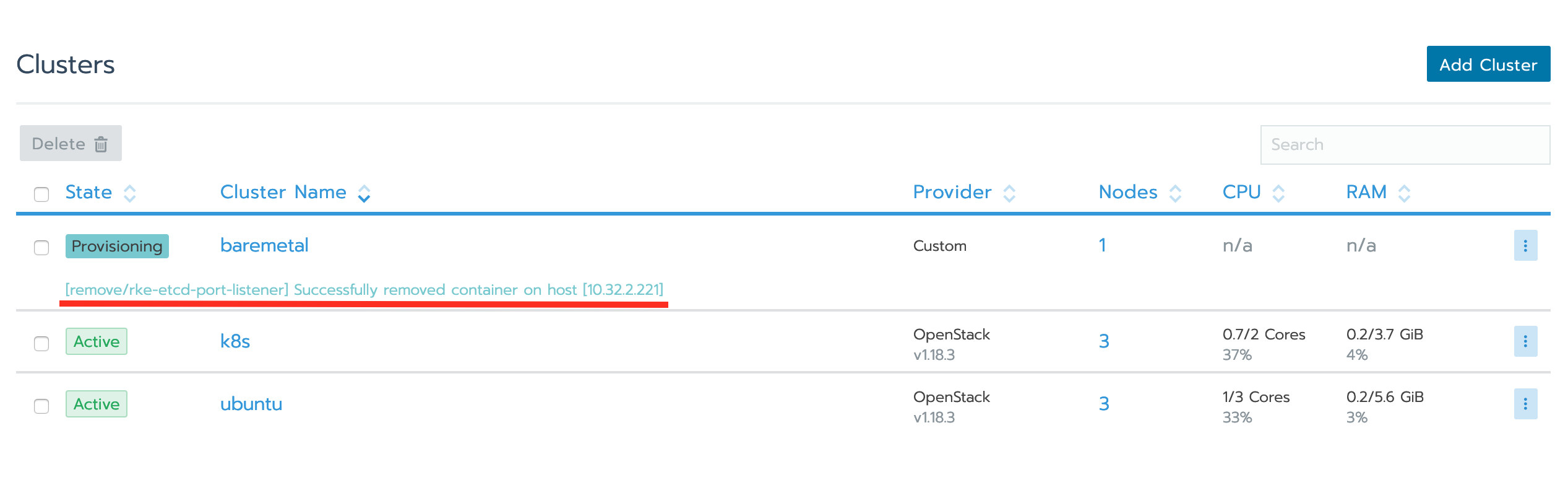
返回 Rancher,確認叢集已啟動
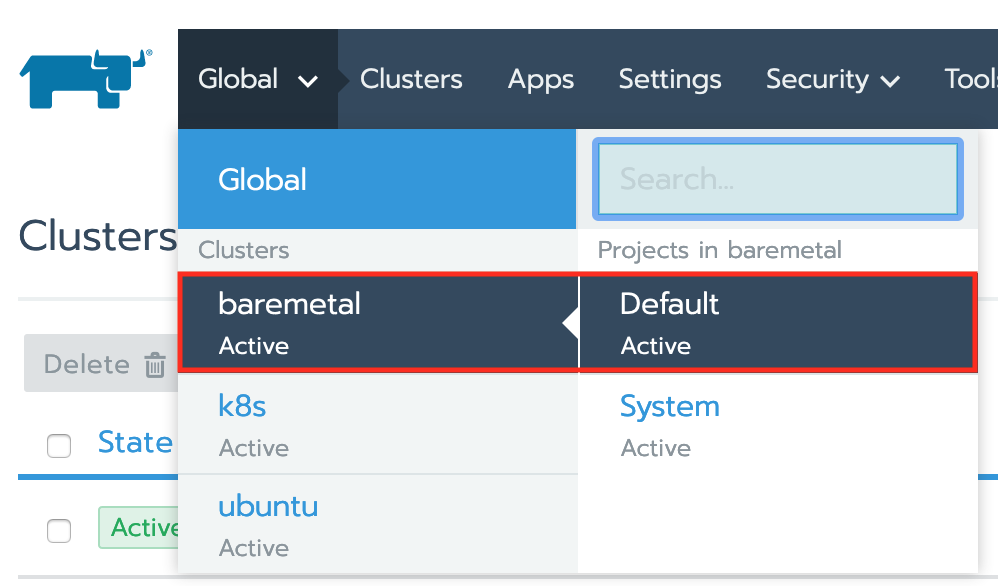
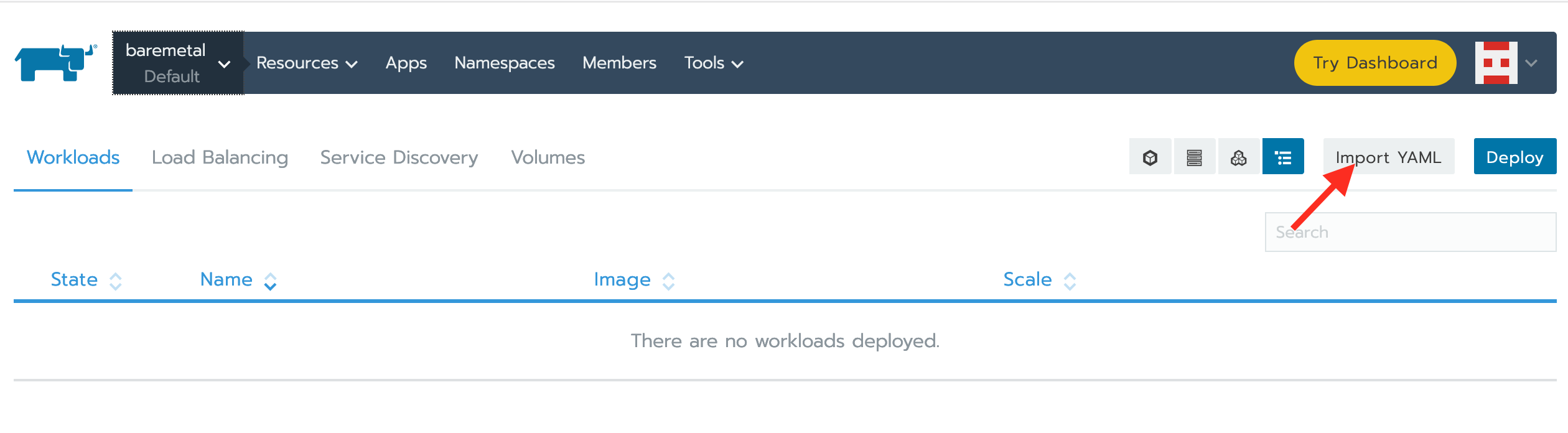
切換至專案 baremetal
點擊 Import YAML
Create a sample workload
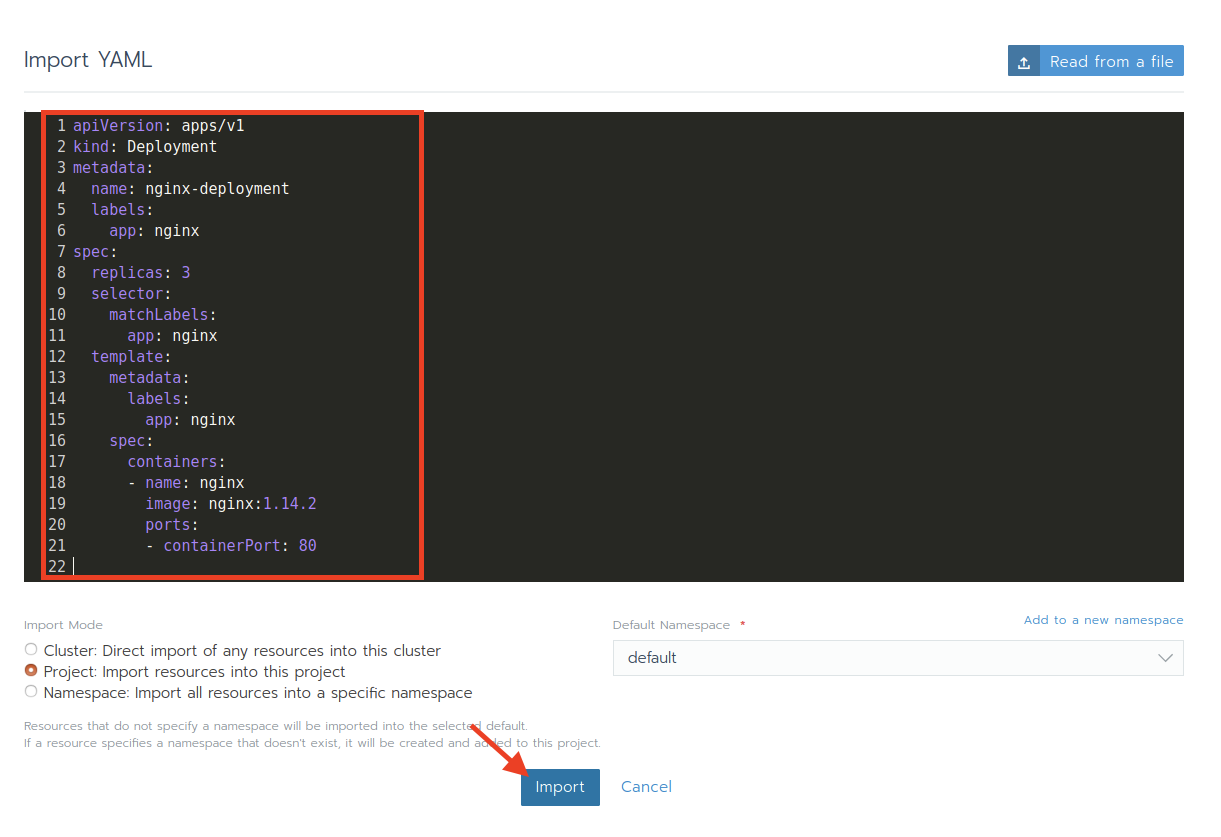
Wait for the workload become active