在虛擬機器上建立 Kubernetes
連接到 Kubernetes 管理平台
https://CONTROLLER_IP:30443
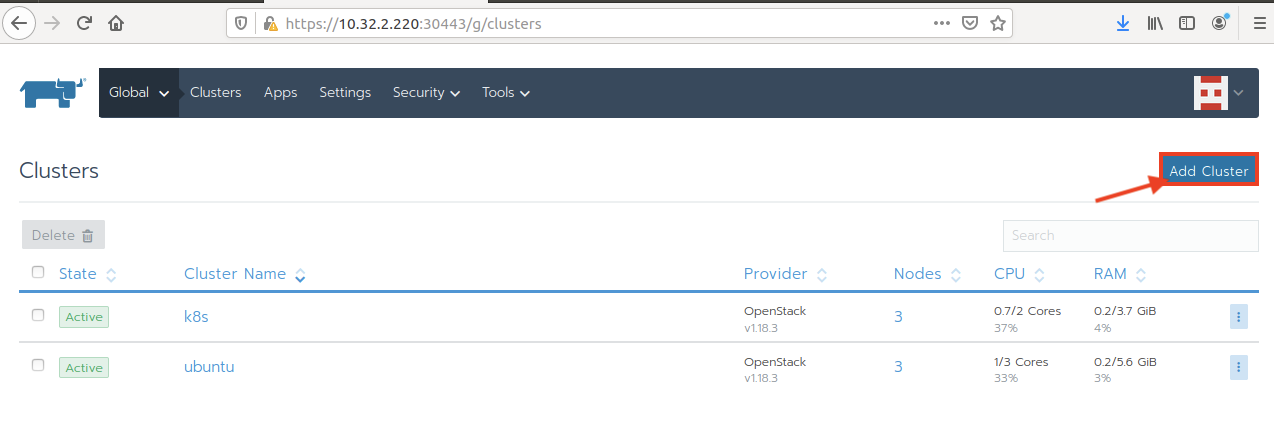
透過 Add Cluster 建立新的叢集
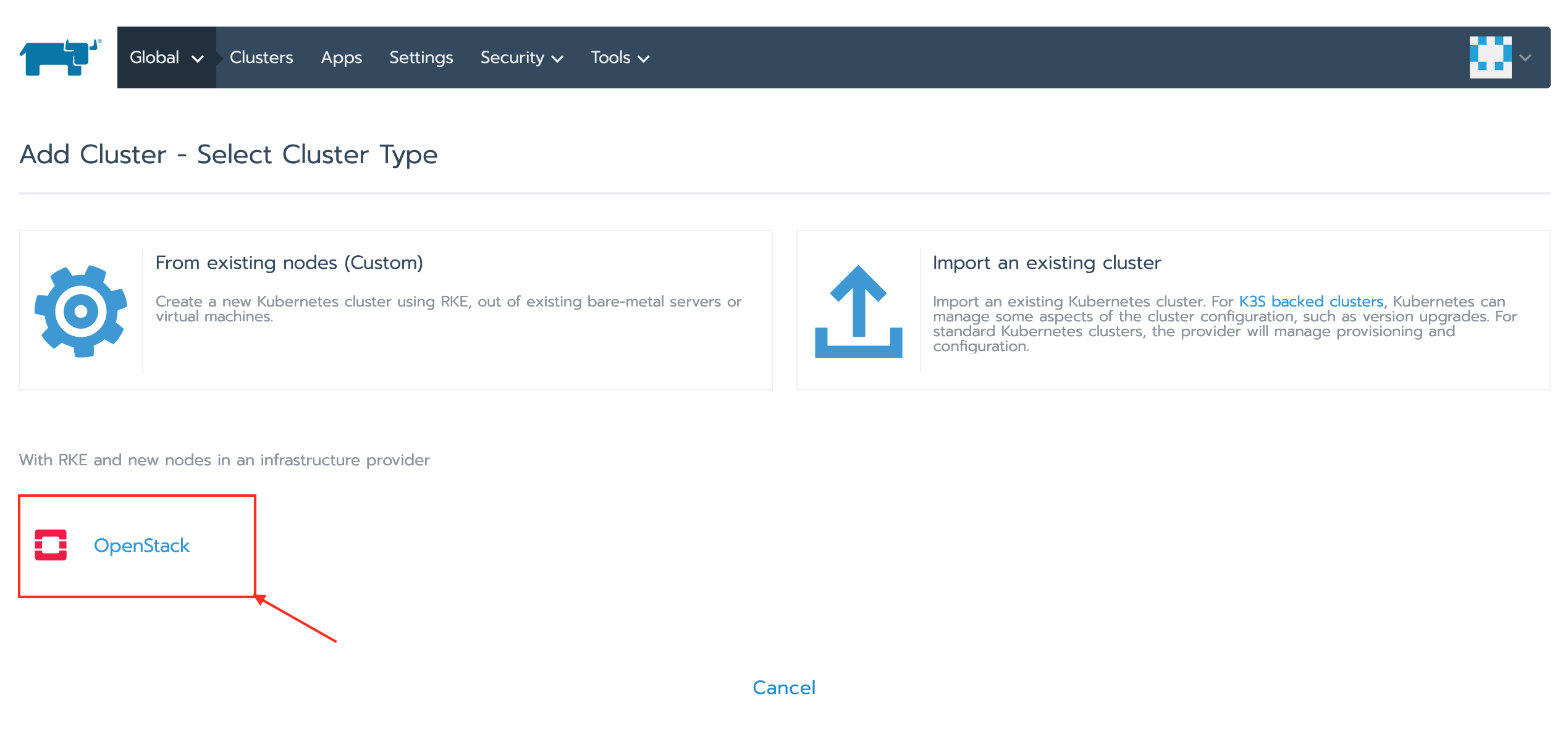
選擇 Openstack 叢集選項
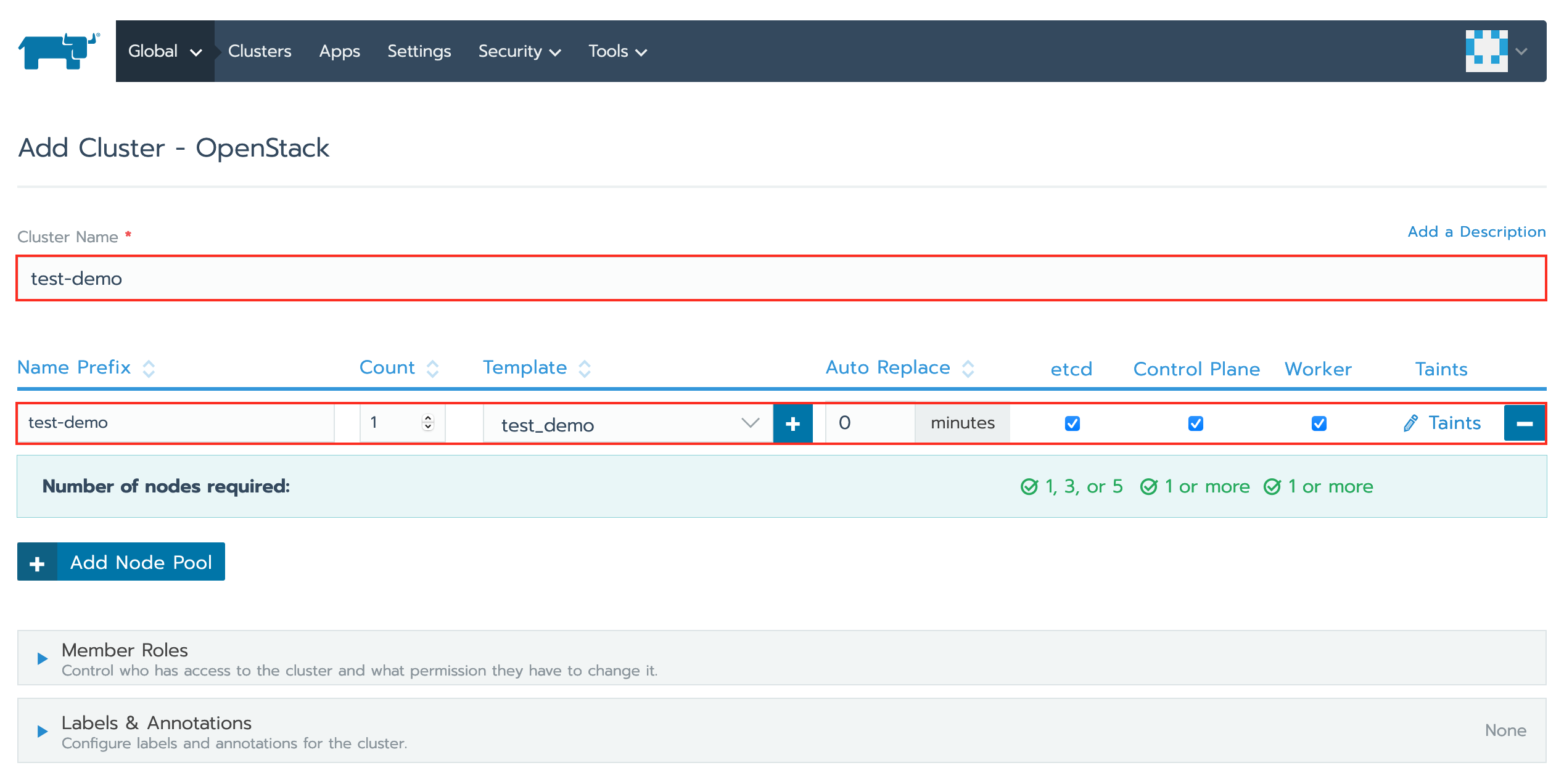
建立新的叢集
- 叢集名稱
- 名稱前綴
- 計數
- 檢查 - etcd、控制平面、工作節點
編輯 YAML 設定檔
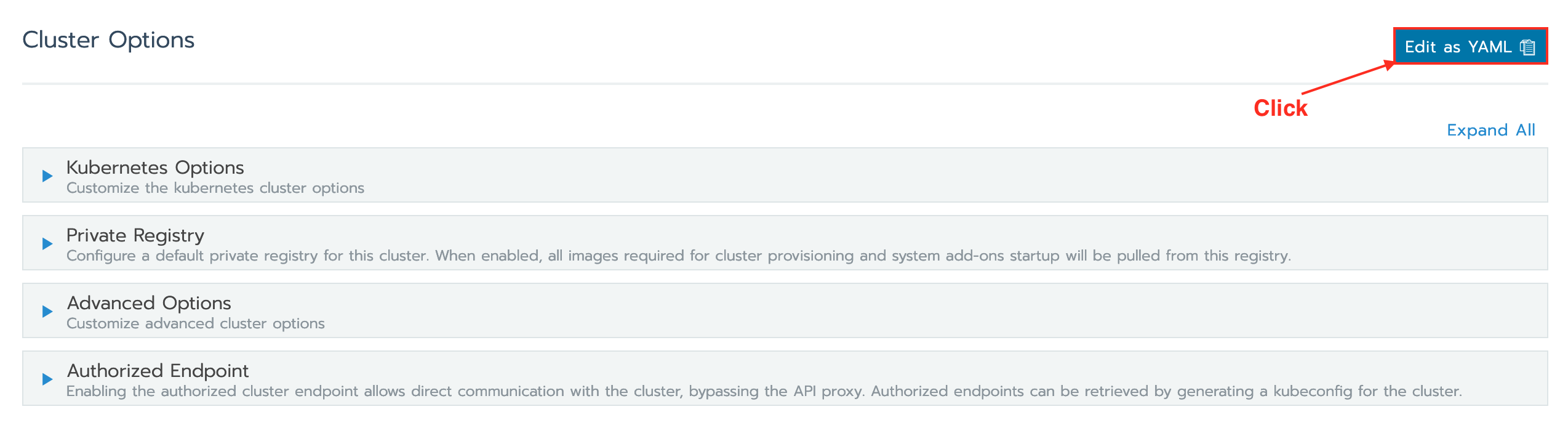
取代以下設定檔案rancher_kubernetes_engine_config
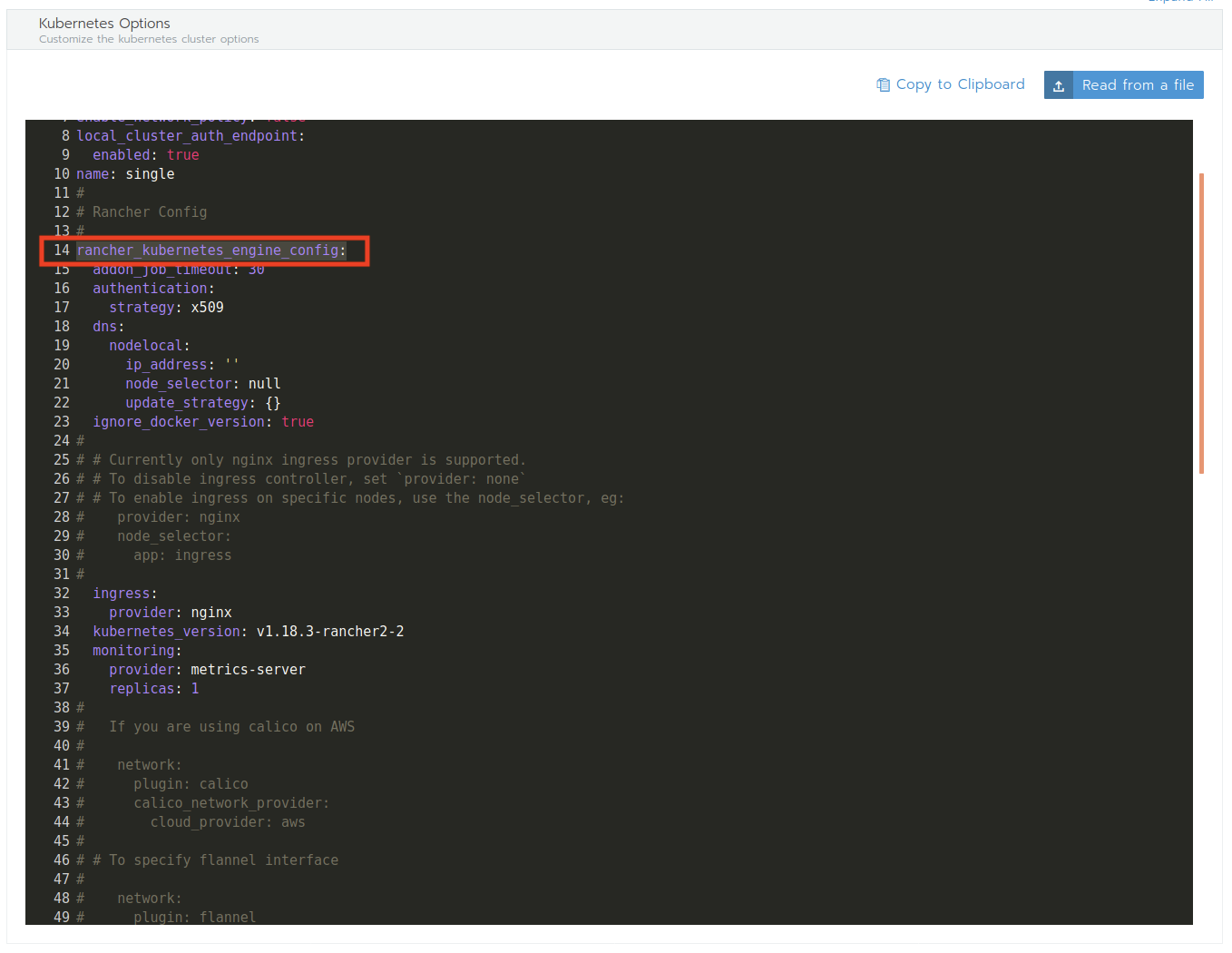
透過命令列介面產生的設定與建立
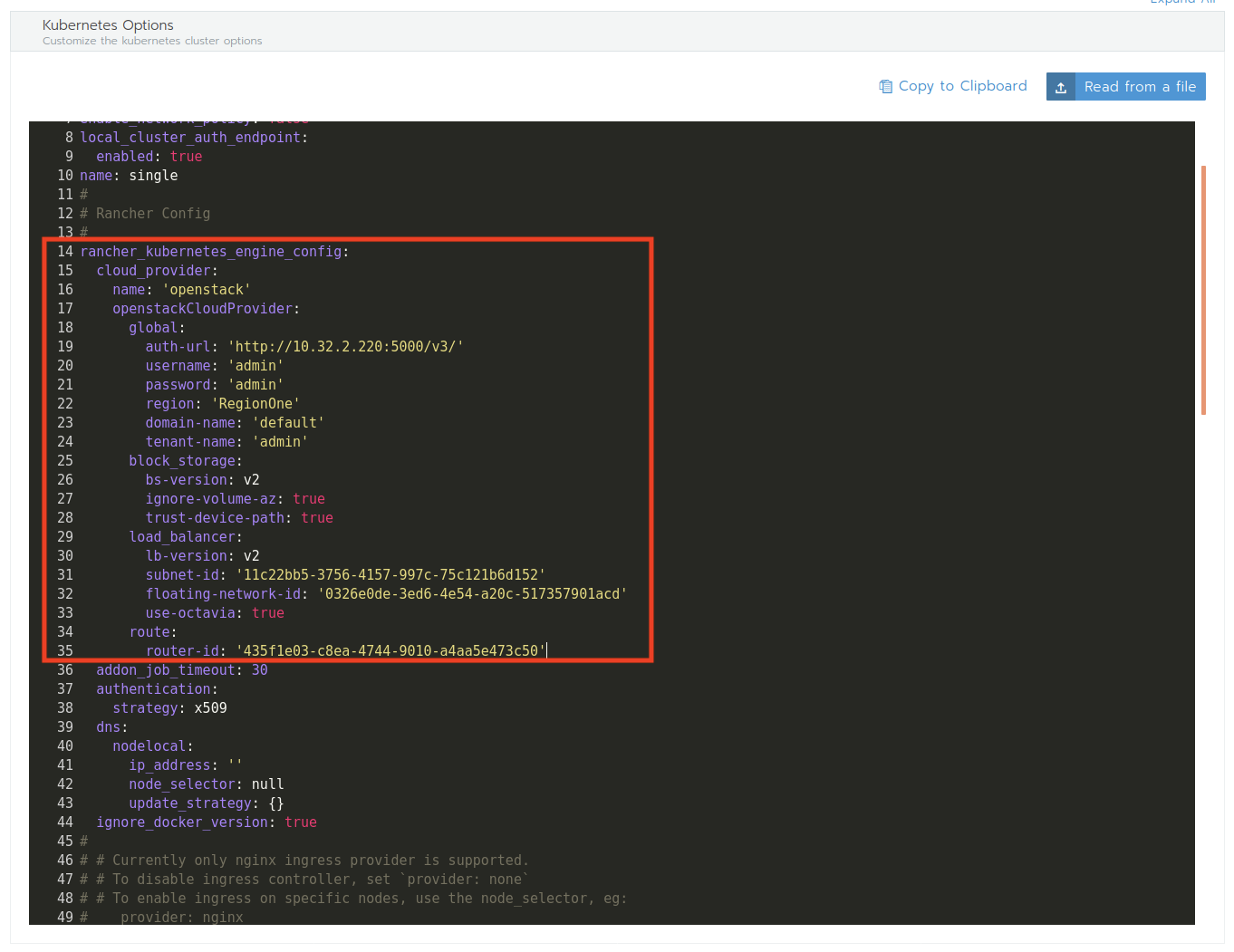
叢集建立開始
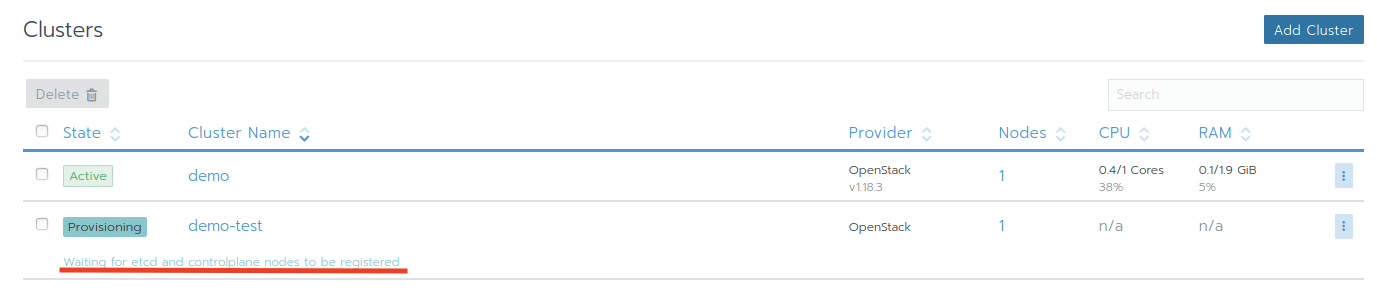
Let's check the instance over LMI
Project > Compute > Instance
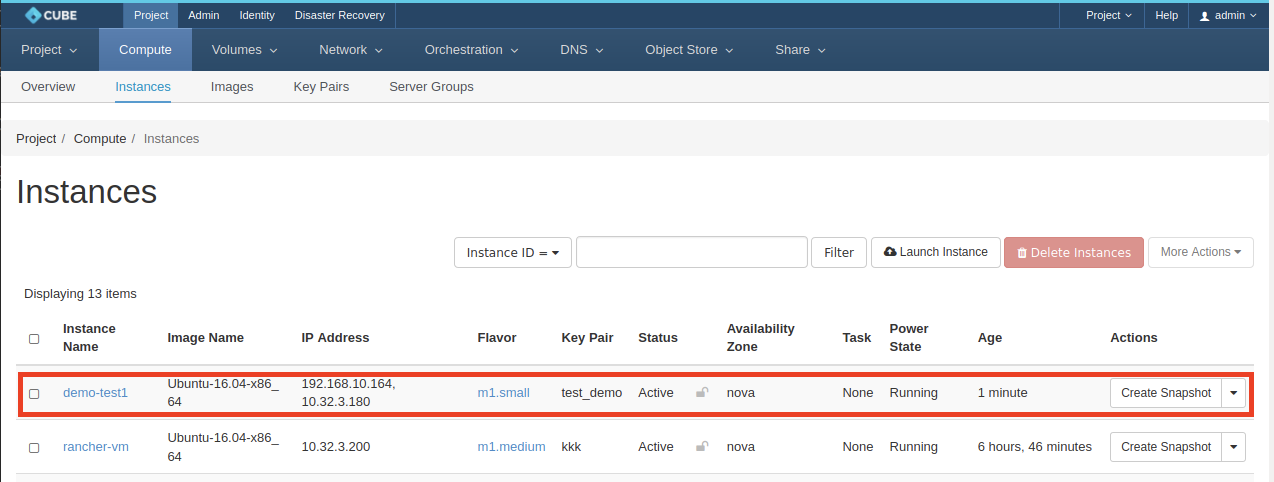
Provision done
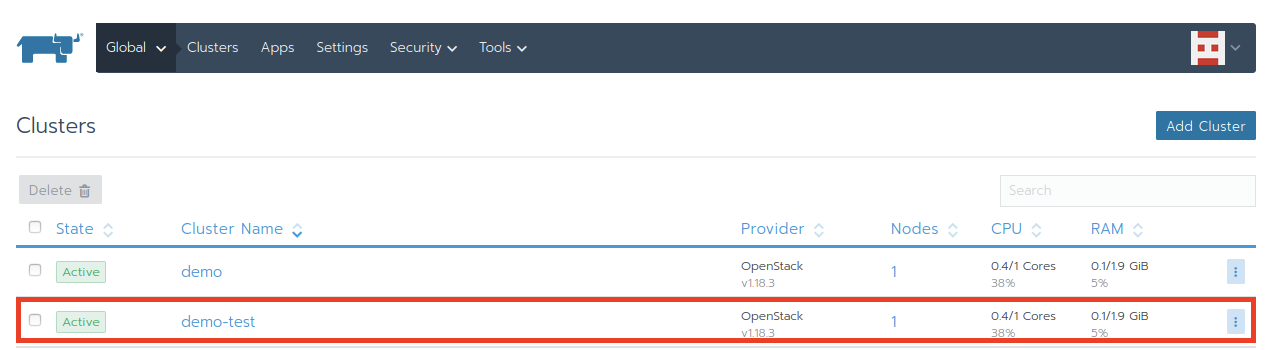
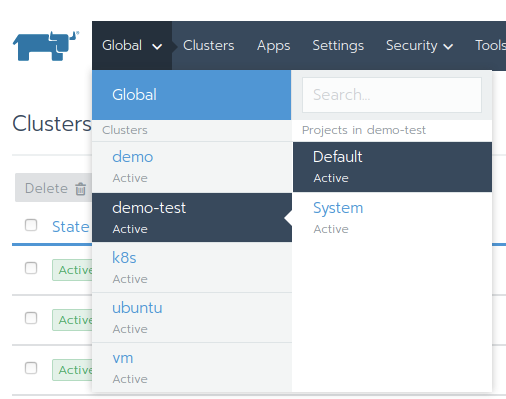
Change to project demo-test
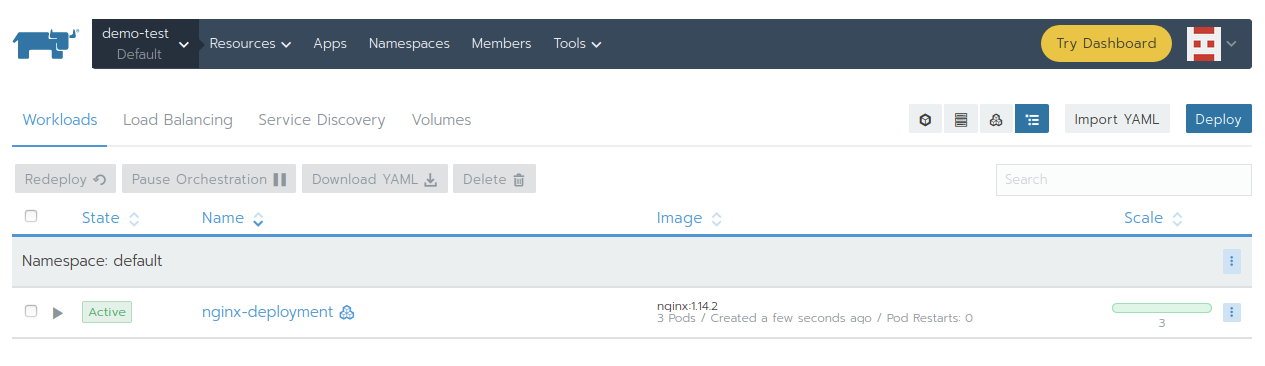
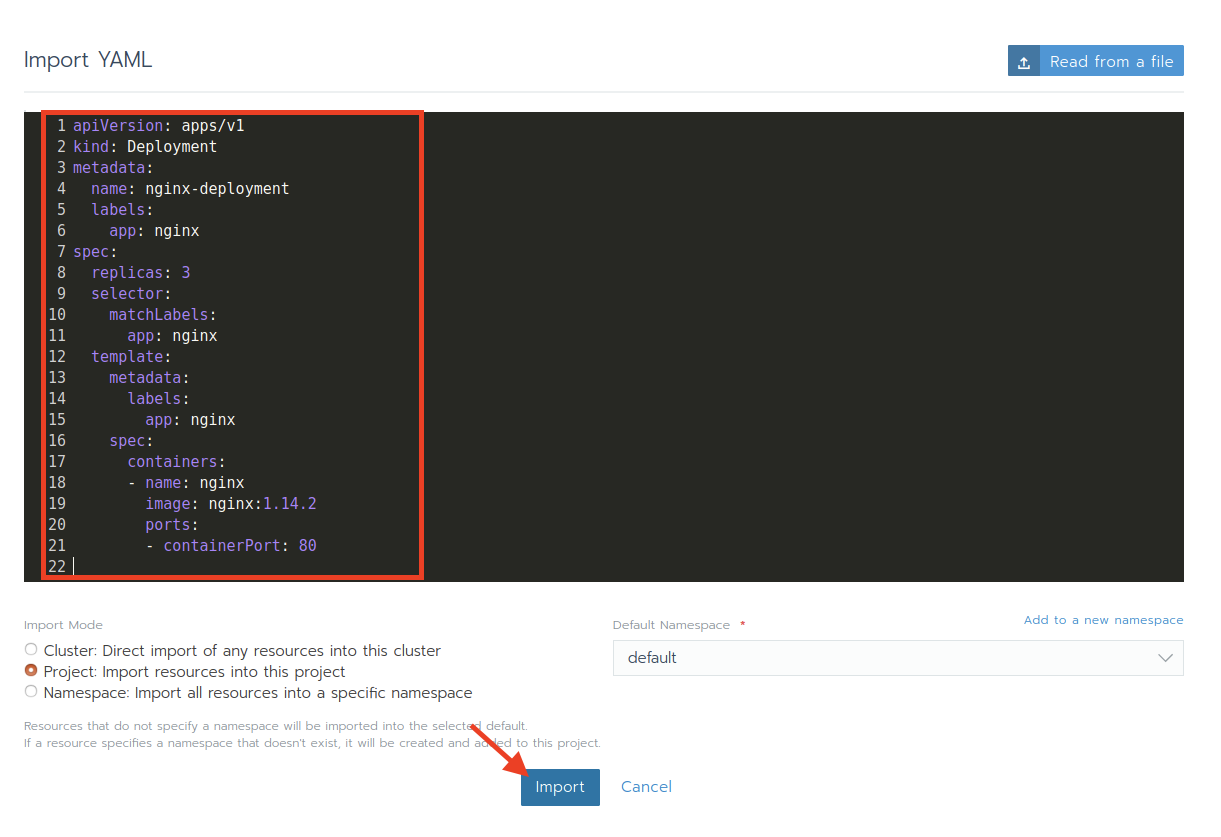
Create a sample workload
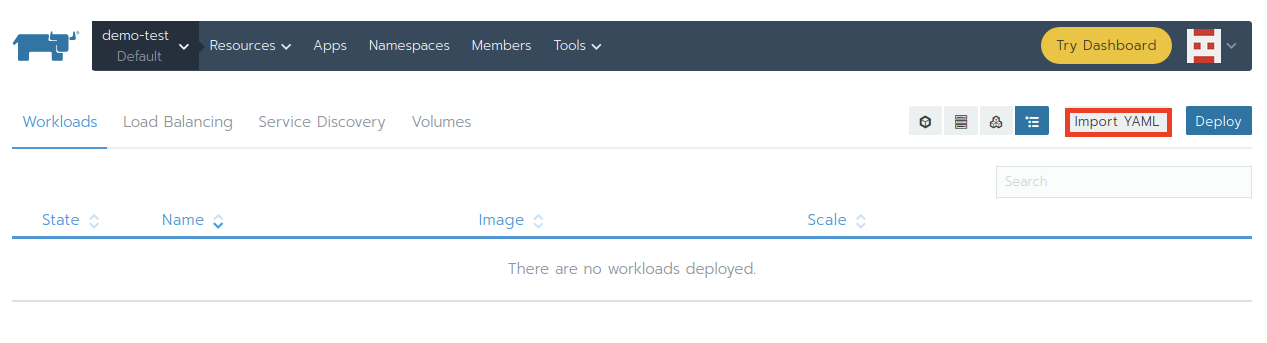
Click Import
Wait for the workload become active