運算節點(HCI)移除指南
從叢集移除運算節點
停止運算主機
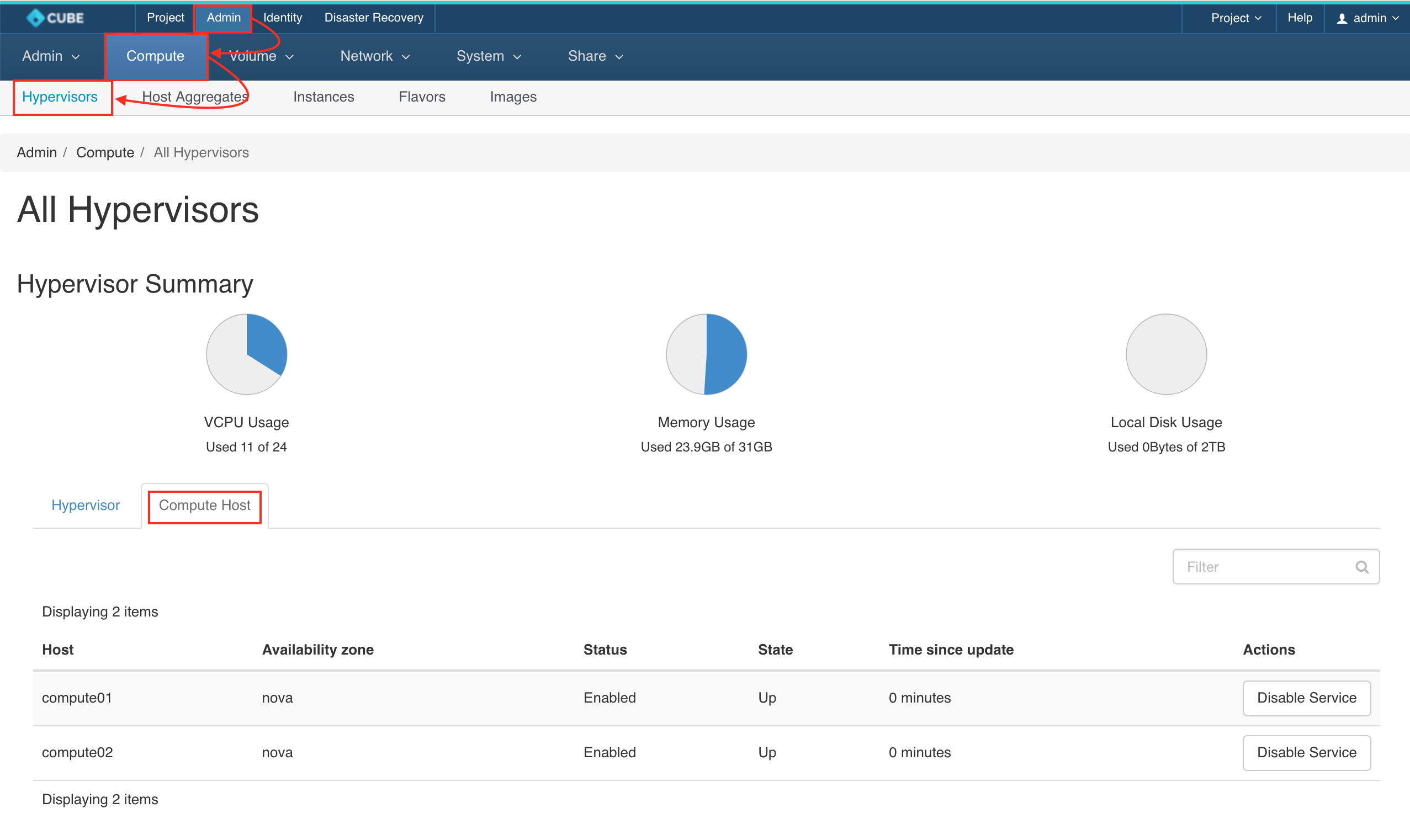
前往 管理 > 運算 > 所有虛擬化平台,並點擊 運算主機 標籤頁。尋找您要移除的主機名稱,然後點擊按鈕 停用服務
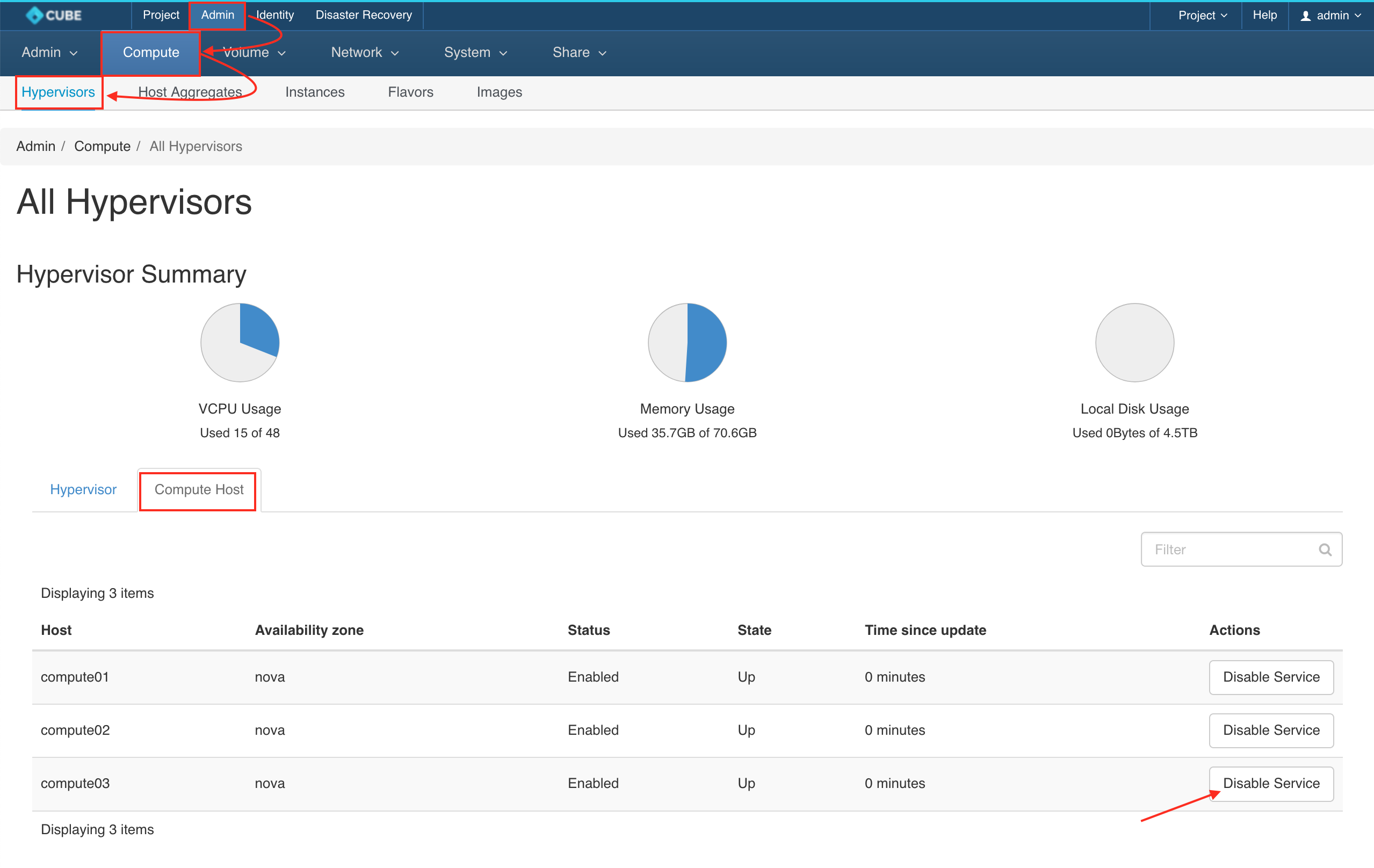
停用服務
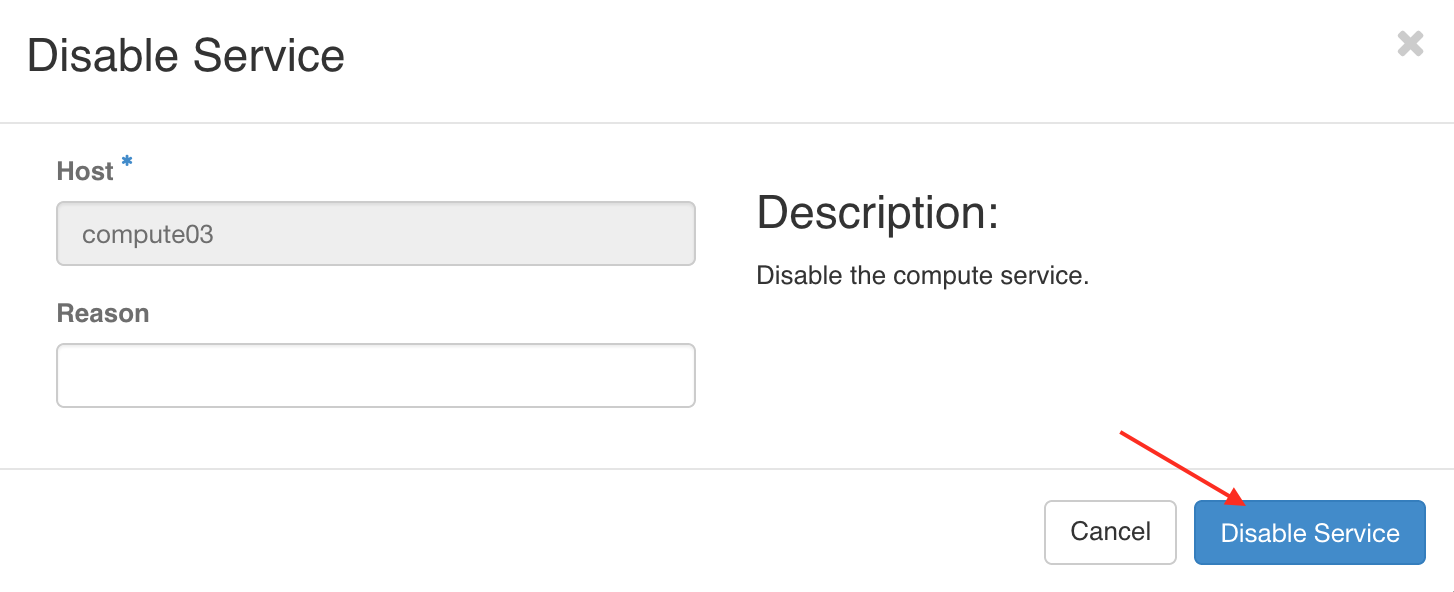
Leave a reason and click DISABLE SERVICE
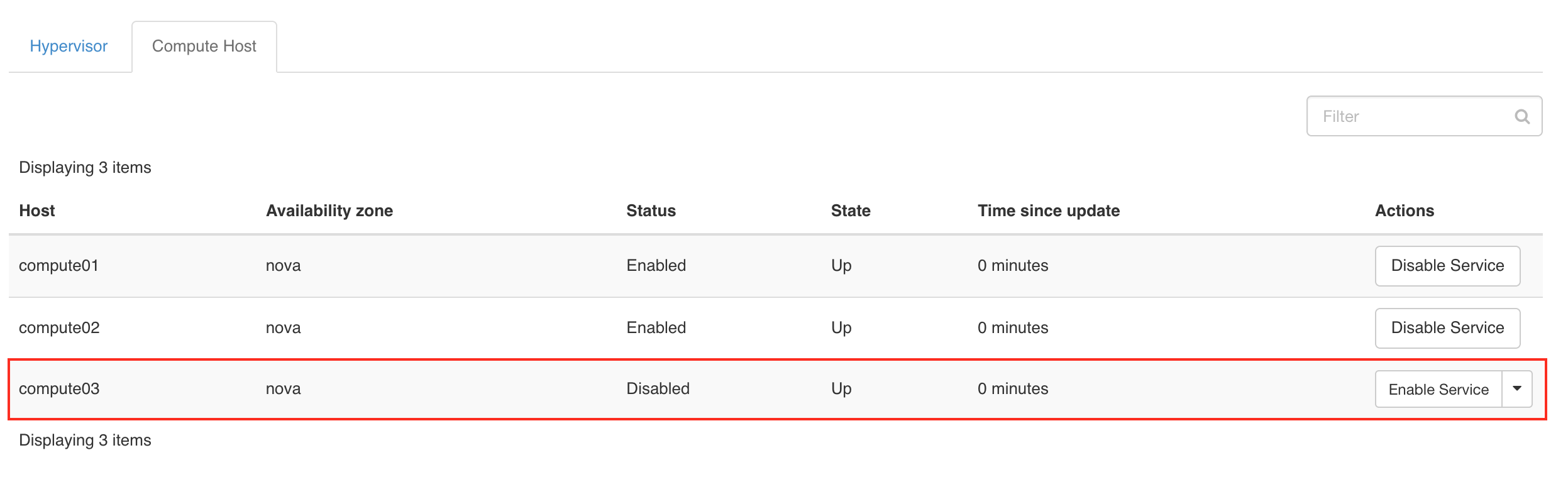
服務已停用
請確保該服務已停用
從已停用的主機遷移虛擬機
前往 管理 > 運算 > 虛擬機,尋找部署於 已停用主機 的虛擬機,並從操作選單啟動 即時遷移虛擬機。
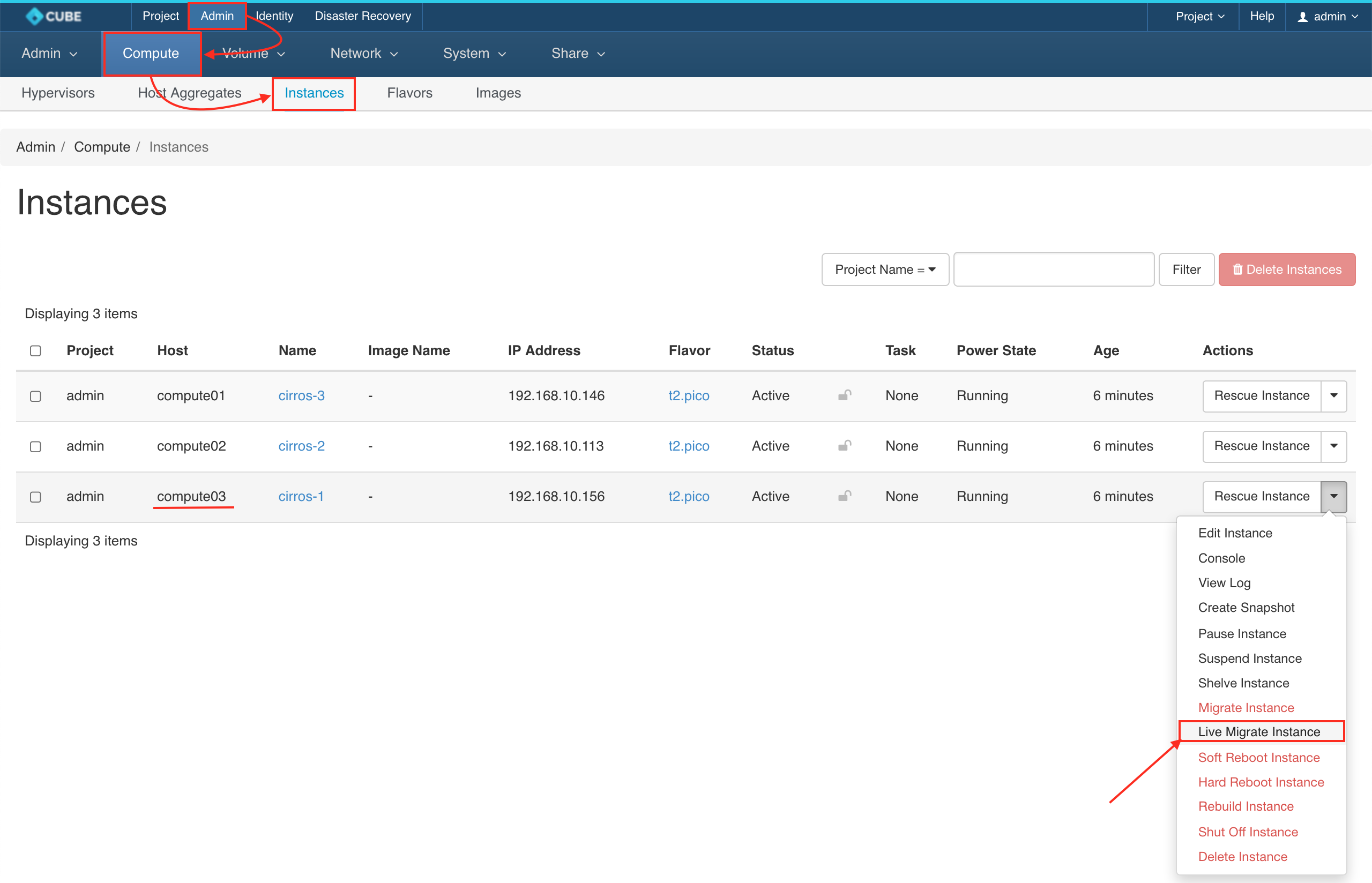
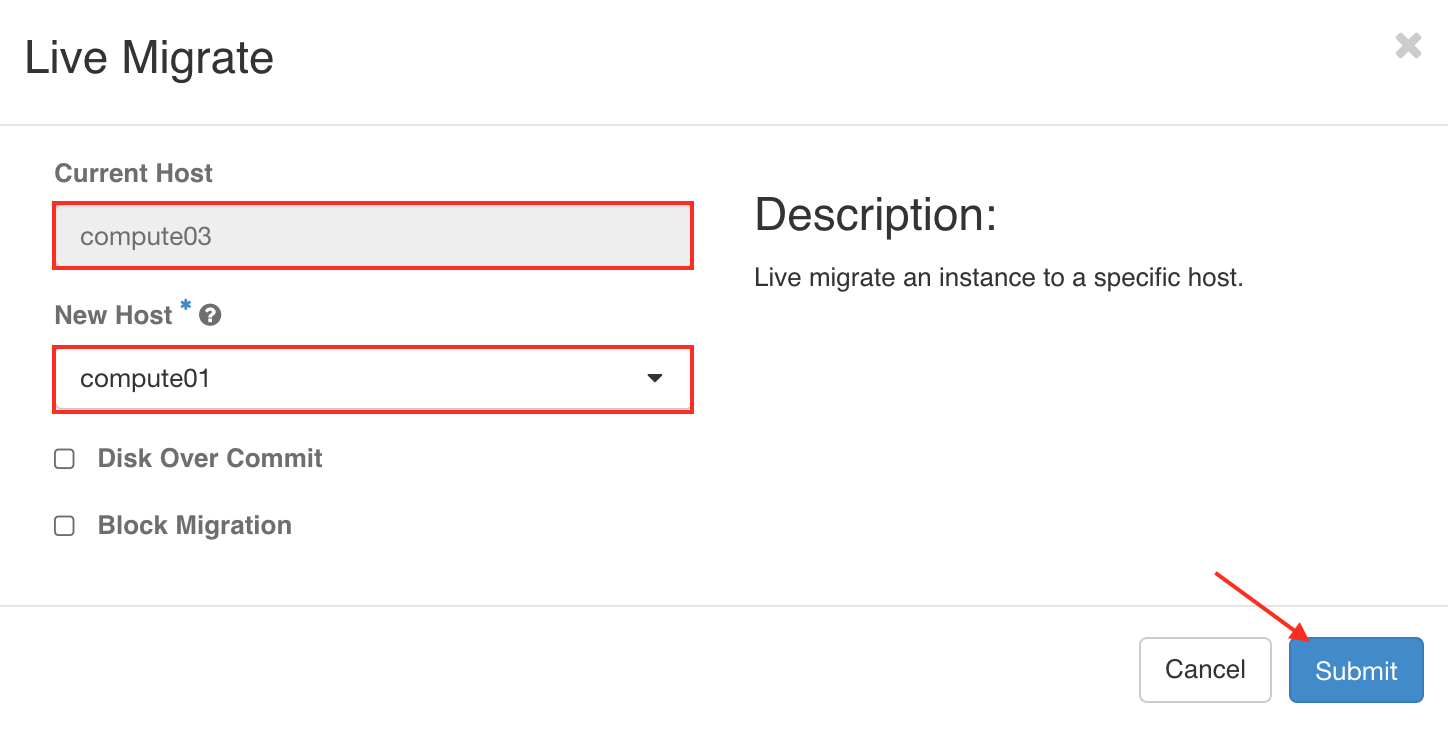
將虛擬機分配至新主機
You can choose a preferred host to migrate or Automatically and SUBMIT
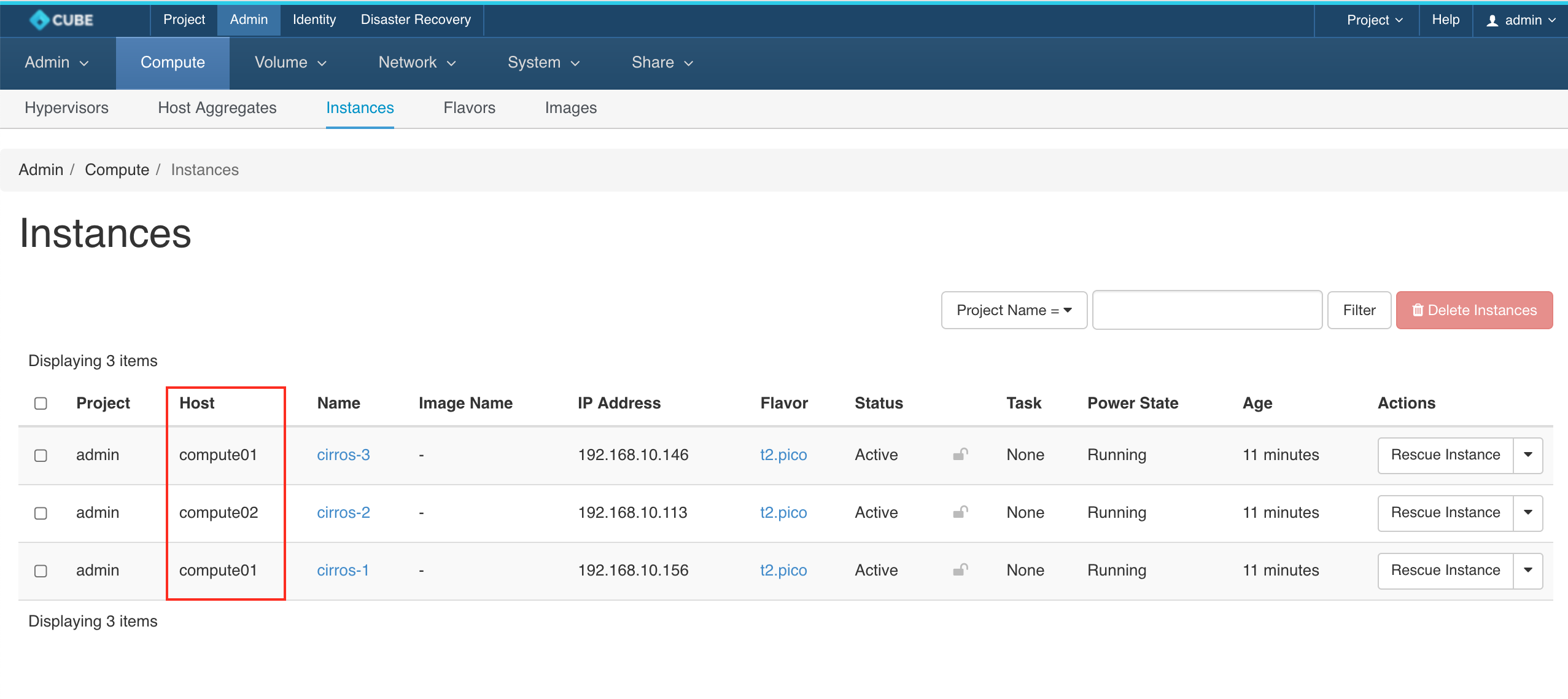
所有虛擬機已完成遷移
重複上述步驟,遷移其餘的虛擬機
連接至控制節點
Warning: Permanently added '192.168.1.x' (ECDSA) to the list of known hosts.
Password:
移除運算節點
    cc1> cluster
    cc1:cluster> remove_node
    1: compute01
    2: compute02
    3: compute03
    Enter index: 3
    this command is only applicable for compute or storage nodes
    make sure its running instances have been properly terminated or migrated
    shutdown the target host before proceeding
    Enter 'YES' to confirm: YES
執行結果
前往 管理 > 運算 > 所有虛擬化平台,並點擊 運算主機 標籤頁。主機 compute03 已從叢集移除